Wasteland Orchard
Wasteland Orchard

Wasteland Orchard

Casual

| Dustin Auxier

Play on PC with BlueStacks or from our cloud

  • Overview
  • Game Features
  • How to Play

Page Modified On: August 10, 2026

Play Wasteland Orchard on PC or Mac

Step into the World of Wasteland Orchard, a thrilling Casual game from the house of Dustin Auxier. Play this Android game on BlueStacks App Player and experience immersive gaming on PC or Mac.

About the Game

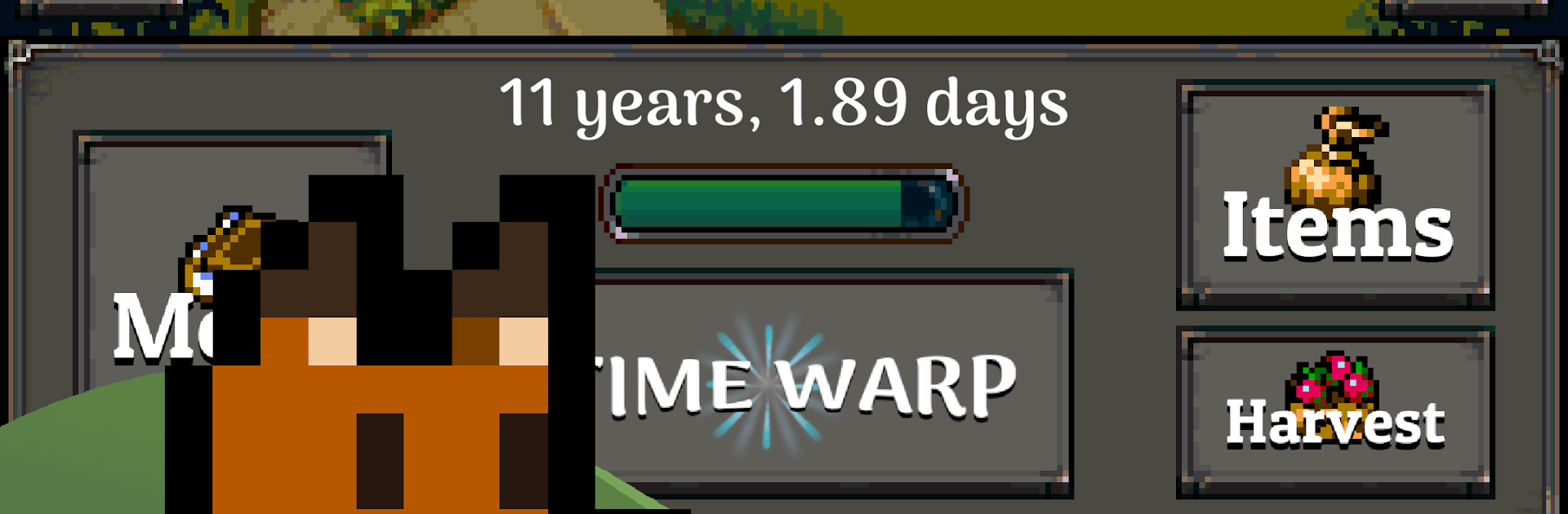
Wasteland Orchard is a Casual grow-and-survive game about coaxing life out of a ruined landscape. You’re building a hardy orchard in the middle of dust storms and radiation, then turning those scrappy beginnings into a reliable source of rare, valuable fruit. It’s a mix of chill routine and smart decisions—quick check-ins work, but longer sessions let you really shape the grove.

Game Features

  • Grow a tougher grove: Plant trees that can handle brutal weather, then nurture them into a thriving orchard that keeps paying off.
  • Pick the right traits: Choose fruit with the best properties to replant and slowly breed stronger, more profitable varieties.
  • Run-based exploration: Head out each run to uncover new tiles, grab supplies, and push a little farther across the wastes.
  • Scavenge and craft: Turn junk into tools and useful items that make your next harvest smoother and your trees sturdier.
  • Build it up: Drop down structures that boost growth, efficiency, and protection when storms roll through.
  • Town connections: Trade with locals and occasionally get helpful gifts that nudge your orchard forward.
  • Research powerful perks: Unlock abilities that streamline gathering, improve breeding, or open new strategies.
  • Golden seeds, lasting progress: Spend rare golden seeds on permanent upgrades that stick with you from run to run.
  • Grows while you’re away: Trees keep ticking along even when you’re offline—swing back to harvest, buy upgrades, and expand.
  • Play comfortably on PC: Prefer a bigger screen and steady performance? You can play with BlueStacks without changing how you like to manage your orchard.

BlueStacks gives you more room to focus on the game and less time adjusting around mobile limitations.


Game Features

Enhancements

  • Macros
  • Multi Instance
  • Script
  • Repeated Tap
  • Enhancements
Macros

Macros

Automate the predictable in Wasteland Orchard and transform your gameplay with Macros. Get access to inventive Macros in the BlueStacks Macro Community
Multi Instance

Multi Instance

Play Wasteland Orchard on one window. And chat with your friend on the other. Press CTRL + Shift + 8 to open the Multi-Instance Manager. And start creating fresh instances or clone an existing one.
Script

Script

Script your way to gaming glory in Wasteland Orchard with BlueStacks Script. Write and run a set of commands to automate repeated tasks. Trigger the command by assigning it to any key.
Repeated Tap

Repeated Tap

BlueStacks lets you master Wasteland Orchard with useful features like the Repeated Tap. Now you do not have to press the same key repeatedly to initiate an action. Just assign it to one key and you are good to go.
Read More

How to Download and Play Wasteland Orchard on PC or Mac

  • Download and install BlueStacks on your PC or Mac

  • Complete Google sign-in to access the Play Store, or do it later

  • Look for Wasteland Orchard in the search bar at the top right corner

  • Click to install Wasteland Orchard from the search results

  • Complete Google sign-in (if you skipped step 2) to install Wasteland Orchard

  • Click the Wasteland Orchard icon on the home screen to start playing

video
Watch Video

Minimum System Requirements

With BlueStacks 5, you can get started on a PC that fulfills the following requirements.

  • Operating System

    Microsoft Windows 7 or above, macOS 11 (Big Sur) or above

  • Processor

    Intel, AMD or Apple Silicon Processor

  • RAM

    at least 4GB

  • HDD

    10GB Free Disk Space

Note:

* You must be an Administrator on your PC. Up to date graphics drivers from Microsoft or the chipset vendor.

Wasteland Orchard - FAQs

  • How to play Wasteland Orchard on Windows PC & Mac?

    Play Wasteland Orchard on your PC or Mac by following these simple steps.

    • Click on 'Play Wasteland Orchard on PC’ to download BlueStacks
    • Install it and log-in to Google Play Store
    • Launch and play the game.
  • Why is BlueStacks the fastest and safest platform to play games on PC?

    BlueStacks respects your privacy and is always safe and secure to use. It does not carry any malware, spyware, or any sort of additional software that could harm your PC.

    It is engineered to optimize speed and performance for a seamless gaming experience.

  • What are Wasteland Orchard PC requirements?

    Minimum requirement to run Wasteland Orchard on your PC

    • OS: Microsoft Windows 7 or above MacOS 11 (Big Sur) or above
    • Processor: Intel, AMD or Apple Silicon Processor
    • RAM: Your PC must have at least 4GB of RAM. (Note that having 4GB or more disk space is not a substitute for RAM)
    • HDD: 10GB Free Disk Space.
    • You must be an Administrator on your PC.