💒🎉Wedding Makeover Salon 2 - Love Story

💒🎉Wedding Makeover Salon 2 - Love Story

Casual

| Kiwi Go

Play on PC with BlueStacks or from our cloud

  • Overview
  • Game Features
  • How to Play

Page Modified On: September 12, 2025

Play 💒🎉Wedding Makeover Salon 2 - Love Story on PC or Mac

Bring your A-game to 💒🎉Wedding Makeover Salon 2 – Love Story, the Casual game sensation from Kiwi Go. Give your gameplay the much-needed boost with precise game controls, high FPS graphics, and top-tier features on your PC or Mac with BlueStacks.

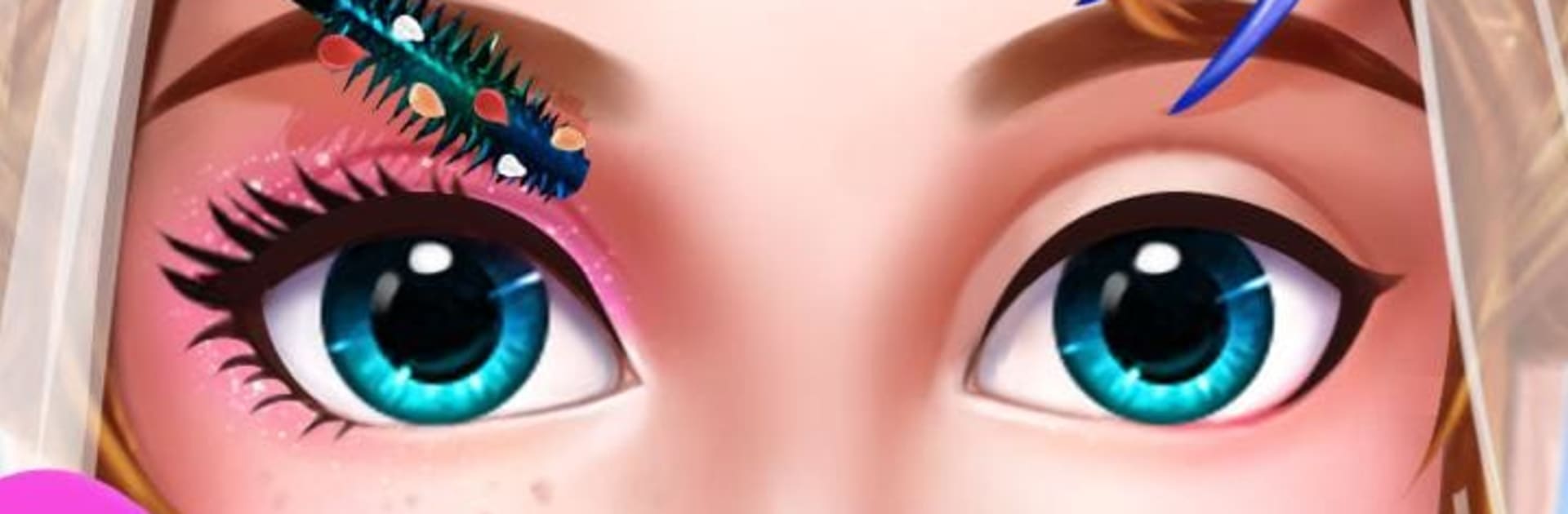
Wedding Makeover Salon 2 feels like a little wedding boutique you can open up on your screen. Players pick bride or bridegroom, head into a quick spa to clean up and relax, then start crafting the whole look from hair to shoes. The flow is simple and oddly calming. swipe to wash the face, dab on blush, try eyeliners and shadows, switch lip colors, then jump to hairstyles and see what matches. There are a lot of gowns for the bride, from classic white to glittery runway styles, and suits for the groom that actually look sharp, with ties, bow ties, and little touches that make the outfit feel finished. Accessories matter here, so veils, tiaras, jewelry, and bouquets are fun to mix until everything clicks.

The controls are just drag and tap mini steps, which suits playing on PC with BlueStacks since the mouse makes neat makeup lines and the bigger screen helps compare colors without squinting. It is low stress and all about experimenting, and the game does not rush. Hair options include updos, curls, and short cuts, and the color palette lets players try bold or soft looks. It is very much a dress up and makeover loop, with a romantic theme on top, and it leans into that fantasy of getting everything perfect before the big day without turning it into a chore.

Start your journey now. Download the game on BlueStacks, invite your friends, and march on a new adventure.


Game Features

Enhancements

  • Macros
  • Multi Instance
  • Script
  • Repeated Tap
  • Enhancements
Macros

Macros

Automate the predictable in 💒🎉Wedding Makeover Salon 2 - Love Story and transform your gameplay with Macros. Get access to inventive Macros in the BlueStacks Macro Community
Multi Instance

Multi Instance

Play 💒🎉Wedding Makeover Salon 2 - Love Story on one window. And chat with your friend on the other. Press CTRL + Shift + 8 to open the Multi-Instance Manager. And start creating fresh instances or clone an existing one.
Script

Script

Script your way to gaming glory in 💒🎉Wedding Makeover Salon 2 - Love Story with BlueStacks Script. Write and run a set of commands to automate repeated tasks. Trigger the command by assigning it to any key.
Repeated Tap

Repeated Tap

BlueStacks lets you master 💒🎉Wedding Makeover Salon 2 - Love Story with useful features like the Repeated Tap. Now you do not have to press the same key repeatedly to initiate an action. Just assign it to one key and you are good to go.
Read More

How to Download and Play 💒🎉Wedding Makeover Salon 2 - Love Story on PC or Mac

  • Download and install BlueStacks on your PC or Mac

  • Complete Google sign-in to access the Play Store, or do it later

  • Look for 💒🎉Wedding Makeover Salon 2 - Love Story in the search bar at the top right corner

  • Click to install 💒🎉Wedding Makeover Salon 2 - Love Story from the search results

  • Complete Google sign-in (if you skipped step 2) to install 💒🎉Wedding Makeover Salon 2 - Love Story

  • Click the 💒🎉Wedding Makeover Salon 2 - Love Story icon on the home screen to start playing

video
Watch Video

Minimum System Requirements

With BlueStacks 5, you can get started on a PC that fulfills the following requirements.

  • Operating System

    Microsoft Windows 7 or above, macOS 11 (Big Sur) or above

  • Processor

    Intel, AMD or Apple Silicon Processor

  • RAM

    at least 4GB

  • HDD

    10GB Free Disk Space

Note:

* You must be an Administrator on your PC. Up to date graphics drivers from Microsoft or the chipset vendor.

💒🎉Wedding Makeover Salon 2 - Love Story - FAQs

  • How to play 💒🎉Wedding Makeover Salon 2 - Love Story on Windows PC & Mac?

    Play 💒🎉Wedding Makeover Salon 2 - Love Story on your PC or Mac by following these simple steps.

    • Click on 'Play 💒🎉Wedding Makeover Salon 2 - Love Story on PC’ to download BlueStacks
    • Install it and log-in to Google Play Store
    • Launch and play the game.
  • Why is BlueStacks the fastest and safest platform to play games on PC?

    BlueStacks respects your privacy and is always safe and secure to use. It does not carry any malware, spyware, or any sort of additional software that could harm your PC.

    It is engineered to optimize speed and performance for a seamless gaming experience.

  • What are 💒🎉Wedding Makeover Salon 2 - Love Story PC requirements?

    Minimum requirement to run 💒🎉Wedding Makeover Salon 2 - Love Story on your PC

    • OS: Microsoft Windows 7 or above MacOS 11 (Big Sur) or above
    • Processor: Intel, AMD or Apple Silicon Processor
    • RAM: Your PC must have at least 4GB of RAM. (Note that having 4GB or more disk space is not a substitute for RAM)
    • HDD: 10GB Free Disk Space.
    • You must be an Administrator on your PC.