

Multitask effortlessly on your PC or Mac as you try out Contacts, a Communication app by Knowledge City on BlueStacks.
About the App
Contacts by Knowledge City is a clean, no-fuss way to keep your people and favorite businesses close at hand. It blends your phone book, dialer, and messaging shortcuts into one smooth experience, so calling, texting, and organizing never feels like a chore. Prefer typing on a keyboard? You can manage Contacts on your PC with BlueStacks without changing how anything works.
App Features
- All-in-one dialer and phone book: Jump between your contacts, dialpad, and recent calls without bouncing through different screens.
- Lightning-fast T9 search: Type a few letters or numbers and instantly find names, businesses, or phone numbers.
- Add, edit, and tidy up: Create new entries in seconds, fix details on the fly, and merge duplicate contacts to keep things clean.
- Backup and sync: Your contact list stays safe in the cloud and syncs across your devices automatically—no manual exports or headaches.
- Caller ID and spam control: See who’s calling before you pick up and silence junk calls or unwanted texts with built‑in blocking.
- Groups and favorites: Star the people you talk to most and set up groups for quick texts or emails to your team, family, or club.
- Speed dial shortcuts: Set your go-tos and make a call with a quick tap—yep, even double-tap if that’s your style.
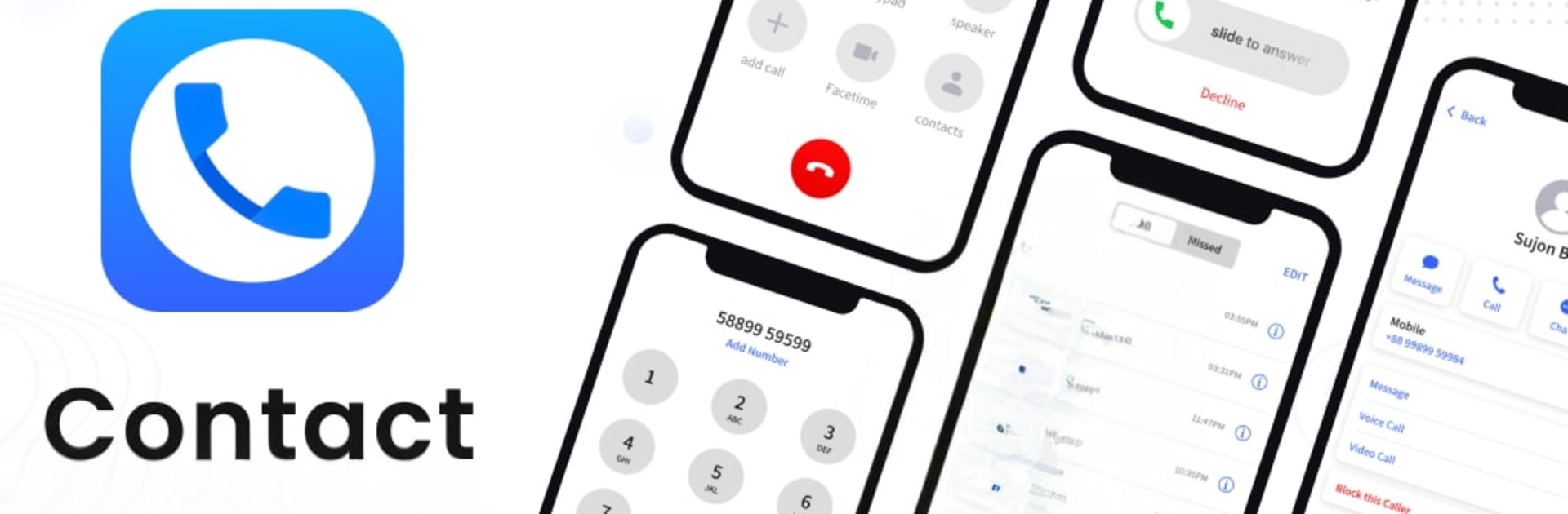
- iCallScreen look and feel: Get that familiar iOS Phone Dialer/Dialpad vibe, complete with a slide-to-answer style screen and conference call support.
- After-call tools: Finished a call? Quickly call back, send a message, block, or jot down a note from the callback screen.
- Flash alerts and themes: Turn on flash notifications for incoming calls and switch between dark mode and custom dialpad colors.
- Call recording controls: Manage recording options where supported, with clear access to audio settings.
Big screen. Bigger performance. Use BlueStacks on your PC or Mac to run your favorite apps.