



Multitask effortlessly on your PC or Mac as you try out DSPLAY – Digital Signage, a Communication app by dsplay.tv on BlueStacks.
About the App
DSPLAY – Digital Signage is a straightforward way to run and manage content on your screens, whether it’s a lobby TV, a shop display, or a campus board. Built by dsplay.tv, this Communication app lets you organize media, add live info, and keep everything updated without babysitting each device. Set it up once, make changes from a central manager, and watch your screens stay in sync.
App Features
- Playlists and Scheduling: Build playlists with images, videos, and messages. Choose what plays and when, so every screen stays on brand and on time.
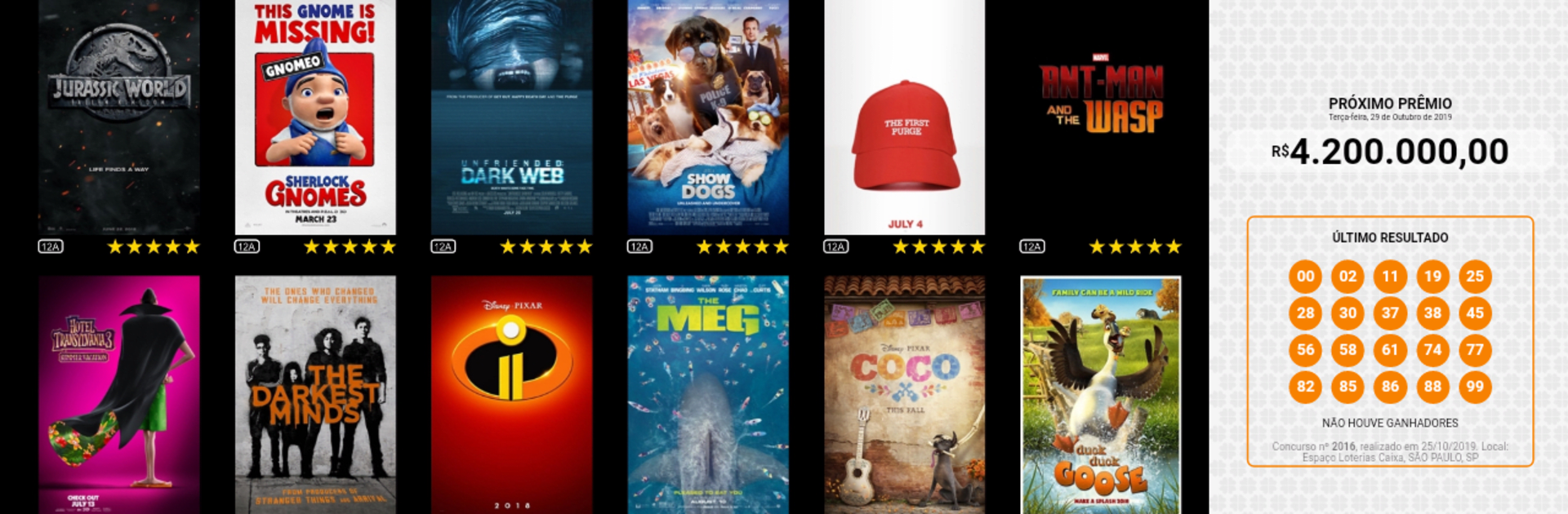
- Handy Widgets: Drop in live elements like weather, RSS headlines, social posts, lottery results, or even full web pages to keep your signage fresh.
- Custom Templates: Create layouts that match your look. Mix zones for media, text, and widgets, then reuse them across different screens.
- Central Control: Manage content from a single online dashboard. Update once, and your terminals fetch the changes automatically.
- Web Service Integration: Hook up external data sources to display real-time information without manual updates.
- Quick Activation: Install the app, grab the device ID shown at startup, and link it in the manager to connect the screen to your account.
- Smooth Sync: Terminals handle updates on their own, so content rolls out reliably with minimal effort.
- Desktop Preview: Want to test playlists on a computer first? You can run the app on BlueStacks to check layouts before going live.
Ready to experience DSPLAY – Digital Signage on a bigger screen, in all its glory? Download BlueStacks now.





