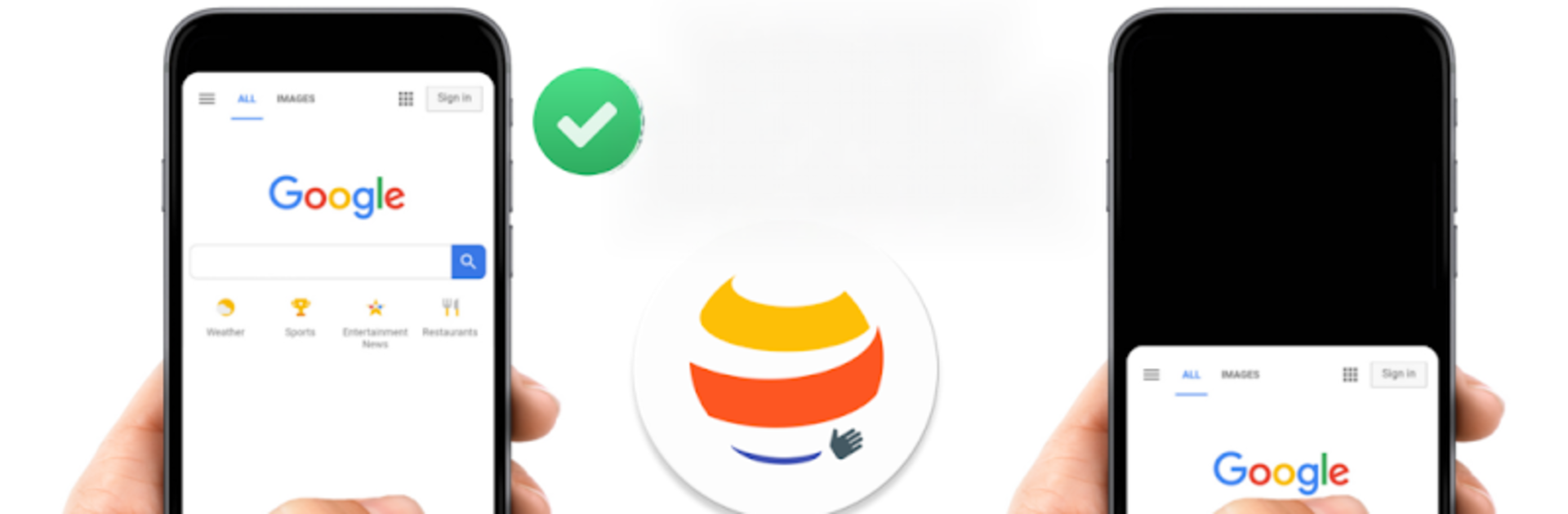


Get freedom from your phone’s obvious limitations. Use OH Web Browser – Safe & Simple, made by One Handy, a Communication app on your PC or Mac with BlueStacks, and level up your experience.
OH Web Browser feels like someone rebuilt mobile browsing around the thumb and kept the fluff out. Everything sits at the bottom, so the main controls are easy to reach, and it keeps the screen clean and quiet. The whole thing runs on gestures that actually make sense. Double tap the tabs button to open a new one, flick left or right to jump between tabs, swipe up to close. The search button pulls duty too, double tap to refresh, swipes for back and forward, up for home. Long press switches to private mode without hunting through menus. It is simple, quick, and kind of satisfying once the motions click.
The feature set covers what most people want without plug‑ins. There is an ad blocker that keeps pages readable, a download manager that does not feel like an afterthought, and built in converters that save pages as PDF or web archive when something needs to be kept. Privacy is handled in a straight way, it avoids odd permissions and gives a clear button to wipe history, cookies, and storage whenever needed. Running it on a PC with BlueStacks actually works well, swipes become mouse drags, double taps become double clicks, and the bottom toolbar is still right where the cursor lands. There is a paid unlock for extras if needed, but the base app already feels lean and fast.
Ready to experience OH Web Browser – Safe & Simple on a bigger screen, in all its glory? Download BlueStacks now.