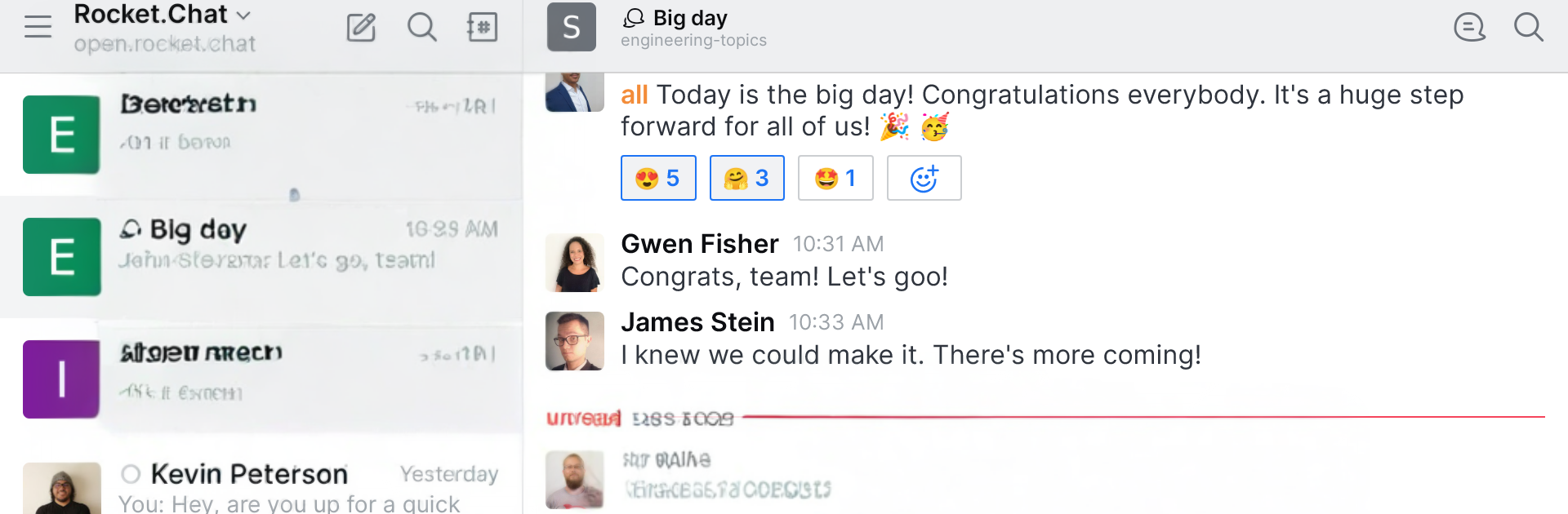


Get freedom from your phone’s obvious limitations. Use Rocket.Chat Experimental, made by Rocket.Chat, a Communication app on your PC or Mac with BlueStacks, and level up your experience.
Rocket.Chat Experimental feels like a straight up team chat that cares a lot about privacy and control. It runs across web, desktop, and phones, and on a PC through BlueStacks it behaves like a clean, no-fuss messenger. Rooms for projects, public or private channels for bigger topics, and direct messages for quick pings. Messages land in real time, mentions are easy to track, and search digs through long histories without getting in the way. File and screen sharing are built in, audio and video calls do not need add ons, and guests can be invited when a client or partner needs in for a bit.
What stands out is how much you can tailor it. Light, Dark, or a super black theme if eyes prefer low glow at night. Sort chats by unread, activity, favourites, or just alphabetically. Markdown works for tidy notes, emojis and media previews keep things readable. On the serious side, it has end to end encryption options, two factor auth, single sign on, LDAP, and tons of OAuth providers. Users can run it on their own server or use the cloud and still keep unlimited users, channels, messages, and searches. There are lots of integrations and a friendly API, plus Hubot support if someone likes automations. It even lists remote video monitoring for special setups. For teams that need data locked down but still want a familiar chat flow, it hits a sweet spot, and the bigger screen on BlueStacks makes long threads and calls easier to handle.
Big screen. Bigger performance. Use BlueStacks on your PC or Mac to run your favorite apps.