WebApp: Light Fast Web Browser

WebApp: Light Fast Web Browser

Communication

| Elway

Play on PC with BlueStacks or from our cloud

  • Overview
  • How to Download

Page Modified On: November 20, 2025

Run WebApp: Light Fast Web Browser on PC or Mac

Why limit yourself to your small screen on the phone? Run WebApp: Light Fast Web Browser, an app by Elway, best experienced on your PC or Mac with BlueStacks, the world’s #1 Android emulator.

About the App

WebApp: Light Fast Web Browser turns your favorite sites into neat, app-like shortcuts you can launch in seconds. Pop in a link, give it an icon, and open it in a clean, speedy browser that feels made for your screen. Built by Elway in the Communication genre, it keeps the focus on simple, fast browsing without the bloat.

App Features

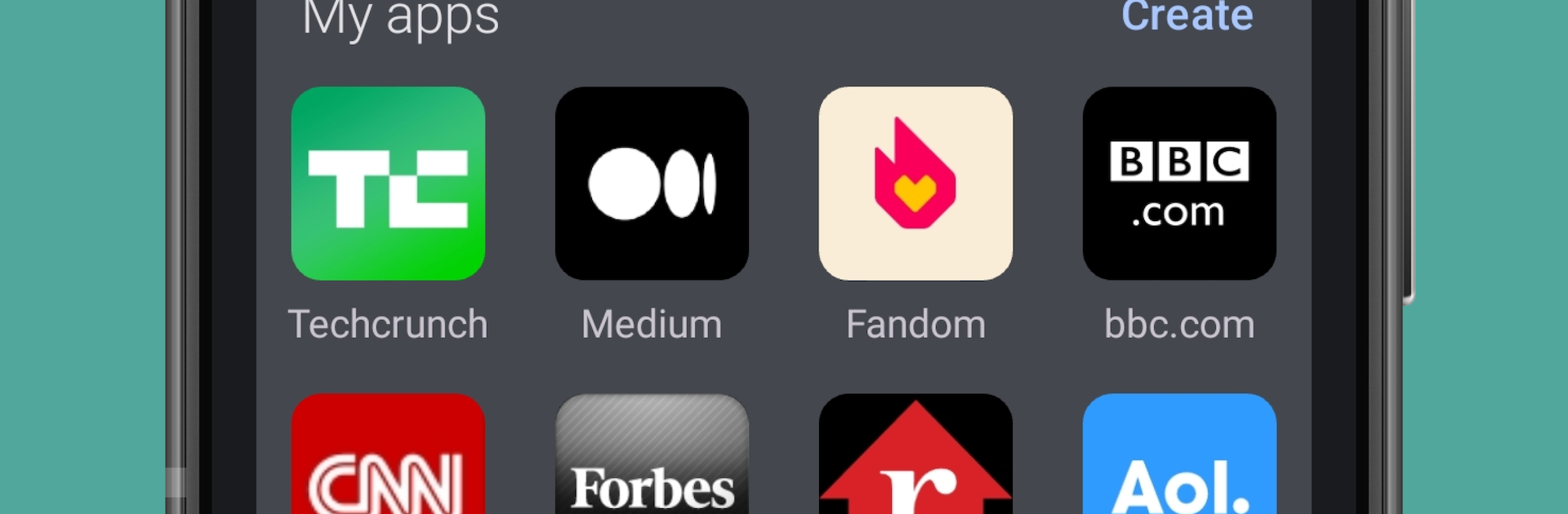
  • One-tap app maker: Paste any URL and instantly create a standalone web app with its own home screen icon.
  • Progressive Web App engine: Uses PWA tech so sites feel smooth and “app-like,” adapting nicely to your phone or tablet.
  • Unlimited creations: Make as many website-to-app shortcuts as you want—no caps and no fuss.
  • Clone and separate: Need two versions of the same site for different accounts? Create duplicates; the app adds a small label so you can tell them apart.
  • Lightweight and quick: Small download size and snappy launches keep things fast and tidy.
  • Works across devices: Built for Android phones and tablets, with a consistent, comfortable experience.
  • Simple, familiar browser: A straightforward interface that’s easy to navigate, no learning curve required.
  • Organized hub: All your created web apps are stored in one place, doubling as a handy bookmark manager.
  • Instant start: Tap the icon and go—no extra setup screens or waiting around.
  • Optional desktop use: Prefer browsing on a bigger display? You can run it on BlueStacks and keep the same flow on your computer.

Big screen. Bigger performance. Use BlueStacks on your PC or Mac to run your favorite apps.

How to Download and Run WebApp: Light Fast Web Browser on PC or Mac

  • Download and install BlueStacks on your PC or Mac

  • Complete Google sign-in to access the Play Store, or do it later

  • Look for WebApp: Light Fast Web Browser in the search bar at the top right corner

  • Click to install WebApp: Light Fast Web Browser from the search results

  • Complete Google sign-in (if you skipped step 2) to install WebApp: Light Fast Web Browser

  • Click the WebApp: Light Fast Web Browser icon on the home screen to start playing

video
Watch Video

Minimum System Requirements

With BlueStacks 5, you can get started on a PC that fulfills the following requirements.

  • Operating System

    Microsoft Windows 7 or above, macOS 11 (Big Sur) or above

  • Processor

    Intel, AMD or Apple Silicon Processor

  • RAM

    at least 4GB

  • HDD

    10GB Free Disk Space

Note:

* You must be an Administrator on your PC. Up to date graphics drivers from Microsoft or the chipset vendor.

WebApp: Light Fast Web Browser - FAQs

  • How to Run WebApp: Light Fast Web Browser on Windows PC & Mac?

    Run WebApp: Light Fast Web Browser on your PC or Mac by following these simple steps.

    • Click on ‘Download WebApp: Light Fast Web Browser on PC’ to download BlueStacks
    • Install it and log-in to Google Play Store
    • Launch and run the app.
  • Why is BlueStacks the fastest and safest platform to play games on PC?

    BlueStacks respects your privacy and is always safe and secure to use. It does not carry any malware, spyware, or any sort of additional software that could harm your PC.

    It is engineered to optimize speed and performance for a seamless gaming experience.

  • What are WebApp: Light Fast Web Browser PC requirements?

    Minimum requirement to run WebApp: Light Fast Web Browser on your PC

    • OS: Microsoft Windows 7 and above:
    • Processor: Intel or AMD Processor:
    • RAM: Your PC must have at least 2GB of RAM. (Note that having 2GB or more disk space is not a substitute for RAM):
    • HDD: 5GB Free Disk Space.
    • You must be an Administrator on your PC.