
Simulado Exame de Suficiência Contábil

Simulado Exame de Suficiência Contábil

Education

| Infinity Development Apps

Play on PC with BlueStacks or from our cloud

  • Overview
  • How to Download

Page Modified On: September 19, 2025

Run Simulado Exame de Suficiência Contábil on PC or Mac

Multitask effortlessly on your PC or Mac as you try out Simulado Exame de Suficiência Contábil, a Education app by Infinity Development Apps on BlueStacks.

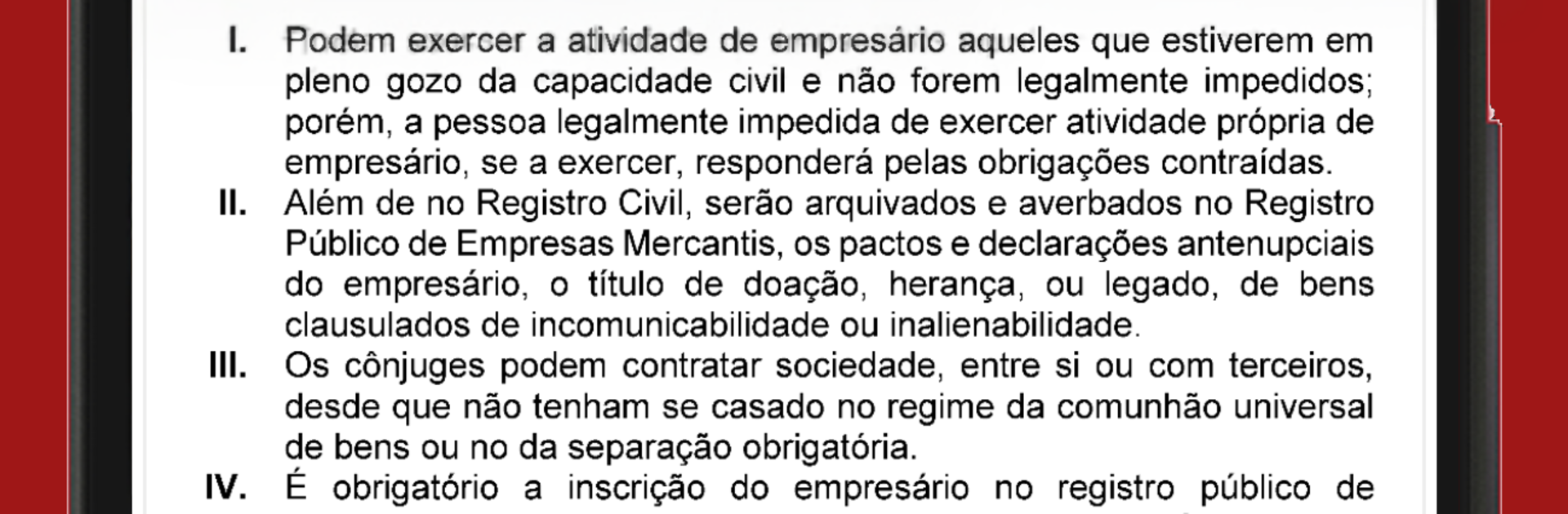
Simulado Exame de Suficiência Contábil feels like a straight-to-the-point practice hub for the Brazilian accounting sufficiency exam. It focuses on doing questions, and lots of them, pulled from the last ten official tests. Someone can pick a subject to drill, run a full past exam, or shuffle everything for a mixed session. There is no sign up wall, so it opens and gets moving quickly. It also shows basic info about the exam and which subjects are actually charged, which helps set the study plan without guessing.

The tools are the part that stand out. A built-in timer adds a bit of real test pressure, performance stats track where the score moves, and there is a neat review flow that brings back only the questions answered wrong. It even avoids repeating the ones already solved correctly, so practice time does not get wasted. Touch is fine on a phone, but on a PC with BlueStacks the long statements and calculations are easier to read, and clicking through alternatives is calmer when everything fits on one screen. Works for quick 10 minute bursts or a full mock when there is more time. The layout stays simple, the focus stays on questions, and the whole thing feels like a practical way to build exam rhythm without extra fluff.

BlueStacks brings your apps to life on a bigger screen—seamless and straightforward.

How to Download and Run Simulado Exame de Suficiência Contábil on PC or Mac

  • Download and install BlueStacks on your PC or Mac

  • Complete Google sign-in to access the Play Store, or do it later

  • Look for Simulado Exame de Suficiência Contábil in the search bar at the top right corner

  • Click to install Simulado Exame de Suficiência Contábil from the search results

  • Complete Google sign-in (if you skipped step 2) to install Simulado Exame de Suficiência Contábil

  • Click the Simulado Exame de Suficiência Contábil icon on the home screen to start playing

video
Watch Video

Minimum System Requirements

With BlueStacks 5, you can get started on a PC that fulfills the following requirements.

  • Operating System

    Microsoft Windows 7 or above, macOS 11 (Big Sur) or above

  • Processor

    Intel, AMD or Apple Silicon Processor

  • RAM

    at least 4GB

  • HDD

    10GB Free Disk Space

Note:

* You must be an Administrator on your PC. Up to date graphics drivers from Microsoft or the chipset vendor.

Simulado Exame de Suficiência Contábil - FAQs

  • How to Run Simulado Exame de Suficiência Contábil on Windows PC & Mac?

    Run Simulado Exame de Suficiência Contábil on your PC or Mac by following these simple steps.

    • Click on ‘Download Simulado Exame de Suficiência Contábil on PC’ to download BlueStacks
    • Install it and log-in to Google Play Store
    • Launch and run the app.
  • Why is BlueStacks the fastest and safest platform to play games on PC?

    BlueStacks respects your privacy and is always safe and secure to use. It does not carry any malware, spyware, or any sort of additional software that could harm your PC.

    It is engineered to optimize speed and performance for a seamless gaming experience.

  • What are Simulado Exame de Suficiência Contábil PC requirements?

    Minimum requirement to run Simulado Exame de Suficiência Contábil on your PC

    • OS: Microsoft Windows 7 and above:
    • Processor: Intel or AMD Processor:
    • RAM: Your PC must have at least 2GB of RAM. (Note that having 2GB or more disk space is not a substitute for RAM):
    • HDD: 5GB Free Disk Space.
    • You must be an Administrator on your PC.




