
Algebra 1 Pure Math
Algebra 1 Pure Math

Algebra 1 Pure Math

Education

| Multimedia E-Learning Education System (MELES)

Play on PC with BlueStacks or from our cloud

  • Overview
  • How to Download

Page Modified On: November 10, 2025

Run Algebra 1 Pure Math on PC or Mac

Upgrade your experience. Try Algebra 1 Pure Math, the fantastic Education app from Multimedia E-Learning Education System (MELES), from the comfort of your laptop, PC, or Mac, only on BlueStacks.

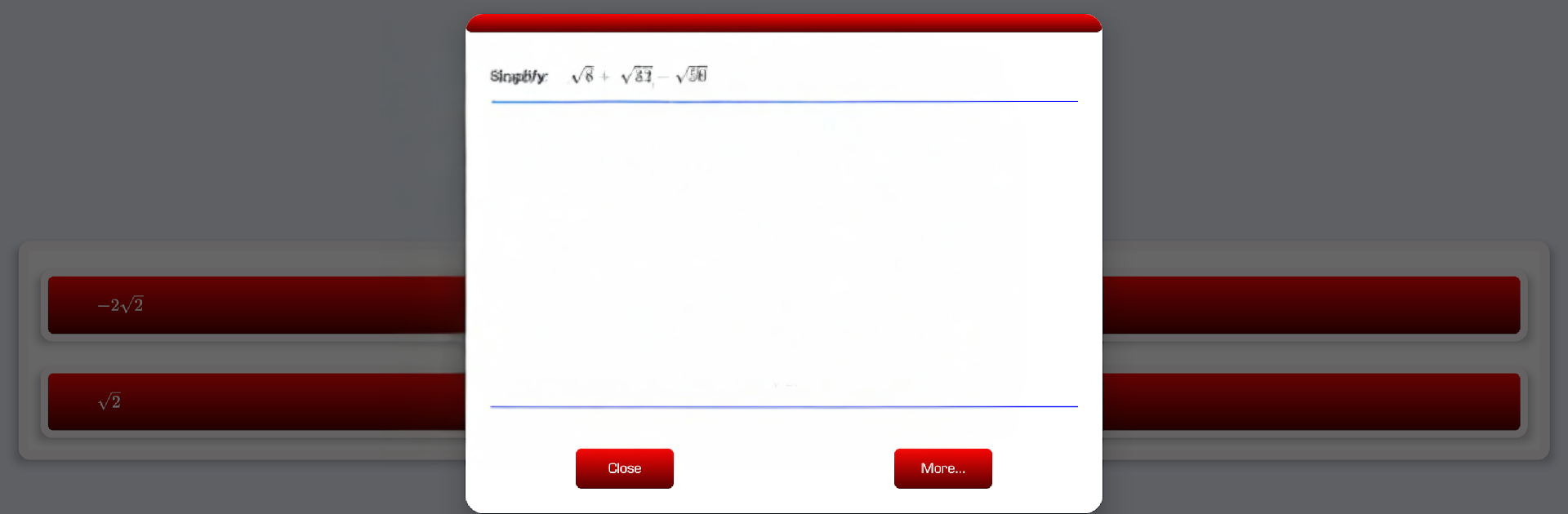
Algebra 1 Pure Math feels like a no-nonsense study buddy for algebra. It is not flashy, but it is clear and steady, which helps when the brain is already juggling symbols. The app walks through stuff like surds, logarithms, proofs and where logs actually get used, then goes into quadratics from every angle: completing the square, building the quadratic formula from scratch, using the discriminant b² − 4ac, finding maximum and minimum values of a function, and those classic sum and product of roots questions. It even touches the remainder and factor theorems, which a lot of apps skip or gloss over.

Each chapter has a pile of worked examples, step by step, plus little side notes that explain why a move makes sense instead of just doing it. After that, there are past-style exam questions to try, so it doubles as practice and revision. There is a built-in quiz and a simple game mode that gives quick checks without feeling stressful. The tone is patient, almost like a teacher who writes neatly on the board and does not rush.

On a PC with BlueStacks, the bigger screen makes radicals, fractions, and small superscripts easier to read, and scrolling through the solutions feels smoother with a mouse. No gimmicks here, just structured explanations that help someone actually remember the methods. Good for brushing up before a test, or filling the gaps that a class note left half-finished. The layout is plain but that is fine, since the math is the point.

Switch to BlueStacks and make the most of your apps on your PC or Mac.

How to Download and Run Algebra 1 Pure Math on PC or Mac

  • Download and install BlueStacks on your PC or Mac

  • Complete Google sign-in to access the Play Store, or do it later

  • Look for Algebra 1 Pure Math in the search bar at the top right corner

  • Click to install Algebra 1 Pure Math from the search results

  • Complete Google sign-in (if you skipped step 2) to install Algebra 1 Pure Math

  • Click the Algebra 1 Pure Math icon on the home screen to start playing

video
Watch Video

Minimum System Requirements

With BlueStacks 5, you can get started on a PC that fulfills the following requirements.

  • Operating System

    Microsoft Windows 7 or above, macOS 11 (Big Sur) or above

  • Processor

    Intel, AMD or Apple Silicon Processor

  • RAM

    at least 4GB

  • HDD

    10GB Free Disk Space

Note:

* You must be an Administrator on your PC. Up to date graphics drivers from Microsoft or the chipset vendor.

Algebra 1 Pure Math - FAQs

  • How to Run Algebra 1 Pure Math on Windows PC & Mac?

    Run Algebra 1 Pure Math on your PC or Mac by following these simple steps.

    • Click on ‘Download Algebra 1 Pure Math on PC’ to download BlueStacks
    • Install it and log-in to Google Play Store
    • Launch and run the app.
  • Why is BlueStacks the fastest and safest platform to play games on PC?

    BlueStacks respects your privacy and is always safe and secure to use. It does not carry any malware, spyware, or any sort of additional software that could harm your PC.

    It is engineered to optimize speed and performance for a seamless gaming experience.

  • What are Algebra 1 Pure Math PC requirements?

    Minimum requirement to run Algebra 1 Pure Math on your PC

    • OS: Microsoft Windows 7 and above:
    • Processor: Intel or AMD Processor:
    • RAM: Your PC must have at least 2GB of RAM. (Note that having 2GB or more disk space is not a substitute for RAM):
    • HDD: 5GB Free Disk Space.
    • You must be an Administrator on your PC.




