
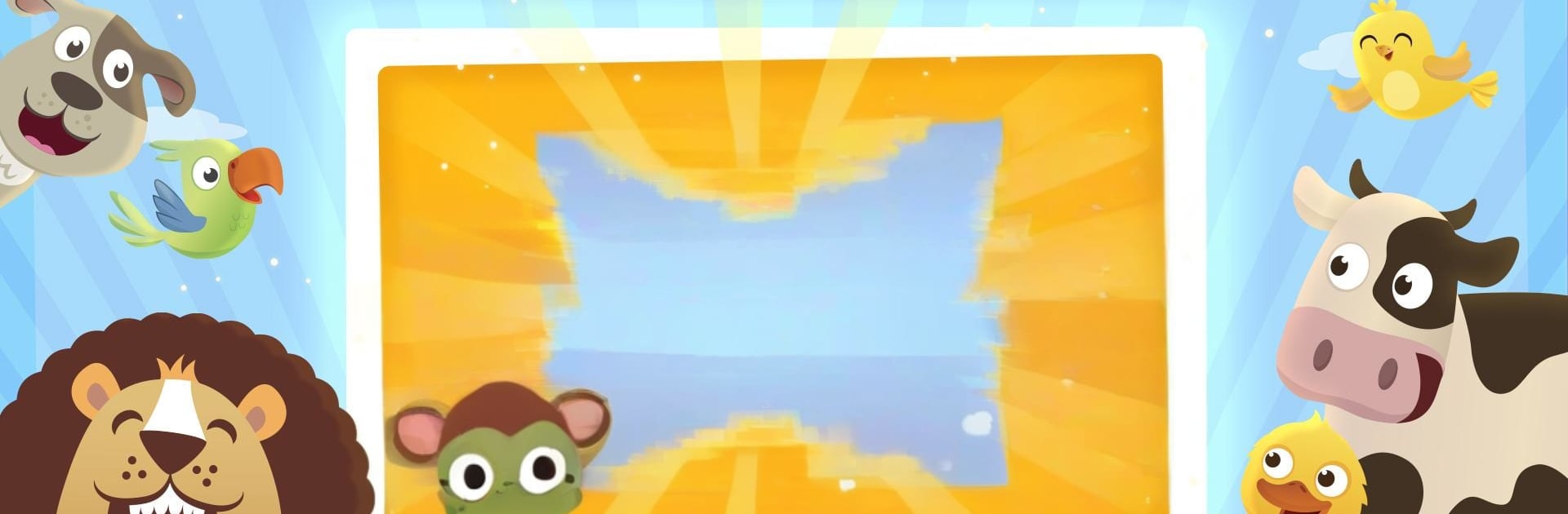
Animal Sounds
Animal Sounds

Animal Sounds

Education

| Papumba

Play on PC with BlueStacks or from our cloud

  • Overview
  • How to Download

Page Modified On: December 22, 2025

Run Animal Sounds on PC or Mac

Upgrade your experience. Try Animal Sounds, the fantastic Education app from Papumba, from the comfort of your laptop, PC, or Mac, only on BlueStacks.

Animal Sounds is one of those super simple kids apps that actually feels calm. Big, bright animal drawings, a single tap to hear the sound, and no ads popping up to ruin the moment. It is split into places kids know, like home and the farm, plus a little jungle set, so they can wander around and discover. On a PC with BlueStacks it works nicely, since the mouse click is basically the same as a tap, and the bigger screen makes the animals easier to spot. No busy menus or confusing steps, just pick a scene and start poking at animals to hear what they do.

There is a good amount here too. More than 80 animals, and the voice that says their names is warm, not robotic. It supports 15 languages, with both English US and English UK, and older kids can switch languages to learn what the animals are called elsewhere. Little ones do not need help to get going, which is rare, and it keeps their attention without loud flashing stuff. Graphics are cute without being sugary. It updates often with small tweaks, so it does not feel abandoned. For toddlers up to early school age, it is a mellow, tap-and-learn kind of thing that teaches sounds and words without any fuss.

BlueStacks brings your apps to life on a bigger screen—seamless and straightforward.

How to Download and Run Animal Sounds on PC or Mac

  • Download and install BlueStacks on your PC or Mac

  • Complete Google sign-in to access the Play Store, or do it later

  • Look for Animal Sounds in the search bar at the top right corner

  • Click to install Animal Sounds from the search results

  • Complete Google sign-in (if you skipped step 2) to install Animal Sounds

  • Click the Animal Sounds icon on the home screen to start playing

video
Watch Video

Minimum System Requirements

With BlueStacks 5, you can get started on a PC that fulfills the following requirements.

  • Operating System

    Microsoft Windows 7 or above, macOS 11 (Big Sur) or above

  • Processor

    Intel, AMD or Apple Silicon Processor

  • RAM

    at least 4GB

  • HDD

    10GB Free Disk Space

Note:

* You must be an Administrator on your PC. Up to date graphics drivers from Microsoft or the chipset vendor.

Animal Sounds - FAQs

  • How to Run Animal Sounds on Windows PC & Mac?

    Run Animal Sounds on your PC or Mac by following these simple steps.

    • Click on ‘Download Animal Sounds on PC’ to download BlueStacks
    • Install it and log-in to Google Play Store
    • Launch and run the app.
  • Why is BlueStacks the fastest and safest platform to play games on PC?

    BlueStacks respects your privacy and is always safe and secure to use. It does not carry any malware, spyware, or any sort of additional software that could harm your PC.

    It is engineered to optimize speed and performance for a seamless gaming experience.

  • What are Animal Sounds PC requirements?

    Minimum requirement to run Animal Sounds on your PC

    • OS: Microsoft Windows 7 and above:
    • Processor: Intel or AMD Processor:
    • RAM: Your PC must have at least 2GB of RAM. (Note that having 2GB or more disk space is not a substitute for RAM):
    • HDD: 5GB Free Disk Space.
    • You must be an Administrator on your PC.




