
Aomi Japanese: Speaking

Aomi Japanese: Speaking

Education

| SE-Japan Co.Ltd

Play on PC with BlueStacks or from our cloud

  • Overview
  • How to Download

Page Modified On: January 09, 2026

Run Aomi Japanese: Speaking on PC or Mac

Upgrade your experience. Try Aomi Japanese: Speaking, the fantastic Education app from SE-Japan Co.Ltd, from the comfort of your laptop, PC, or Mac, only on BlueStacks.

About the App

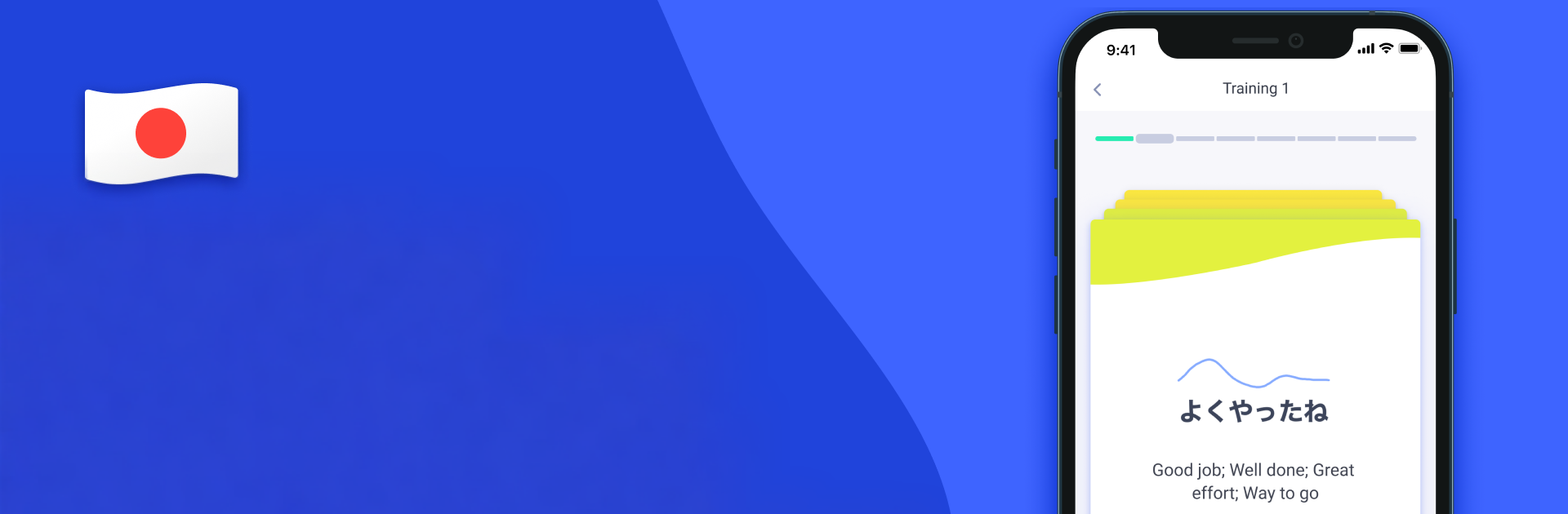
Aomi Japanese: Speaking focuses on what most learners struggle with—actually sounding natural. Instead of only drilling vocab or grammar, it trains your mouth and ears to match real Japanese pitch patterns. Built by SE-Japan Co.Ltd in the Education genre, it gives you practical, everyday phrases and clear guidance so speaking out loud feels less scary and a lot more effective.

App Features

  • Visual pitch coach: See your pitch contour as a simple graph and compare it to a native model, so you can adjust your tone, not just your letters.
  • Native audio comparison: Listen, repeat, and instantly check how closely your pronunciation lines up with a real speaker.
  • Daily speaking workouts: Get short, focused training sets with natural expressions plus example uses—perfect for quick, consistent practice.
  • Always-on Glossary: Every item from your trainings is saved in a built-in Glossary. Revisit words and phrases anytime and practice them as often as you want.
  • Real-life language: Explore extras like slang, loan words, and tongue twisters to push your articulation and pick up the stuff textbooks tend to skip.
  • Learn by doing: Because Japanese relies on pitch more than stress, these guided pitch patterns help you form the right habits faster and with less guesswork.
  • Practice without pressure: Create your own private speaking space where you can try, retry, and fine-tune pronunciation at your pace.
  • Simple access options: Try it with limited access, then subscribe inside the app to unlock all trainings and features when you’re ready.
  • Comfortable on desktop too: Prefer a bigger screen and a good mic? You can practice on your PC with BlueStacks for a roomy, distraction-free setup.

BlueStacks gives you the much-needed freedom to experience your favorite apps on a bigger screen. Get it now.


How to Download and Run Aomi Japanese: Speaking on PC or Mac

  • Download and install BlueStacks on your PC or Mac

  • Complete Google sign-in to access the Play Store, or do it later

  • Look for Aomi Japanese: Speaking in the search bar at the top right corner

  • Click to install Aomi Japanese: Speaking from the search results

  • Complete Google sign-in (if you skipped step 2) to install Aomi Japanese: Speaking

  • Click the Aomi Japanese: Speaking icon on the home screen to start playing

video
Watch Video

Minimum System Requirements

With BlueStacks 5, you can get started on a PC that fulfills the following requirements.

  • Operating System

    Microsoft Windows 7 or above, macOS 11 (Big Sur) or above

  • Processor

    Intel, AMD or Apple Silicon Processor

  • RAM

    at least 4GB

  • HDD

    10GB Free Disk Space

Note:

* You must be an Administrator on your PC. Up to date graphics drivers from Microsoft or the chipset vendor.

Aomi Japanese: Speaking - FAQs

  • How to Run Aomi Japanese: Speaking on Windows PC & Mac?

    Run Aomi Japanese: Speaking on your PC or Mac by following these simple steps.

    • Click on ‘Download Aomi Japanese: Speaking on PC’ to download BlueStacks
    • Install it and log-in to Google Play Store
    • Launch and run the app.
  • Why is BlueStacks the fastest and safest platform to play games on PC?

    BlueStacks respects your privacy and is always safe and secure to use. It does not carry any malware, spyware, or any sort of additional software that could harm your PC.

    It is engineered to optimize speed and performance for a seamless gaming experience.

  • What are Aomi Japanese: Speaking PC requirements?

    Minimum requirement to run Aomi Japanese: Speaking on your PC

    • OS: Microsoft Windows 7 and above:
    • Processor: Intel or AMD Processor:
    • RAM: Your PC must have at least 2GB of RAM. (Note that having 2GB or more disk space is not a substitute for RAM):
    • HDD: 5GB Free Disk Space.
    • You must be an Administrator on your PC.



