
Baby Words: Flashcards 1Yr+

Baby Words: Flashcards 1Yr+

Education

| Androbaby

Play on PC with BlueStacks or from our cloud

  • Overview
  • How to Download

Page Modified On: January 02, 2026

Run Baby Words: Flashcards 1Yr+ on PC or Mac

Why limit yourself to your small screen on the phone? Run Baby Words: Flashcards 1Yr+, an app by Androbaby, best experienced on your PC or Mac with BlueStacks, the world’s #1 Android emulator.

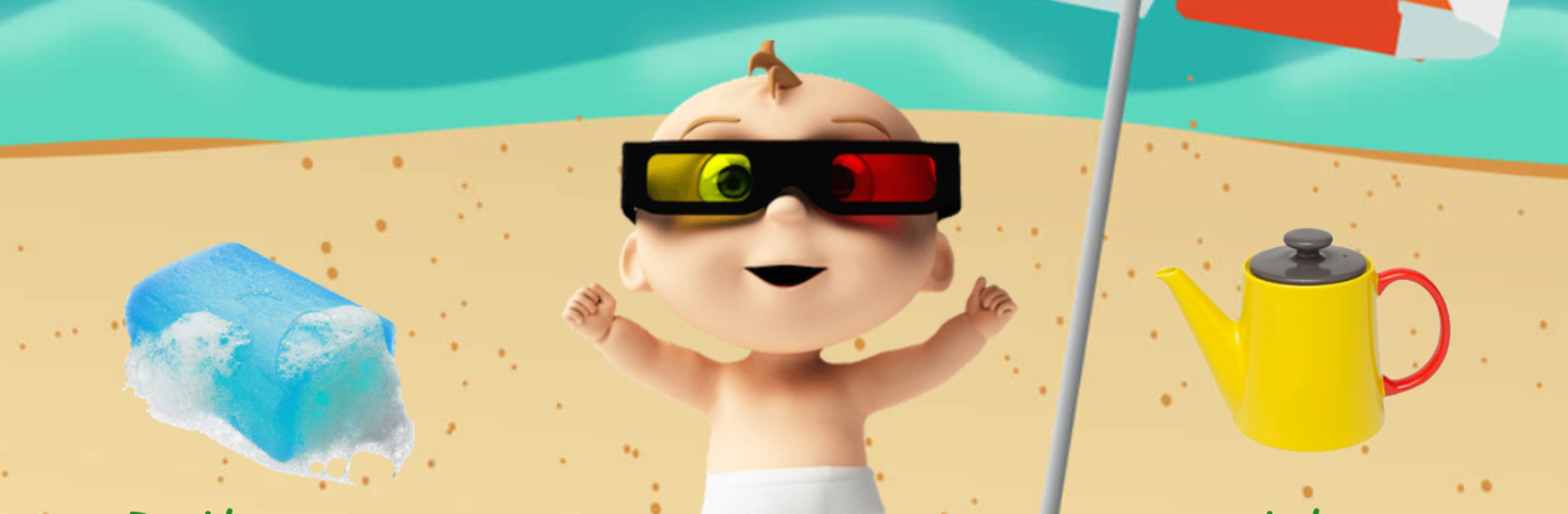
Baby Words: Flashcards 1Yr+ is a super simple flashcard app made for little ones who are just starting to name things around them. It shows big, bright photos of everyday stuff and a clear voice says the word. Tap the picture and there are cheerful sounds and little laughs that make kids smile. Categories keep it tidy and predictable, so they go from Animals to Food to Bathroom without getting lost. Navigation is basically swipe or tap to go next, which turns into easy mouse clicks on a PC. On a bigger screen with BlueStacks, the photos look large and clean, and an adult can click through at a calm pace while the toddler points and repeats. No internet needed, so it works fine during travel or when the house wifi is being weird.

What stands out is how focused it is. No busy menus, no complicated mini games. Just picture, word, sound, repeat. The pronunciation is slow and crisp, and the visuals are colorful without being noisy. It is the kind of app that keeps a 1 to 2 year old engaged for short learning moments, then you can switch categories for a change of scene. On PC it feels a bit like a slideshow you control for them, which actually helps with attention since accidental swipes are less of a problem. If someone wants a gentle way to build first words with clear images and sounds, this does exactly that, nothing extra, and that is the charm.

Switch to BlueStacks and make the most of your apps on your PC or Mac.

How to Download and Run Baby Words: Flashcards 1Yr+ on PC or Mac

  • Download and install BlueStacks on your PC or Mac

  • Complete Google sign-in to access the Play Store, or do it later

  • Look for Baby Words: Flashcards 1Yr+ in the search bar at the top right corner

  • Click to install Baby Words: Flashcards 1Yr+ from the search results

  • Complete Google sign-in (if you skipped step 2) to install Baby Words: Flashcards 1Yr+

  • Click the Baby Words: Flashcards 1Yr+ icon on the home screen to start playing

video
Watch Video

Minimum System Requirements

With BlueStacks 5, you can get started on a PC that fulfills the following requirements.

  • Operating System

    Microsoft Windows 7 or above, macOS 11 (Big Sur) or above

  • Processor

    Intel, AMD or Apple Silicon Processor

  • RAM

    at least 4GB

  • HDD

    10GB Free Disk Space

Note:

* You must be an Administrator on your PC. Up to date graphics drivers from Microsoft or the chipset vendor.

Baby Words: Flashcards 1Yr+ - FAQs

  • How to Run Baby Words: Flashcards 1Yr+ on Windows PC & Mac?

    Run Baby Words: Flashcards 1Yr+ on your PC or Mac by following these simple steps.

    • Click on ‘Download Baby Words: Flashcards 1Yr+ on PC’ to download BlueStacks
    • Install it and log-in to Google Play Store
    • Launch and run the app.
  • Why is BlueStacks the fastest and safest platform to play games on PC?

    BlueStacks respects your privacy and is always safe and secure to use. It does not carry any malware, spyware, or any sort of additional software that could harm your PC.

    It is engineered to optimize speed and performance for a seamless gaming experience.

  • What are Baby Words: Flashcards 1Yr+ PC requirements?

    Minimum requirement to run Baby Words: Flashcards 1Yr+ on your PC

    • OS: Microsoft Windows 7 and above:
    • Processor: Intel or AMD Processor:
    • RAM: Your PC must have at least 2GB of RAM. (Note that having 2GB or more disk space is not a substitute for RAM):
    • HDD: 5GB Free Disk Space.
    • You must be an Administrator on your PC.




