

Multitask effortlessly on your PC or Mac as you try out Blackboard, a Education app by Anthology Inc. on BlueStacks.
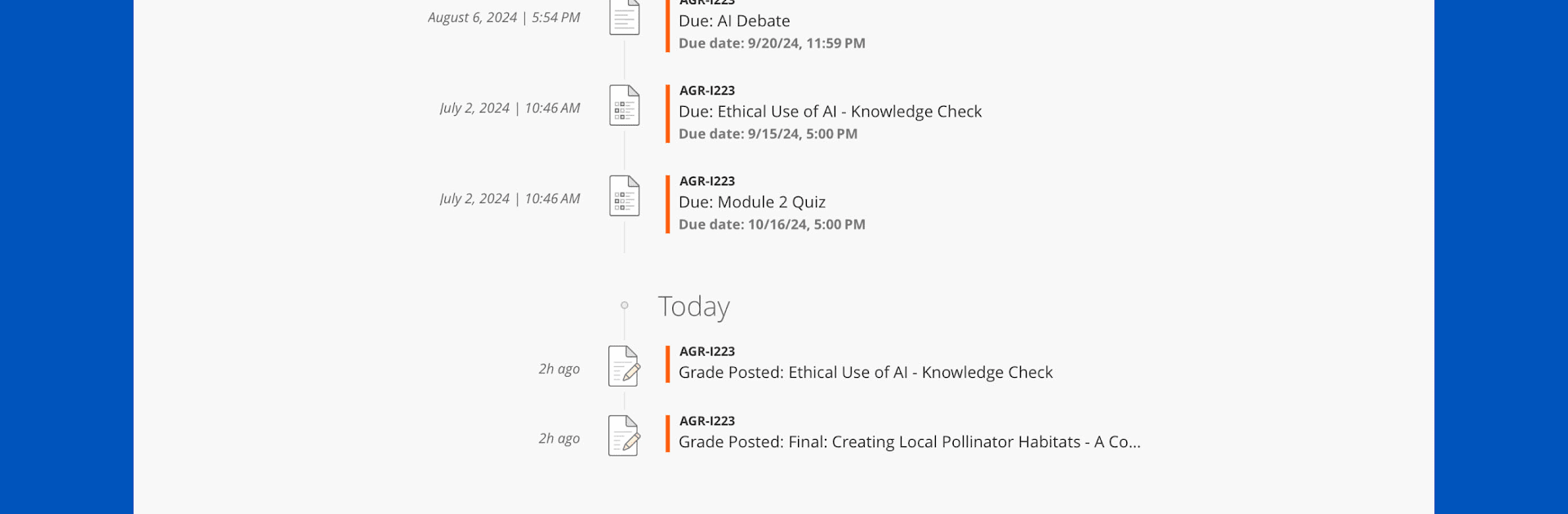
Blackboard on PC (especially when running it with BlueStacks) is basically a way to keep all your classes and course info in one place without having to dig through a bunch of sites or emails. It’s made for both students and teachers, so everything you need is just sort of lined up for when you actually need it—stuff like checking what’s due, seeing grades, or reading announcements comes up right when it matters. Assignments are listed out, there are notifications if a due date’s coming up, and grading details are right there, so there’s no wondering if a submission went through.
For instructors, it’s a way to check on classes and keep everything moving from wherever—uploading new materials, grading, dropping announcements, or even just replying to students without having to be at a desk. The app feels organized and direct, so nobody’s really chasing after information or missing updates. Using Blackboard on a laptop with BlueStacks feels a bit roomier than on a phone, making it easier to scan through files or handle longer messages. The real thing to notice is it keeps the course organized and quick to navigate, whether you’re studying or teaching. You just log in, and most of what matters for the day is already there, waiting.
BlueStacks brings your apps to life on a bigger screen—seamless and straightforward.