
Bronze Dictionary
Bronze Dictionary

Bronze Dictionary

Education

| Smart-Shopping

Play on PC with BlueStacks or from our cloud

  • Overview
  • How to Download

Page Modified On: October 03, 2025

Run Bronze Dictionary on PC or Mac

Upgrade your experience. Try Bronze Dictionary, the fantastic Education app from Smart-Shopping, from the comfort of your laptop, PC, or Mac, only on BlueStacks.

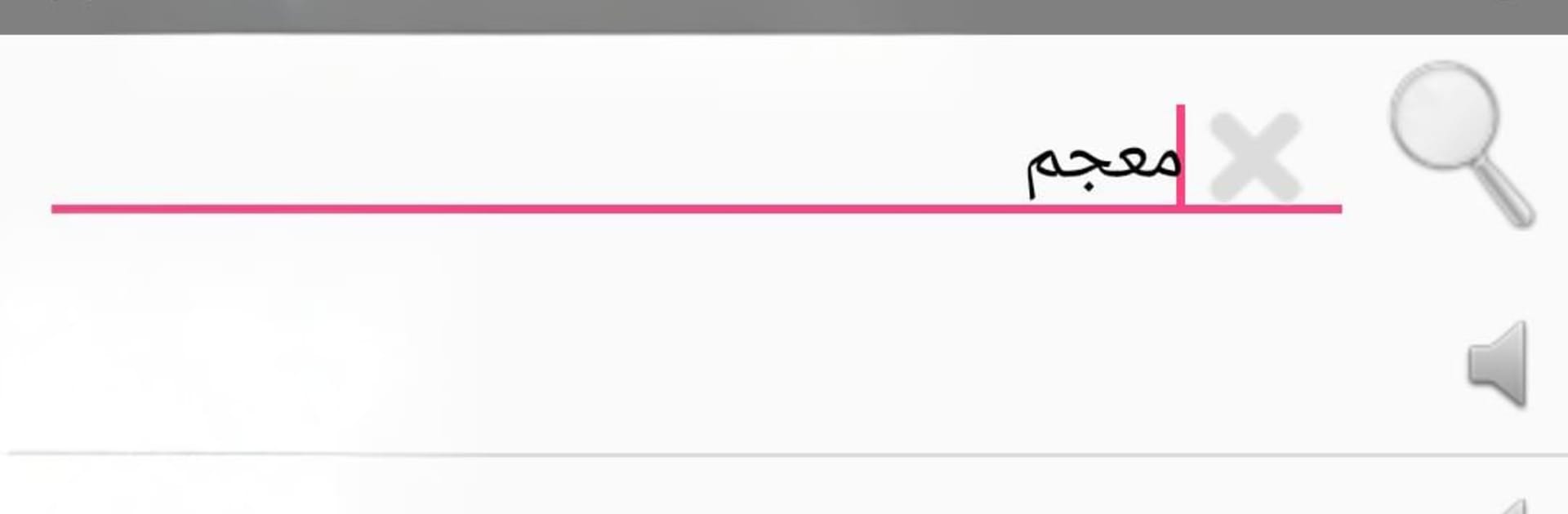
Bronze Dictionary feels like a no-fuss English to Arabic and Arabic to English lookup tool that runs fast and stays out of the way. It loads quick, searches even quicker, and does not need internet at all, which is a relief when a connection is flaky. The database is big, over a hundred thousand entries, so common words and a lot of less common ones show up with solid translations. The layout is simple and clean, just type and results appear without extra taps. There is a voice option that speaks words out loud. The speech comes through clearly, although it talks fast by default, so it is best for quick pronunciation checks rather than slow practice. Everything is free to use, and there is no account stuff getting in the way.

On BlueStacks, it works nicely with a full keyboard, which makes searching in both languages feel smooth. Copy and paste from documents or chats into the search bar is easy, then copy results right back out, so it fits well into study or work. The larger screen helps when comparing similar terms or scanning multiple results. Because it is fully offline, it keeps running on a laptop during travel or in low-signal spots. It is not fancy and it does not try to be, it just gets translations on screen fast and lets the user move on.

Eager to take your app experience to the next level? Start right away by downloading BlueStacks on your PC or Mac.


How to Download and Run Bronze Dictionary on PC or Mac

  • Download and install BlueStacks on your PC or Mac

  • Complete Google sign-in to access the Play Store, or do it later

  • Look for Bronze Dictionary in the search bar at the top right corner

  • Click to install Bronze Dictionary from the search results

  • Complete Google sign-in (if you skipped step 2) to install Bronze Dictionary

  • Click the Bronze Dictionary icon on the home screen to start playing

video
Watch Video

Minimum System Requirements

With BlueStacks 5, you can get started on a PC that fulfills the following requirements.

  • Operating System

    Microsoft Windows 7 or above, macOS 11 (Big Sur) or above

  • Processor

    Intel, AMD or Apple Silicon Processor

  • RAM

    at least 4GB

  • HDD

    10GB Free Disk Space

Note:

* You must be an Administrator on your PC. Up to date graphics drivers from Microsoft or the chipset vendor.

Bronze Dictionary - FAQs

  • How to Run Bronze Dictionary on Windows PC & Mac?

    Run Bronze Dictionary on your PC or Mac by following these simple steps.

    • Click on ‘Download Bronze Dictionary on PC’ to download BlueStacks
    • Install it and log-in to Google Play Store
    • Launch and run the app.
  • Why is BlueStacks the fastest and safest platform to play games on PC?

    BlueStacks respects your privacy and is always safe and secure to use. It does not carry any malware, spyware, or any sort of additional software that could harm your PC.

    It is engineered to optimize speed and performance for a seamless gaming experience.

  • What are Bronze Dictionary PC requirements?

    Minimum requirement to run Bronze Dictionary on your PC

    • OS: Microsoft Windows 7 and above:
    • Processor: Intel or AMD Processor:
    • RAM: Your PC must have at least 2GB of RAM. (Note that having 2GB or more disk space is not a substitute for RAM):
    • HDD: 5GB Free Disk Space.
    • You must be an Administrator on your PC.



