
College Algebra Practice, Prep

College Algebra Practice, Prep

Education

| Varsity Tutors LLC

Play on PC with BlueStacks or from our cloud

  • Overview
  • How to Download

Page Modified On: November 10, 2025

Run College Algebra Practice, Prep on PC or Mac

Multitask effortlessly on your PC or Mac as you try out College Algebra Practice, Prep, a Education app by Varsity Tutors LLC on BlueStacks.

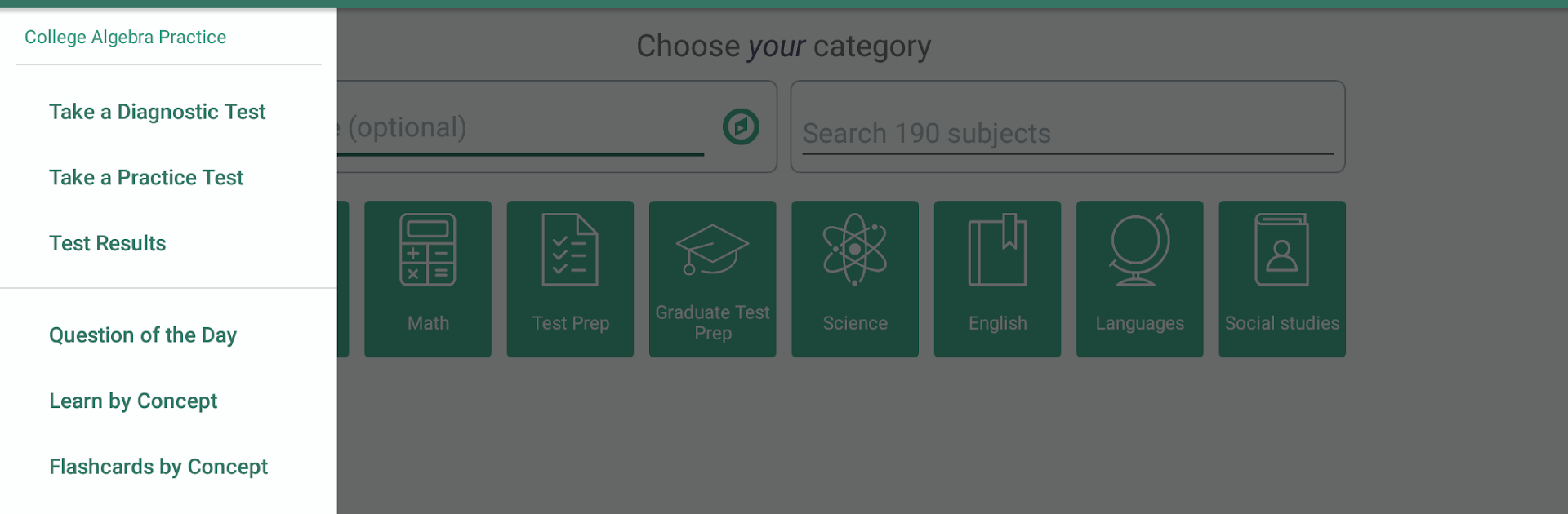
College Algebra Practice, Prep feels like a no-nonsense study buddy for anyone brushing up on Algebra 1 and 2 topics. It is built for students who need that required college algebra credit or adults circling back to math after a while. The flow is simple. It starts with a quick diagnostic that spots strengths and weak areas, so studying does not feel random. From there, there are a bunch of focused practice options, including 56 full practice tests if someone wants the full drill, and a Question of the Day that keeps the habit going without eating an entire evening. It leans into the transition from number-only math to problems full of variables, so algebra feels less intimidating and more step by step.

Nothing feels flashy or distracting, which is honestly nice. It is about repetition, clarity, and building confidence so test-day nerves settle down. On PC through BlueStacks, the larger screen and keyboard make scrolling through questions and checking work more comfortable, and it is easier to stay on task for longer study blocks. A student can pop in for one question or knock out a complete test, and the app keeps everything within easy reach. The tone is supportive without being preachy, and the structure makes it clear what to practice next, even when brain power is running low after classes.

Big screen. Bigger performance. Use BlueStacks on your PC or Mac to run your favorite apps.

How to Download and Run College Algebra Practice, Prep on PC or Mac

  • Download and install BlueStacks on your PC or Mac

  • Complete Google sign-in to access the Play Store, or do it later

  • Look for College Algebra Practice, Prep in the search bar at the top right corner

  • Click to install College Algebra Practice, Prep from the search results

  • Complete Google sign-in (if you skipped step 2) to install College Algebra Practice, Prep

  • Click the College Algebra Practice, Prep icon on the home screen to start playing

video
Watch Video

Minimum System Requirements

With BlueStacks 5, you can get started on a PC that fulfills the following requirements.

  • Operating System

    Microsoft Windows 7 or above, macOS 11 (Big Sur) or above

  • Processor

    Intel, AMD or Apple Silicon Processor

  • RAM

    at least 4GB

  • HDD

    10GB Free Disk Space

Note:

* You must be an Administrator on your PC. Up to date graphics drivers from Microsoft or the chipset vendor.

College Algebra Practice, Prep - FAQs

  • How to Run College Algebra Practice, Prep on Windows PC & Mac?

    Run College Algebra Practice, Prep on your PC or Mac by following these simple steps.

    • Click on ‘Download College Algebra Practice, Prep on PC’ to download BlueStacks
    • Install it and log-in to Google Play Store
    • Launch and run the app.
  • Why is BlueStacks the fastest and safest platform to play games on PC?

    BlueStacks respects your privacy and is always safe and secure to use. It does not carry any malware, spyware, or any sort of additional software that could harm your PC.

    It is engineered to optimize speed and performance for a seamless gaming experience.

  • What are College Algebra Practice, Prep PC requirements?

    Minimum requirement to run College Algebra Practice, Prep on your PC

    • OS: Microsoft Windows 7 and above:
    • Processor: Intel or AMD Processor:
    • RAM: Your PC must have at least 2GB of RAM. (Note that having 2GB or more disk space is not a substitute for RAM):
    • HDD: 5GB Free Disk Space.
    • You must be an Administrator on your PC.




