
تعليم اللغة الانجليزية

تعليم اللغة الانجليزية

Education

| Mawuood Academy

Play on PC with BlueStacks or from our cloud

  • Overview
  • How to Download

Page Modified On: September 19, 2025

Run تعليم اللغة الانجليزية on PC or Mac

Why limit yourself to your small screen on the phone? Run تعليم اللغة الانجليزية, an app by Mawuood Academy, best experienced on your PC or Mac with BlueStacks, the world’s #1 Android emulator.

تعليم اللغة الانجليزية feels like a big, organized toolkit for Arabic speakers who want real English in their ears, not robotic stuff. The stand-out thing is the audio. Every word and sentence is spoken by a native speaker, super clear, and the Arabic meaning sits right there so the brain does not guess. It expects the device language to be Arabic to show translations, which is simple enough. On a PC with BlueStacks it is nice because the screen fits more lines, clicking through long lists is faster, and typing in the search bar with a keyboard just feels smoother.

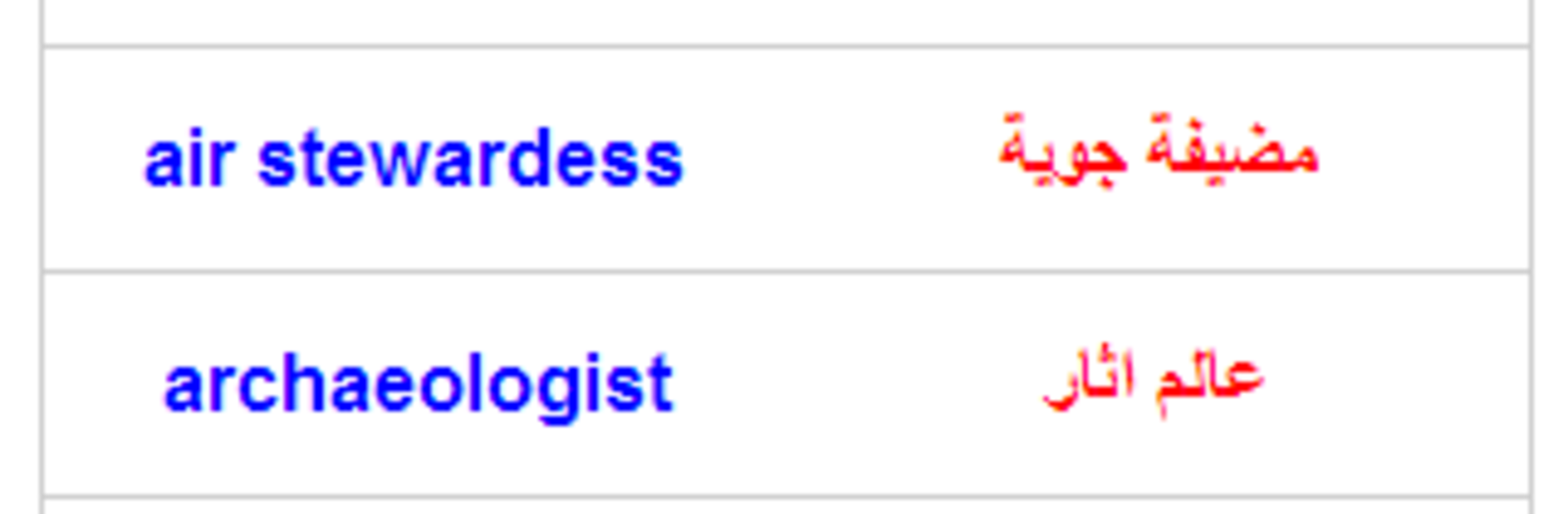
There are 55 sections sorted by level and by everyday needs. Basics like greetings and short chats, numbers of all kinds (cardinal, ordinal, even fractions), telling time and asking for it, days, months, weather, seasons, directions, dates, pronouns, how to introduce yourself and ask about places, plus colors, body parts, clothes, family, feelings, traits, jobs, food, fruits, vegetables, animals and birds. Then more life stuff, school and city and beach, banks and work terms, a whole home area with living room, kitchen tools, dining room, bedroom, bathroom, laundry. Travel words, medical and business vocabulary, astronomy, shapes, military ranks, weapon names, jewelry, Valentine phrases, sports and athletes, common phrases, ministries, holidays and occasions. Search works in Arabic or English and plays audio right from the results. It does need internet, so not really for planes. The feel is simple and direct, learn by listening, repeat, move on when ready, no flashy lessons getting in the way.

Ready to experience تعليم اللغة الانجليزية on a bigger screen, in all its glory? Download BlueStacks now.


How to Download and Run تعليم اللغة الانجليزية on PC or Mac

  • Download and install BlueStacks on your PC or Mac

  • Complete Google sign-in to access the Play Store, or do it later

  • Look for تعليم اللغة الانجليزية in the search bar at the top right corner

  • Click to install تعليم اللغة الانجليزية from the search results

  • Complete Google sign-in (if you skipped step 2) to install تعليم اللغة الانجليزية

  • Click the تعليم اللغة الانجليزية icon on the home screen to start playing

video
Watch Video

Minimum System Requirements

With BlueStacks 5, you can get started on a PC that fulfills the following requirements.

  • Operating System

    Microsoft Windows 7 or above, macOS 11 (Big Sur) or above

  • Processor

    Intel, AMD or Apple Silicon Processor

  • RAM

    at least 4GB

  • HDD

    10GB Free Disk Space

Note:

* You must be an Administrator on your PC. Up to date graphics drivers from Microsoft or the chipset vendor.

تعليم اللغة الانجليزية - FAQs

  • How to Run تعليم اللغة الانجليزية on Windows PC & Mac?

    Run تعليم اللغة الانجليزية on your PC or Mac by following these simple steps.

    • Click on ‘Download تعليم اللغة الانجليزية on PC’ to download BlueStacks
    • Install it and log-in to Google Play Store
    • Launch and run the app.
  • Why is BlueStacks the fastest and safest platform to play games on PC?

    BlueStacks respects your privacy and is always safe and secure to use. It does not carry any malware, spyware, or any sort of additional software that could harm your PC.

    It is engineered to optimize speed and performance for a seamless gaming experience.

  • What are تعليم اللغة الانجليزية PC requirements?

    Minimum requirement to run تعليم اللغة الانجليزية on your PC

    • OS: Microsoft Windows 7 and above:
    • Processor: Intel or AMD Processor:
    • RAM: Your PC must have at least 2GB of RAM. (Note that having 2GB or more disk space is not a substitute for RAM):
    • HDD: 5GB Free Disk Space.
    • You must be an Administrator on your PC.



