
English With Amy for Kids

English With Amy for Kids

Education

| Teachkidslanguages.com

Play on PC with BlueStacks or from our cloud

  • Overview
  • How to Download

Page Modified On: October 03, 2025

Run English With Amy for Kids on PC or Mac

Get freedom from your phone’s obvious limitations. Use English With Amy for Kids, made by Teachkidslanguages.com, a Education app on your PC or Mac with BlueStacks, and level up your experience.

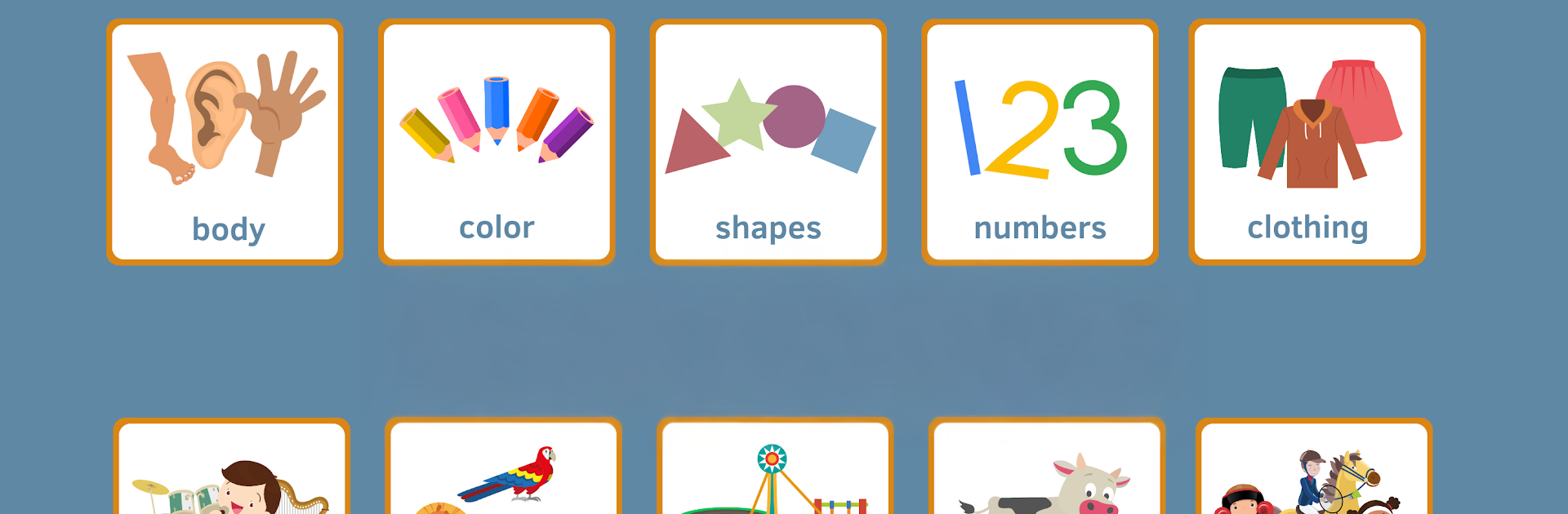
English With Amy is a gentle, picture-first way for little kids to pick up everyday English words. It feels more like a set of small activities than a big game, which works well for ages 2 to 7. There are tidy categories like Farm, Clothing, Colors, Transportation, Shapes, Numbers, Playground, Food and drinks, Zoo, Home, Music, and Sports, so nothing feels overwhelming. Each word gets a bright illustration and a clear, friendly female voice that says it out loud, then kids get to practice through simple bits like matching pairs, small puzzles, slideshows, and short quizzes. Pronunciation and spelling get attention without turning it into homework. On a PC with BlueStacks, the bigger screen makes the pictures easier to see, and clicking items with a mouse is very straightforward for small hands.

Parents can peek at how listening and reading are going through the built in tracking. Results are kept for a short time, and there is an optional purchase if someone wants two weeks of history and filters by skill or category. A few categories are free to try, like Food and drinks, Zoo, and Body, and the rest unlock as add ons, so it is easy to see if a child clicks with it before paying. The art looks clean and cheerful, not too noisy, and the pacing is slow enough that beginners stay calm. Teachers and kindergartens use similar approaches for newcomers to English, so the structure feels familiar and steady rather than flashy.

Big screen. Bigger performance. Use BlueStacks on your PC or Mac to run your favorite apps.

How to Download and Run English With Amy for Kids on PC or Mac

  • Download and install BlueStacks on your PC or Mac

  • Complete Google sign-in to access the Play Store, or do it later

  • Look for English With Amy for Kids in the search bar at the top right corner

  • Click to install English With Amy for Kids from the search results

  • Complete Google sign-in (if you skipped step 2) to install English With Amy for Kids

  • Click the English With Amy for Kids icon on the home screen to start playing

video
Watch Video

Minimum System Requirements

With BlueStacks 5, you can get started on a PC that fulfills the following requirements.

  • Operating System

    Microsoft Windows 7 or above, macOS 11 (Big Sur) or above

  • Processor

    Intel, AMD or Apple Silicon Processor

  • RAM

    at least 4GB

  • HDD

    10GB Free Disk Space

Note:

* You must be an Administrator on your PC. Up to date graphics drivers from Microsoft or the chipset vendor.

English With Amy for Kids - FAQs

  • How to Run English With Amy for Kids on Windows PC & Mac?

    Run English With Amy for Kids on your PC or Mac by following these simple steps.

    • Click on ‘Download English With Amy for Kids on PC’ to download BlueStacks
    • Install it and log-in to Google Play Store
    • Launch and run the app.
  • Why is BlueStacks the fastest and safest platform to play games on PC?

    BlueStacks respects your privacy and is always safe and secure to use. It does not carry any malware, spyware, or any sort of additional software that could harm your PC.

    It is engineered to optimize speed and performance for a seamless gaming experience.

  • What are English With Amy for Kids PC requirements?

    Minimum requirement to run English With Amy for Kids on your PC

    • OS: Microsoft Windows 7 and above:
    • Processor: Intel or AMD Processor:
    • RAM: Your PC must have at least 2GB of RAM. (Note that having 2GB or more disk space is not a substitute for RAM):
    • HDD: 5GB Free Disk Space.
    • You must be an Administrator on your PC.




