
GraspABC-English to Chinese

GraspABC-English to Chinese

Education

| TinyLin

Play on PC with BlueStacks or from our cloud

  • Overview
  • How to Download

Page Modified On: October 04, 2025

Run GraspABC-English to Chinese on PC or Mac

Let BlueStacks turn your PC, Mac, or laptop into the perfect home for GraspABC-English to Chinese, a fun Education app from TinyLin.

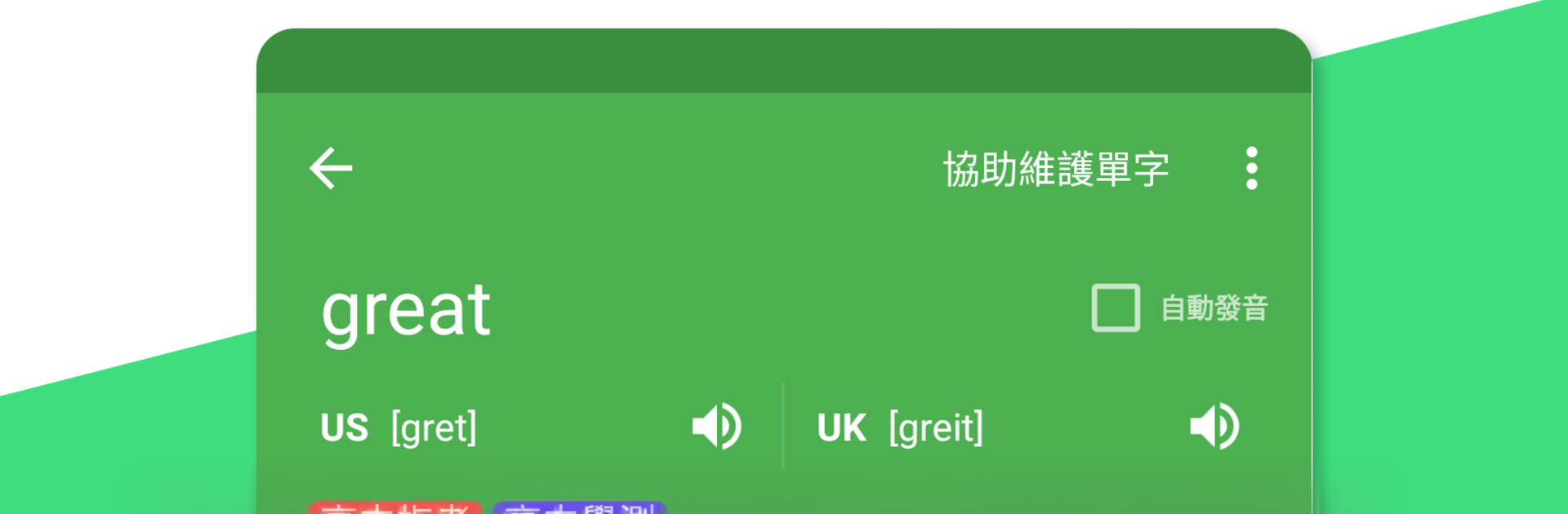
GraspABC feels like a simple English to Chinese toolkit rather than a one-off dictionary. Type in English or Chinese and you get clear meanings in both languages, plus short example sentences so the word does not feel out of context. The dictionary updates online, so newer terms tend to show up without waiting. What stands out is the study flow. It uses active recall and spaced repetition, and the review cards can auto play, so words cycle by while someone is doing other work in the background. A small floating widget sits on top of whatever app is open, letting the user check a word from a PDF or web page without opening the full app. Flash cards can also appear as notifications, which is surprisingly useful, though easy to mute.

On a laptop through BlueStacks, the bigger screen and keyboard make searching and organizing less fiddly. Tags help group vocabulary into lists like travel, work, exam prep, and that makes targeted reviews painless later. The English news section pulls from about twenty three sources, so there is always fresh reading to mine examples from and send straight into saved words. The layout is plain and fast, no clutter, and most things are one tap away. Most of the app revolves around saving words, reviewing them on a sensible schedule, and reading news to collect more.

Eager to take your app experience to the next level? Start right away by downloading BlueStacks on your PC or Mac.


How to Download and Run GraspABC-English to Chinese on PC or Mac

  • Download and install BlueStacks on your PC or Mac

  • Complete Google sign-in to access the Play Store, or do it later

  • Look for GraspABC-English to Chinese in the search bar at the top right corner

  • Click to install GraspABC-English to Chinese from the search results

  • Complete Google sign-in (if you skipped step 2) to install GraspABC-English to Chinese

  • Click the GraspABC-English to Chinese icon on the home screen to start playing

video
Watch Video

Minimum System Requirements

With BlueStacks 5, you can get started on a PC that fulfills the following requirements.

  • Operating System

    Microsoft Windows 7 or above, macOS 11 (Big Sur) or above

  • Processor

    Intel, AMD or Apple Silicon Processor

  • RAM

    at least 4GB

  • HDD

    10GB Free Disk Space

Note:

* You must be an Administrator on your PC. Up to date graphics drivers from Microsoft or the chipset vendor.

GraspABC-English to Chinese - FAQs

  • How to Run GraspABC-English to Chinese on Windows PC & Mac?

    Run GraspABC-English to Chinese on your PC or Mac by following these simple steps.

    • Click on ‘Download GraspABC-English to Chinese on PC’ to download BlueStacks
    • Install it and log-in to Google Play Store
    • Launch and run the app.
  • Why is BlueStacks the fastest and safest platform to play games on PC?

    BlueStacks respects your privacy and is always safe and secure to use. It does not carry any malware, spyware, or any sort of additional software that could harm your PC.

    It is engineered to optimize speed and performance for a seamless gaming experience.

  • What are GraspABC-English to Chinese PC requirements?

    Minimum requirement to run GraspABC-English to Chinese on your PC

    • OS: Microsoft Windows 7 and above:
    • Processor: Intel or AMD Processor:
    • RAM: Your PC must have at least 2GB of RAM. (Note that having 2GB or more disk space is not a substitute for RAM):
    • HDD: 5GB Free Disk Space.
    • You must be an Administrator on your PC.



