



Why limit yourself to your small screen on the phone? Run Human Anatomy Learning – 3D, an app by RoyalTime Inc, best experienced on your PC or Mac with BlueStacks, the world’s #1 Android emulator.
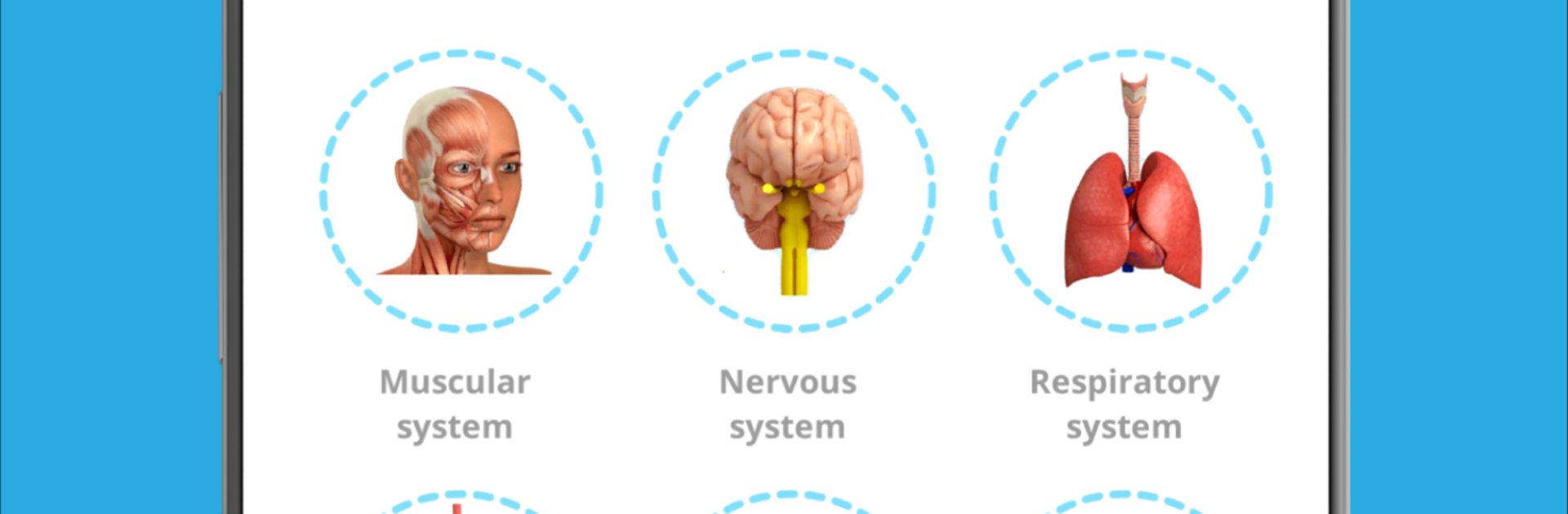
Human Anatomy Learning – 3D feels like a hands-on anatomy lab that actually lets someone poke around the body without feeling lost. The app mixes quiz questions, slide-style flashcards, and a few simple games, then groups everything by topic and subtopic, so jumping to respiratory or tendons is quick. The standout bit is the 3D models. Muscles, the respiratory system, the brain, male and female reproductive, urinary, ear, and digestive systems are all there, and the models can be rotated to any angle and zoomed way in. On a PC with BlueStacks, using a mouse to spin and zoom makes it smooth, and the bigger screen helps when hunting for tiny parts that would be cramped on a phone.
There are labeled picture diagrams for a bunch of systems too, which is great for quick-name-and-place study. Skin, bones, upper respiratory, lymphatic, reproductive for both sexes, brain, eyes, ears, heart, muscular, alimentary, plus tendons and ligaments. The free version already includes a good chunk of questions and slides, so testing the waters does not feel empty. Premium flips on labels for the 3D models, which is useful if someone wants to use it as a full-on study guide and not just explore shapes. Navigation is simple, nothing overloaded, and the layout keeps focus on the body part instead of burying everything in menus. Clean tool, no fluff, more like a reference that just happens to be interactive and a bit fun to use while cramming before a quiz or reviewing after class
BlueStacks brings your apps to life on a bigger screen—seamless and straightforward.





