
Kids Games - Learn by Playing

Kids Games - Learn by Playing

Education

| Sunny Kid Games

Play on PC with BlueStacks or from our cloud

  • Overview
  • How to Download

Page Modified On: January 02, 2026

Run Kids Games - Learn by Playing on PC or Mac

Why limit yourself to your small screen on the phone? Run Kids Games – Learn by Playing, an app by Sunny Kid Games, best experienced on your PC or Mac with BlueStacks, the world’s #1 Android emulator.

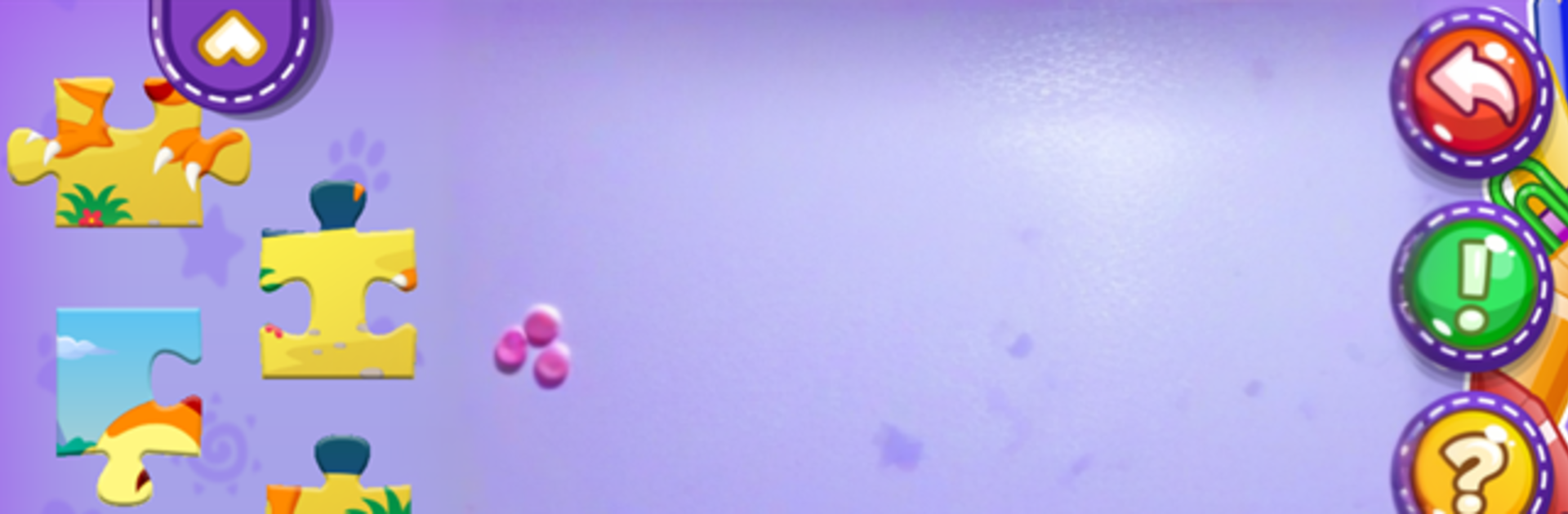
Kids Games – Learn by Playing feels like a big toy box of mini activities that actually teach stuff without turning it into homework. It opens to bright colors and simple menus, and from there kids can jump between drawing, music, puzzles, letters, numbers, even a silly frog game about healthy food. The art section is packed, with regular coloring pages, neon glow drawings, and sticker scenes to decorate. The music bits are easy to tap and sound nice, so a kid can poke at a piano or xylophone and hear real notes, or just bang on colorful drums and be happy.

The learning parts are short and clear. Sorting by size or color, matching shapes, those classic jigsaw puzzles, and then the basics like alphabet sounds, numbers, and simple addition and subtraction that feel interactive rather than scary. There is also a memory game and little build-a-robot or doll activities that look goofy in a good way. Nothing is complicated, the instructions are obvious, and the pacing keeps attention without stress.

On PC with BlueStacks, it works well. Bigger screen helps with tracing lines and coloring inside edges, and using a mouse or a touch laptop makes taps more accurate. Most of the content seems open and free, so it is easy to let a kid wander around a while. It looks friendly, sounds cheerful, and fits a wide age range, so siblings can share without fighting over one tiny phone screen.

Ready to experience Kids Games – Learn by Playing on a bigger screen, in all its glory? Download BlueStacks now.


How to Download and Run Kids Games - Learn by Playing on PC or Mac

  • Download and install BlueStacks on your PC or Mac

  • Complete Google sign-in to access the Play Store, or do it later

  • Look for Kids Games - Learn by Playing in the search bar at the top right corner

  • Click to install Kids Games - Learn by Playing from the search results

  • Complete Google sign-in (if you skipped step 2) to install Kids Games - Learn by Playing

  • Click the Kids Games - Learn by Playing icon on the home screen to start playing

video
Watch Video

Minimum System Requirements

With BlueStacks 5, you can get started on a PC that fulfills the following requirements.

  • Operating System

    Microsoft Windows 7 or above, macOS 11 (Big Sur) or above

  • Processor

    Intel, AMD or Apple Silicon Processor

  • RAM

    at least 4GB

  • HDD

    10GB Free Disk Space

Note:

* You must be an Administrator on your PC. Up to date graphics drivers from Microsoft or the chipset vendor.

Kids Games - Learn by Playing - FAQs

  • How to Run Kids Games - Learn by Playing on Windows PC & Mac?

    Run Kids Games - Learn by Playing on your PC or Mac by following these simple steps.

    • Click on ‘Download Kids Games - Learn by Playing on PC’ to download BlueStacks
    • Install it and log-in to Google Play Store
    • Launch and run the app.
  • Why is BlueStacks the fastest and safest platform to play games on PC?

    BlueStacks respects your privacy and is always safe and secure to use. It does not carry any malware, spyware, or any sort of additional software that could harm your PC.

    It is engineered to optimize speed and performance for a seamless gaming experience.

  • What are Kids Games - Learn by Playing PC requirements?

    Minimum requirement to run Kids Games - Learn by Playing on your PC

    • OS: Microsoft Windows 7 and above:
    • Processor: Intel or AMD Processor:
    • RAM: Your PC must have at least 2GB of RAM. (Note that having 2GB or more disk space is not a substitute for RAM):
    • HDD: 5GB Free Disk Space.
    • You must be an Administrator on your PC.



