
Kidzooly - Kids Rhymes & Games

Kidzooly - Kids Rhymes & Games

Education

| Kidzooly - Kids Games, Rhymes , Nursery Songs.

Play on PC with BlueStacks or from our cloud

  • Overview
  • How to Download

Page Modified On: October 23, 2025

Run Kidzooly - Kids Rhymes & Games on PC or Mac

Why limit yourself to your small screen on the phone? Run Kidzooly – Kids Rhymes & Games, an app by Kidzooly – Kids Games, Rhymes , Nursery Songs., best experienced on your PC or Mac with BlueStacks, the world’s #1 Android emulator.

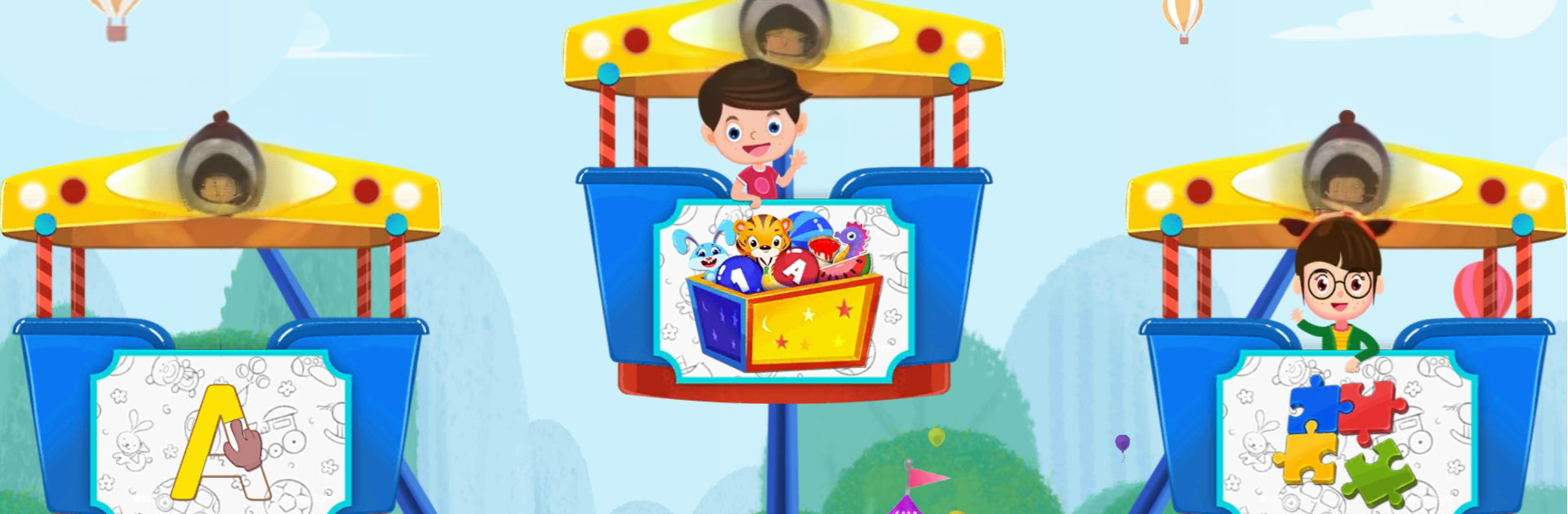
Kidzooly is a bright, bouncy bundle of nursery rhymes, mini games, and short kids stories that a toddler can get around without much help. It feels like a kids TV playlist mixed with simple activities. Lots of 3D animated songs with on-screen lyrics, so little ones can follow along while tapping the characters to see small reactions. The learning bits are gentle rather than pushy. Alphabets, numbers, phonics, animals, fruits, vegetables, all wrapped into songs, a piano that plays familiar tunes, connect-the-dots for counting, easy block puzzles, and a colouring page that lets them splash colors on cute characters. There is a story section with autoplay and text highlight, which is nice when hands are busy and eyes are still paying attention.

On a PC with BlueStacks, the bigger screen really helps tiny fingers that usually miss buttons on a phone. Drag-and-drop puzzles feel smoother with a mouse, and the visuals pop more. The app lets you download content once and run it offline, so no scrambling for Wi‑Fi during travel. No ads interrupting, plus a basic parental control to keep kids inside the safe zones. Navigation is big, friendly, and slow enough for young kids. Some songs and activities are open to try, then there is a subscription if someone wants the whole library. It is pretty much built for ages that are into dancing to nursery rhymes and matching shapes, and it runs fine whether it is a short play break or a quiet story time.

Eager to take your app experience to the next level? Start right away by downloading BlueStacks on your PC or Mac.


How to Download and Run Kidzooly - Kids Rhymes & Games on PC or Mac

  • Download and install BlueStacks on your PC or Mac

  • Complete Google sign-in to access the Play Store, or do it later

  • Look for Kidzooly - Kids Rhymes & Games in the search bar at the top right corner

  • Click to install Kidzooly - Kids Rhymes & Games from the search results

  • Complete Google sign-in (if you skipped step 2) to install Kidzooly - Kids Rhymes & Games

  • Click the Kidzooly - Kids Rhymes & Games icon on the home screen to start playing

video
Watch Video

Minimum System Requirements

With BlueStacks 5, you can get started on a PC that fulfills the following requirements.

  • Operating System

    Microsoft Windows 7 or above, macOS 11 (Big Sur) or above

  • Processor

    Intel, AMD or Apple Silicon Processor

  • RAM

    at least 4GB

  • HDD

    10GB Free Disk Space

Note:

* You must be an Administrator on your PC. Up to date graphics drivers from Microsoft or the chipset vendor.

Kidzooly - Kids Rhymes & Games - FAQs

  • How to Run Kidzooly - Kids Rhymes & Games on Windows PC & Mac?

    Run Kidzooly - Kids Rhymes & Games on your PC or Mac by following these simple steps.

    • Click on ‘Download Kidzooly - Kids Rhymes & Games on PC’ to download BlueStacks
    • Install it and log-in to Google Play Store
    • Launch and run the app.
  • Why is BlueStacks the fastest and safest platform to play games on PC?

    BlueStacks respects your privacy and is always safe and secure to use. It does not carry any malware, spyware, or any sort of additional software that could harm your PC.

    It is engineered to optimize speed and performance for a seamless gaming experience.

  • What are Kidzooly - Kids Rhymes & Games PC requirements?

    Minimum requirement to run Kidzooly - Kids Rhymes & Games on your PC

    • OS: Microsoft Windows 7 and above:
    • Processor: Intel or AMD Processor:
    • RAM: Your PC must have at least 2GB of RAM. (Note that having 2GB or more disk space is not a substitute for RAM):
    • HDD: 5GB Free Disk Space.
    • You must be an Administrator on your PC.



