
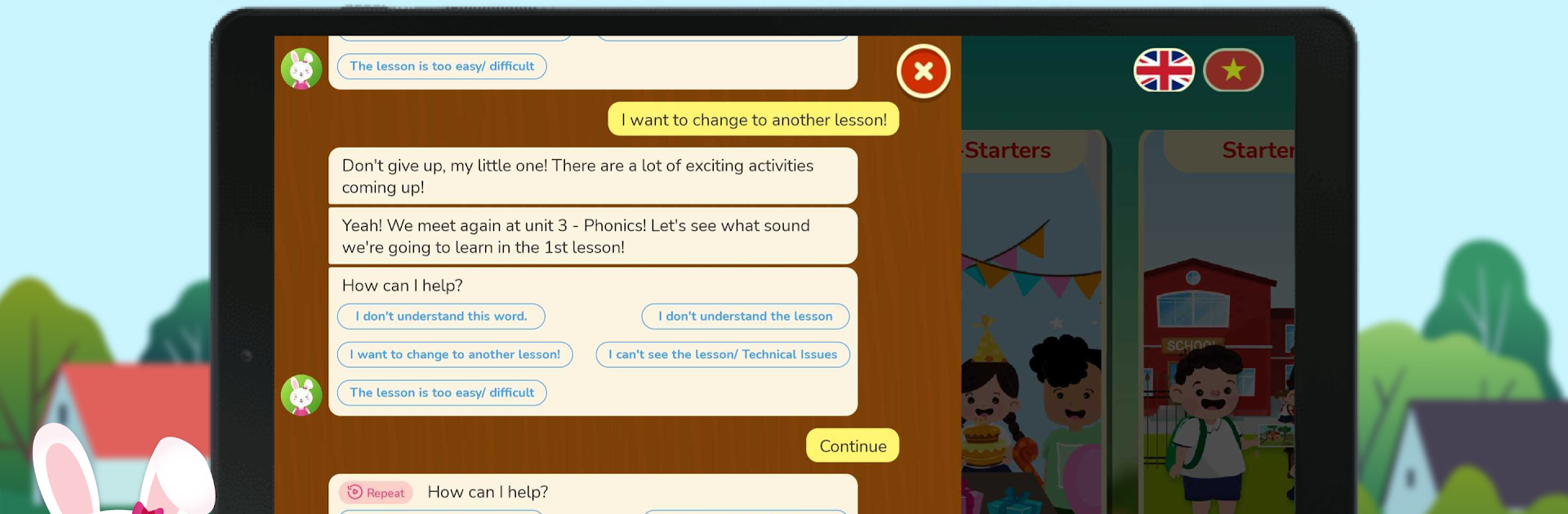
Kyna English - Learning English For Kids

Kyna English - Learning English For Kids

Education

| Dream Viet (KYNAFORKIDS.VN)

Play on PC with BlueStacks or from our cloud

  • Overview
  • How to Download

Page Modified On: September 19, 2025

Run Kyna English - Learning English For Kids on PC or Mac

Get freedom from your phone’s obvious limitations. Use Kyna English – Learning English For Kids, made by Dream Viet (KYNAFORKIDS.VN), a Education app on your PC or Mac with BlueStacks, and level up your experience.

About the App

Kyna English – Learning English For Kids makes English feel friendly, playful, and doable for kids ages 3–15. It blends animated lessons, hands-on practice, and smart assessments so children can listen, speak, read, and write with confidence. Built by Dream Viet (KYNAFORKIDS.VN) in the Education genre, it’s trusted by tens of thousands of families and recognized with industry honors.

App Features

  • Animated Story Lessons: Kids learn everyday English through short, colorful cartoons and relatable conversations that keep them watching—and learning.
  • Smart Placement Test: A Cambridge‑based placement helps pinpoint your child’s level from day one, then maps out a path that grows with them.
  • Speak With Confidence: Record speech right in the app; built‑in voice recognition checks pronunciation and gives instant, kid‑friendly feedback.
  • Mock Tests With Feedback: Practice tests mirror school expectations and highlight what’s strong and what needs work, so study time actually counts.
  • School-Aligned Content: Lessons and assessments are academically structured to support what kids see in class, making homework and exams less stressful.
  • Playful Practice: Interactive games, lively characters, and bite‑size tasks turn learning into a routine kids actually want to repeat.
  • Kid-Safe Experience: Designed for young learners and KIDS SAFE certified, so parents can relax while kids explore.
  • Recognized Quality: Top 3 at the KIE Edu Award 2018 and invited to Google Demo Day 2019—nice badges for your peace of mind.
  • Learn Anywhere: Use it on your phone or tablet—prefer a bigger screen? Run it on your PC or Mac with BlueStacks.

Big screen. Bigger performance. Use BlueStacks on your PC or Mac to run your favorite apps.

How to Download and Run Kyna English - Learning English For Kids on PC or Mac

  • Download and install BlueStacks on your PC or Mac

  • Complete Google sign-in to access the Play Store, or do it later

  • Look for Kyna English - Learning English For Kids in the search bar at the top right corner

  • Click to install Kyna English - Learning English For Kids from the search results

  • Complete Google sign-in (if you skipped step 2) to install Kyna English - Learning English For Kids

  • Click the Kyna English - Learning English For Kids icon on the home screen to start playing

video
Watch Video

Minimum System Requirements

With BlueStacks 5, you can get started on a PC that fulfills the following requirements.

  • Operating System

    Microsoft Windows 7 or above, macOS 11 (Big Sur) or above

  • Processor

    Intel, AMD or Apple Silicon Processor

  • RAM

    at least 4GB

  • HDD

    10GB Free Disk Space

Note:

* You must be an Administrator on your PC. Up to date graphics drivers from Microsoft or the chipset vendor.

Kyna English - Learning English For Kids - FAQs

  • How to Run Kyna English - Learning English For Kids on Windows PC & Mac?

    Run Kyna English - Learning English For Kids on your PC or Mac by following these simple steps.

    • Click on ‘Download Kyna English - Learning English For Kids on PC’ to download BlueStacks
    • Install it and log-in to Google Play Store
    • Launch and run the app.
  • Why is BlueStacks the fastest and safest platform to play games on PC?

    BlueStacks respects your privacy and is always safe and secure to use. It does not carry any malware, spyware, or any sort of additional software that could harm your PC.

    It is engineered to optimize speed and performance for a seamless gaming experience.

  • What are Kyna English - Learning English For Kids PC requirements?

    Minimum requirement to run Kyna English - Learning English For Kids on your PC

    • OS: Microsoft Windows 7 and above:
    • Processor: Intel or AMD Processor:
    • RAM: Your PC must have at least 2GB of RAM. (Note that having 2GB or more disk space is not a substitute for RAM):
    • HDD: 5GB Free Disk Space.
    • You must be an Administrator on your PC.




