


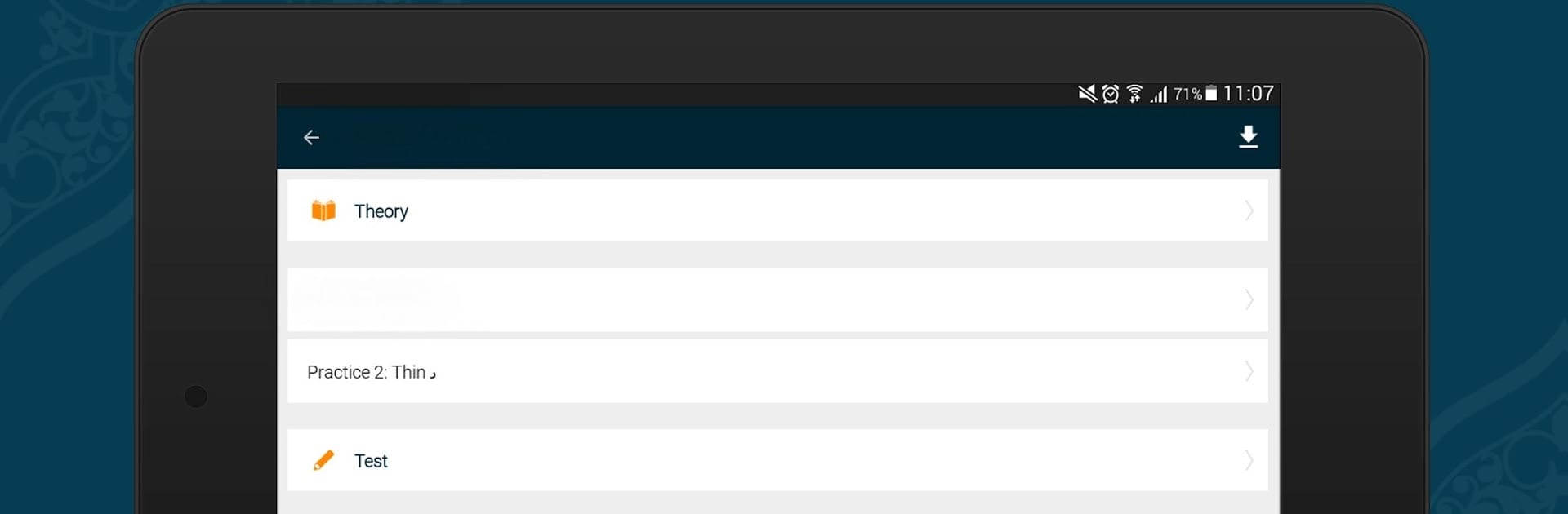


Multitask effortlessly on your PC or Mac as you try out Learn Quran Tajwid, a Education app by www.learn-quran.co on BlueStacks.
About the App
Ever wondered how to actually pronounce every sound and letter while reading the Quran? Learn Quran Tajwid by www.learn-quran.co makes the whole process smoother, whether you’re completely new to the art of tajwid or you already have some practice and want to perfect your recitation. The app brings everything you need to one spot, packed with lessons that walk you through basics and keep going right up to those tough, advanced topics. You can work through lessons with a teacher, or just go solo at your own pace—and it doesn’t hurt that the examples and all the details come directly from the Quran itself.
App Features
- Step-by-step Lessons: Lessons cover the entire journey—from learning the Arabic alphabet right up to mastering rules like the way certain letters or phrases should be pronounced.
- Audio from Experts: Each Arabic script example comes with a crystal-clear voice narration by a Sanad-certified reciter, so you hear the correct pronunciation every single time.
- Flexible Practice Tools: Flip transliteration and highlights on or off, depending on whether you want extra help or more of a challenge.
- Test Yourself: Every lesson has a built-in quiz so you can see what’s working and where you might want to review.
- Recording Option: There’s a built-in tool for recording your recitation—handy if you want to compare your reading to the narration or send it to your teacher.
- Visual Aids: Some pronunciations and rules are hard to get without a visual. The app includes images and videos to explain tricky points, especially places of articulation.
- Real Quran Verses: Every example—whether it’s theory, practice, or a quiz—comes straight from actual Quranic text, making it easier to transfer what you learn to real recitation.
- Adaptable for All Levels: Designed so you can move as slow or fast as you need, whether this is your first lesson or you’re brushing up on detailed rules like advanced idgham, thick vs. thin Ra, and more.
- Use on Any Device: Works well by itself, but if you want more space and a bigger view for learning with a teacher, try running Learn Quran Tajwid on your PC using BlueStacks.
Learning tajwid and Quran recitation doesn’t have to be overwhelming—just pick up where you’re comfortable and go from there.
BlueStacks brings your apps to life on a bigger screen—seamless and straightforward.





