
Pharmacology: USMLE & NAPLEX

Pharmacology: USMLE & NAPLEX

Education

| Higher Learning Technologies Inc

Play on PC with BlueStacks or from our cloud

  • Overview
  • How to Download

Page Modified On: October 24, 2025

Run Pharmacology: USMLE & NAPLEX on PC or Mac

Upgrade your experience. Try Pharmacology: USMLE & NAPLEX, the fantastic Education app from Higher Learning Technologies Inc, from the comfort of your laptop, PC, or Mac, only on BlueStacks.

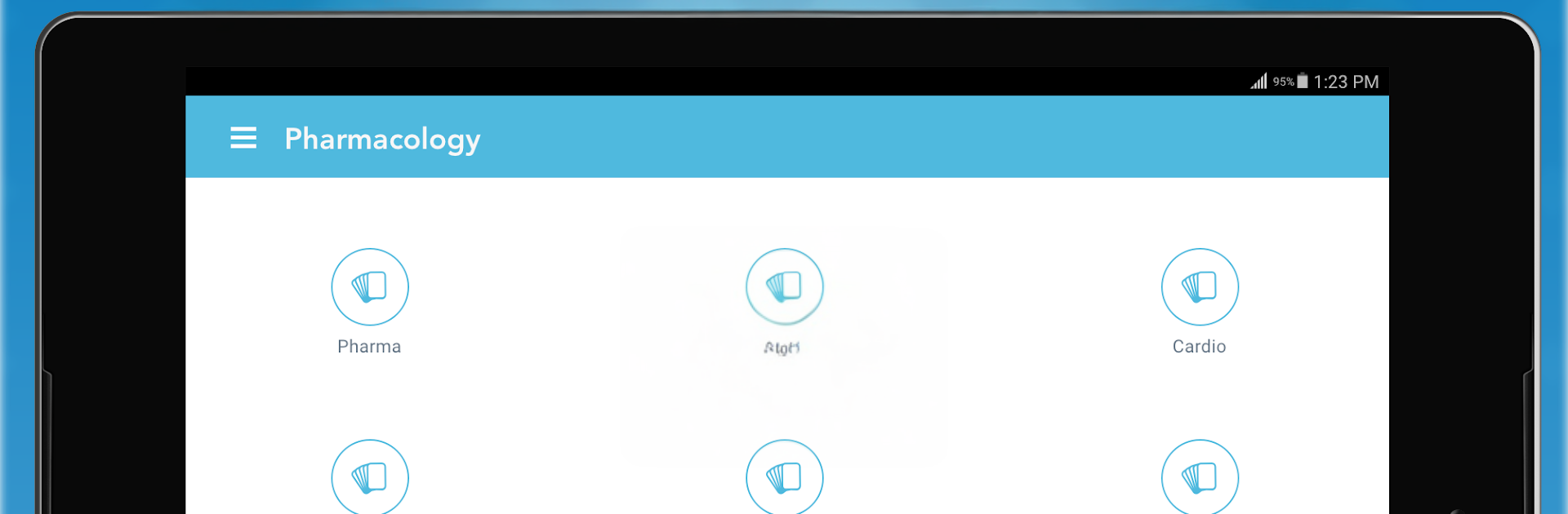
This feels like a straight-up pharm question bank that sticks to what matters for boards. It uses case-style questions that read like the vignettes on USMLE and NAPLEX, with clear explanations that walk through why the right answer works and why the others are not it. There are around a thousand clinical scenarios, and they are grouped in sensible buckets like principles, neuro, cardio, endocrine, chemo agents, inflammation and immune, toxicology, and a catchall for drugs that hit other systems. The images in the explanations help when a pathway or mechanism gets a bit tangled. Progress tracking is simple, and the flagging feature is handy for circling back to weak spots without hunting around.

There is a small free slice to try out, then a subscription if someone wants the full set and all categories unlocked. It is not trying to be flashy, it is just solid repetition and review with questions that feel board-like. On PC with BlueStacks, the bigger screen makes long explanations easier to read and clicking through flags is quicker, almost like using a lightweight desktop study tool. It fits short sessions too. Answer a handful, peek at the rationale, move on. For anyone who prefers learning by doing rather than reading a wall of text, this has that rhythm.

BlueStacks gives you the much-needed freedom to experience your favorite apps on a bigger screen. Get it now.


How to Download and Run Pharmacology: USMLE & NAPLEX on PC or Mac

  • Download and install BlueStacks on your PC or Mac

  • Complete Google sign-in to access the Play Store, or do it later

  • Look for Pharmacology: USMLE & NAPLEX in the search bar at the top right corner

  • Click to install Pharmacology: USMLE & NAPLEX from the search results

  • Complete Google sign-in (if you skipped step 2) to install Pharmacology: USMLE & NAPLEX

  • Click the Pharmacology: USMLE & NAPLEX icon on the home screen to start playing

video
Watch Video

Minimum System Requirements

With BlueStacks 5, you can get started on a PC that fulfills the following requirements.

  • Operating System

    Microsoft Windows 7 or above, macOS 11 (Big Sur) or above

  • Processor

    Intel, AMD or Apple Silicon Processor

  • RAM

    at least 4GB

  • HDD

    10GB Free Disk Space

Note:

* You must be an Administrator on your PC. Up to date graphics drivers from Microsoft or the chipset vendor.

Pharmacology: USMLE & NAPLEX - FAQs

  • How to Run Pharmacology: USMLE & NAPLEX on Windows PC & Mac?

    Run Pharmacology: USMLE & NAPLEX on your PC or Mac by following these simple steps.

    • Click on ‘Download Pharmacology: USMLE & NAPLEX on PC’ to download BlueStacks
    • Install it and log-in to Google Play Store
    • Launch and run the app.
  • Why is BlueStacks the fastest and safest platform to play games on PC?

    BlueStacks respects your privacy and is always safe and secure to use. It does not carry any malware, spyware, or any sort of additional software that could harm your PC.

    It is engineered to optimize speed and performance for a seamless gaming experience.

  • What are Pharmacology: USMLE & NAPLEX PC requirements?

    Minimum requirement to run Pharmacology: USMLE & NAPLEX on your PC

    • OS: Microsoft Windows 7 and above:
    • Processor: Intel or AMD Processor:
    • RAM: Your PC must have at least 2GB of RAM. (Note that having 2GB or more disk space is not a substitute for RAM):
    • HDD: 5GB Free Disk Space.
    • You must be an Administrator on your PC.



