
PictogramAgenda
PictogramAgenda

PictogramAgenda

Education

| Lorenzo Moreno

Play on PC with BlueStacks or from our cloud

  • Overview
  • How to Download

Page Modified On: November 20, 2025

Run PictogramAgenda on PC or Mac

Why limit yourself to your small screen on the phone? Run PictogramAgenda, an app by Lorenzo Moreno, best experienced on your PC or Mac with BlueStacks, the world’s #1 Android emulator.

About the App

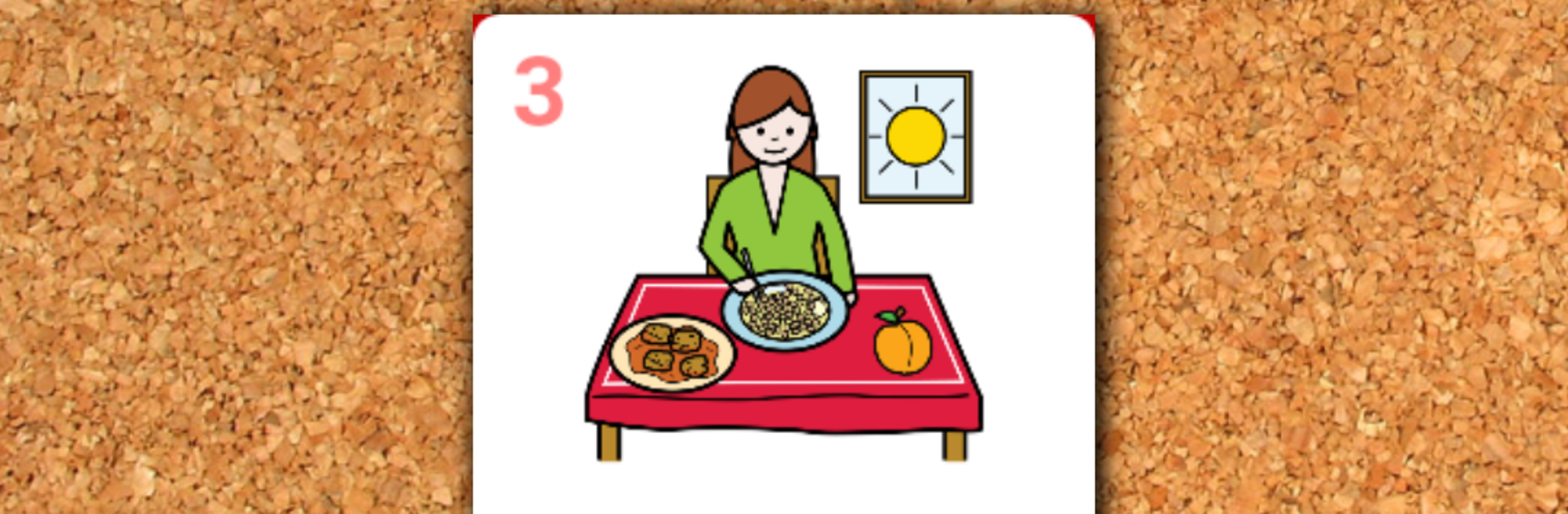
PictogramAgenda is a simple, picture-first way to organize daily routines and tasks. Designed by Lorenzo Moreno in the Education genre, it uses visual steps to make what’s happening now—and what’s next—crystal clear. It’s great for visual thinkers of all ages who feel more confident when plans are easy to see at a glance. Prefer a bigger screen? You can also use it on your computer with BlueStacks.

App Features

  • Picture-based schedules: Build step-by-step agendas using images so tasks are easy to understand and follow.
  • Up to 48 steps: Plan quick routines or longer sequences without running out of space.
  • Ready-to-use and custom images: Start with included samples, add photos from your device, or pull in more from an online gallery.
  • Tap to advance: The current step fills the center of the screen; tap to move forward while finished tasks collect below as a visual history.
  • Drag-and-drop reordering: Change the plan on the fly by dragging any picture to a new spot.
  • Cross out “not today”: Mark certain tasks as skipped to make expectations clear.
  • Undo and reset controls: Go back to a previous step or restore the agenda to its starting point whenever needed.
  • Save and load agendas: Keep favorite routines handy and reuse them anytime.
  • Text labels and voice: Show titles on each pictogram, and have them read aloud with text-to-speech.
  • Built-in timer mode: Set a start time and duration for each step to run agendas automatically.
  • Notes on each pictogram: Attach quick memos or instructions to any step.
  • Works any way you hold it: Use portrait or landscape—whichever suits the moment.

Switch to BlueStacks and make the most of your apps on your PC or Mac.

How to Download and Run PictogramAgenda on PC or Mac

  • Download and install BlueStacks on your PC or Mac

  • Complete Google sign-in to access the Play Store, or do it later

  • Look for PictogramAgenda in the search bar at the top right corner

  • Click to install PictogramAgenda from the search results

  • Complete Google sign-in (if you skipped step 2) to install PictogramAgenda

  • Click the PictogramAgenda icon on the home screen to start playing

video
Watch Video

Minimum System Requirements

With BlueStacks 5, you can get started on a PC that fulfills the following requirements.

  • Operating System

    Microsoft Windows 7 or above, macOS 11 (Big Sur) or above

  • Processor

    Intel, AMD or Apple Silicon Processor

  • RAM

    at least 4GB

  • HDD

    10GB Free Disk Space

Note:

* You must be an Administrator on your PC. Up to date graphics drivers from Microsoft or the chipset vendor.

PictogramAgenda - FAQs

  • How to Run PictogramAgenda on Windows PC & Mac?

    Run PictogramAgenda on your PC or Mac by following these simple steps.

    • Click on ‘Download PictogramAgenda on PC’ to download BlueStacks
    • Install it and log-in to Google Play Store
    • Launch and run the app.
  • Why is BlueStacks the fastest and safest platform to play games on PC?

    BlueStacks respects your privacy and is always safe and secure to use. It does not carry any malware, spyware, or any sort of additional software that could harm your PC.

    It is engineered to optimize speed and performance for a seamless gaming experience.

  • What are PictogramAgenda PC requirements?

    Minimum requirement to run PictogramAgenda on your PC

    • OS: Microsoft Windows 7 and above:
    • Processor: Intel or AMD Processor:
    • RAM: Your PC must have at least 2GB of RAM. (Note that having 2GB or more disk space is not a substitute for RAM):
    • HDD: 5GB Free Disk Space.
    • You must be an Administrator on your PC.




