
Panneaux routiers: quiz sur le Code de la route

Panneaux routiers: quiz sur le Code de la route

Education

| Beeks — Quizzes, Games, Tests

Play on PC with BlueStacks or from our cloud

  • Overview
  • How to Download

Page Modified On: August 11, 2025

Run Panneaux routiers: quiz sur le Code de la route on PC or Mac

Get freedom from your phone’s obvious limitations. Use Panneaux routiers: quiz sur le Code de la route, made by Beeks — Quizzes, Games, Tests, a Education app on your PC or Mac with BlueStacks, and level up your experience.

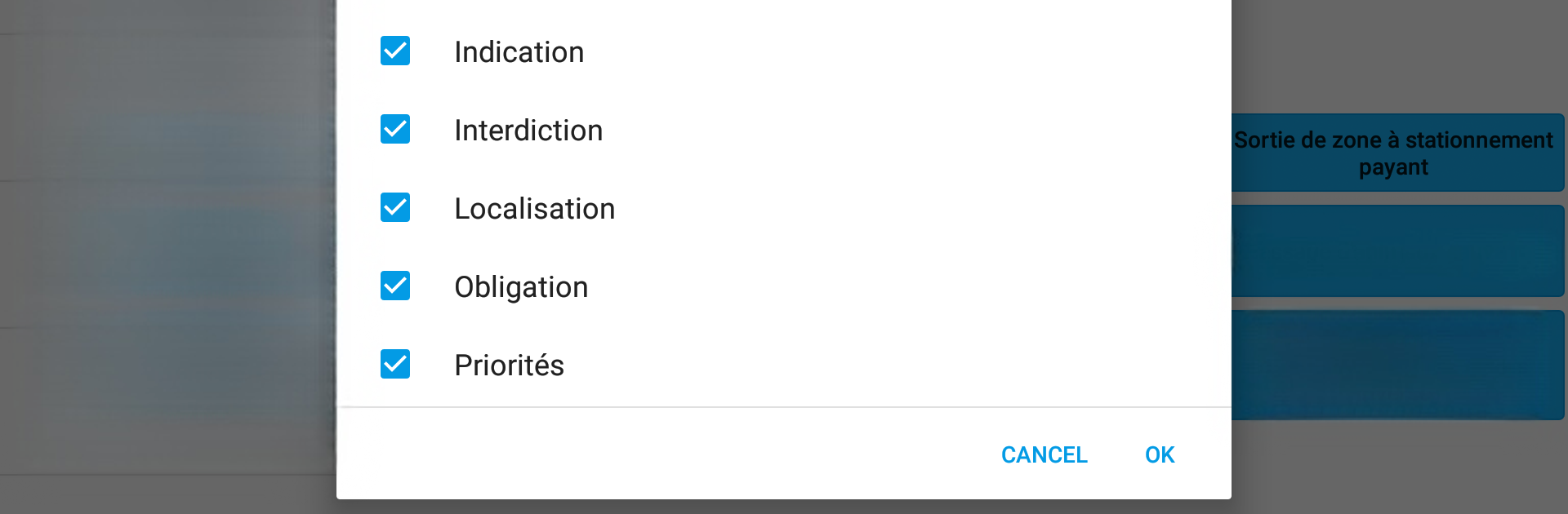
Panneaux routiers: quiz sur le Code de la route is basically a quiz game focused on French road signs, and it works great on PC with BlueStacks. The main thing is, it feels straightforward—no fuss or clutter—and you get these two game modes, so you can switch between a standard multiple choice quiz and a true/false set-up. What stands out is that you can actually pick which signs you want to practice, like if someone only wants to review warning signs or priority signs, it’s easy to zero in on just those. There are different difficulty levels, too, so it can be as chill or as tricky as needed, depending on how many possible answers are thrown in.

Each round, stats pop up so it’s easy to keep track of how it’s going, which makes it kind of addictive to try and improve. All the signs are up-to-date, and there’s a full directory if someone wants to look up details about a particular symbol. Also, it doesn’t need internet to function, so it’s handy offline. Since it’s made for phones and tablets, the interface is super clean, nothing confusing, and it actually runs nicely on a bigger screen with BlueStacks—not always the case with mobile apps. Whether someone is prepping for their driving test or just wants a quick way to refresh their memory, it’s a pretty effective tool.

Big screen. Bigger performance. Use BlueStacks on your PC or Mac to run your favorite apps.

How to Download and Run Panneaux routiers: quiz sur le Code de la route on PC or Mac

  • Download and install BlueStacks on your PC or Mac

  • Complete Google sign-in to access the Play Store, or do it later

  • Look for Panneaux routiers: quiz sur le Code de la route in the search bar at the top right corner

  • Click to install Panneaux routiers: quiz sur le Code de la route from the search results

  • Complete Google sign-in (if you skipped step 2) to install Panneaux routiers: quiz sur le Code de la route

  • Click the Panneaux routiers: quiz sur le Code de la route icon on the home screen to start playing

video
Watch Video

Minimum System Requirements

With BlueStacks 5, you can get started on a PC that fulfills the following requirements.

  • Operating System

    Microsoft Windows 7 or above, macOS 11 (Big Sur) or above

  • Processor

    Intel, AMD or Apple Silicon Processor

  • RAM

    at least 4GB

  • HDD

    10GB Free Disk Space

Note:

* You must be an Administrator on your PC. Up to date graphics drivers from Microsoft or the chipset vendor.

Panneaux routiers: quiz sur le Code de la route - FAQs

  • How to Run Panneaux routiers: quiz sur le Code de la route on Windows PC & Mac?

    Run Panneaux routiers: quiz sur le Code de la route on your PC or Mac by following these simple steps.

    • Click on ‘Download Panneaux routiers: quiz sur le Code de la route on PC’ to download BlueStacks
    • Install it and log-in to Google Play Store
    • Launch and run the app.
  • Why is BlueStacks the fastest and safest platform to play games on PC?

    BlueStacks respects your privacy and is always safe and secure to use. It does not carry any malware, spyware, or any sort of additional software that could harm your PC.

    It is engineered to optimize speed and performance for a seamless gaming experience.

  • What are Panneaux routiers: quiz sur le Code de la route PC requirements?

    Minimum requirement to run Panneaux routiers: quiz sur le Code de la route on your PC

    • OS: Microsoft Windows 7 and above:
    • Processor: Intel or AMD Processor:
    • RAM: Your PC must have at least 2GB of RAM. (Note that having 2GB or more disk space is not a substitute for RAM):
    • HDD: 5GB Free Disk Space.
    • You must be an Administrator on your PC.




