
Smouldering Durtles
Smouldering Durtles

Smouldering Durtles

Education

| Jerry Cooke

Play on PC with BlueStacks or from our cloud

  • Overview
  • How to Download

Page Modified On: September 15, 2025

Run Smouldering Durtles on PC or Mac

Upgrade your experience. Try Smouldering Durtles, the fantastic Education app from Jerry Cooke, from the comfort of your laptop, PC, or Mac, only on BlueStacks.

About the App

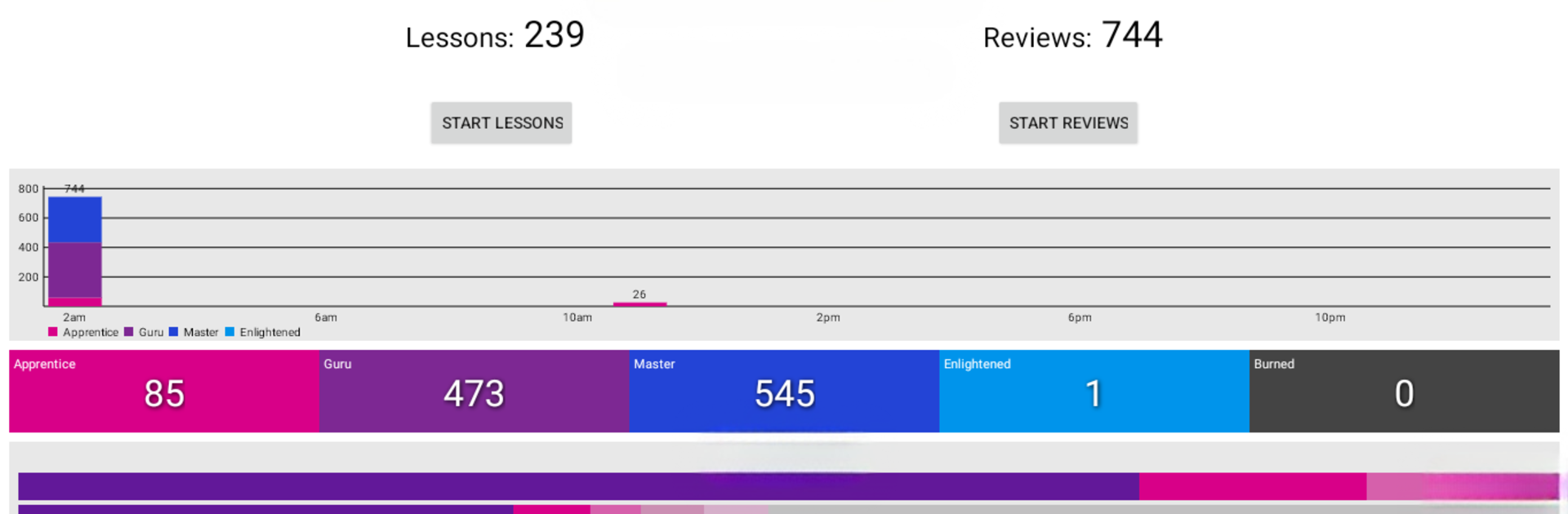
Smouldering Durtles from Jerry Cooke is an Education app built for learners using WaniKani. It adds a smooth, flexible way to handle lessons and reviews, with tools that help you practice the right things at the right time—even when you’re not online. Prefer a bigger screen for study sessions? You can run it on your computer with BlueStacks.

An active WaniKani account is required. This is an independent app and isn’t supported or endorsed by Tofugu.

App Features

  • Powerful search: Pinpoint specific kanji, vocabulary, or radicals fast so you can jump straight to what you need.
  • Self-study quizzes: Test yourself on-demand outside of regular reviews to reinforce tricky items and lock them in.
  • Offline reviews: No connection? No problem. Keep working through your queue and sync when you’re back online.
  • Custom themes: Match your study vibe with themes that make long review streaks easier on the eyes.
  • Smooth lessons and reviews: Clean layouts and quick actions keep you focused on learning, not tapping around menus.
  • Built for WaniKani learners: Uses your WaniKani data to deliver familiar content in a flexible, mobile-friendly workflow.

BlueStacks brings your apps to life on a bigger screen—seamless and straightforward.

How to Download and Run Smouldering Durtles on PC or Mac

  • Download and install BlueStacks on your PC or Mac

  • Complete Google sign-in to access the Play Store, or do it later

  • Look for Smouldering Durtles in the search bar at the top right corner

  • Click to install Smouldering Durtles from the search results

  • Complete Google sign-in (if you skipped step 2) to install Smouldering Durtles

  • Click the Smouldering Durtles icon on the home screen to start playing

video
Watch Video

Minimum System Requirements

With BlueStacks 5, you can get started on a PC that fulfills the following requirements.

  • Operating System

    Microsoft Windows 7 or above, macOS 11 (Big Sur) or above

  • Processor

    Intel, AMD or Apple Silicon Processor

  • RAM

    at least 4GB

  • HDD

    10GB Free Disk Space

Note:

* You must be an Administrator on your PC. Up to date graphics drivers from Microsoft or the chipset vendor.

Smouldering Durtles - FAQs

  • How to Run Smouldering Durtles on Windows PC & Mac?

    Run Smouldering Durtles on your PC or Mac by following these simple steps.

    • Click on ‘Download Smouldering Durtles on PC’ to download BlueStacks
    • Install it and log-in to Google Play Store
    • Launch and run the app.
  • Why is BlueStacks the fastest and safest platform to play games on PC?

    BlueStacks respects your privacy and is always safe and secure to use. It does not carry any malware, spyware, or any sort of additional software that could harm your PC.

    It is engineered to optimize speed and performance for a seamless gaming experience.

  • What are Smouldering Durtles PC requirements?

    Minimum requirement to run Smouldering Durtles on your PC

    • OS: Microsoft Windows 7 and above:
    • Processor: Intel or AMD Processor:
    • RAM: Your PC must have at least 2GB of RAM. (Note that having 2GB or more disk space is not a substitute for RAM):
    • HDD: 5GB Free Disk Space.
    • You must be an Administrator on your PC.




