
Star Roam Sky Map Planet

Star Roam Sky Map Planet

Education

| Findout World Inc

Play on PC with BlueStacks or from our cloud

  • Overview
  • How to Download

Page Modified On: October 04, 2025

Run Star Roam Sky Map Planet on PC or Mac

Multitask effortlessly on your PC or Mac as you try out Star Roam Sky Map Planet, a Education app by Findout World Inc on BlueStacks.

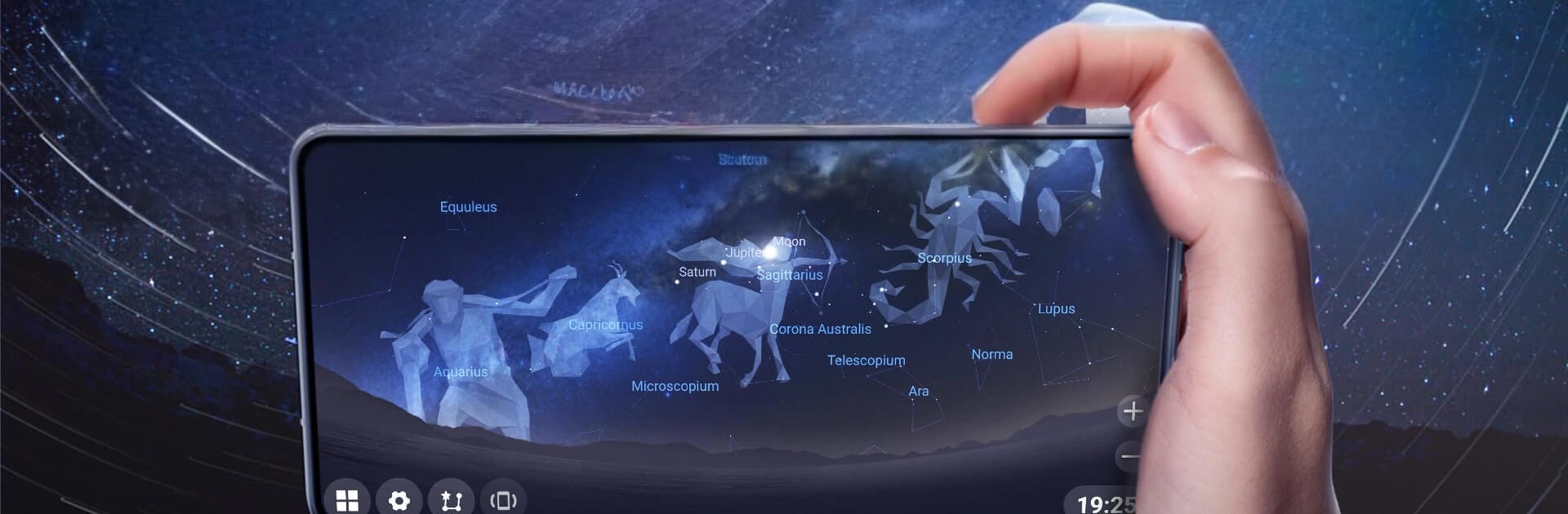
Star Roam Sky Map Planet feels like a pocket planetarium that is not trying to be complicated. Point it at the sky and it labels what is up there in real time. Stars, constellations, planets, even nebulae and a few satellites pop up with names and basic info. The coolest trick is how it lets someone scrub through time. Slide forward to see where Mars will sit tomorrow, or rewind a season to check last year’s sky from a different place on Earth. It also simulates sunrise, sunset, and that hazy bend of the atmosphere, so scenes look closer to how the sky actually appears. There is a lot of data packed in, so zooming in keeps revealing more objects instead of running out of things to see. It even shows constellations from different cultures, which is a nice touch for learning how other traditions connect the dots.

On PC with BlueStacks, it works well for browsing and planning. The phone tilt stuff turns into simple mouse drag to pan, scroll to zoom, and typing in a location or time is easier with a keyboard. Without a sensor, auto tracking is not the star of the show, but the map stays smooth and responsive. It runs offline too, so someone can take a laptop out to a dark spot and still look up names while the internet is a maybe. Overall it is relaxed, friendly, and surprisingly deep without making the user study first.

BlueStacks brings your apps to life on a bigger screen—seamless and straightforward.

How to Download and Run Star Roam Sky Map Planet on PC or Mac

  • Download and install BlueStacks on your PC or Mac

  • Complete Google sign-in to access the Play Store, or do it later

  • Look for Star Roam Sky Map Planet in the search bar at the top right corner

  • Click to install Star Roam Sky Map Planet from the search results

  • Complete Google sign-in (if you skipped step 2) to install Star Roam Sky Map Planet

  • Click the Star Roam Sky Map Planet icon on the home screen to start playing

video
Watch Video

Minimum System Requirements

With BlueStacks 5, you can get started on a PC that fulfills the following requirements.

  • Operating System

    Microsoft Windows 7 or above, macOS 11 (Big Sur) or above

  • Processor

    Intel, AMD or Apple Silicon Processor

  • RAM

    at least 4GB

  • HDD

    10GB Free Disk Space

Note:

* You must be an Administrator on your PC. Up to date graphics drivers from Microsoft or the chipset vendor.

Star Roam Sky Map Planet - FAQs

  • How to Run Star Roam Sky Map Planet on Windows PC & Mac?

    Run Star Roam Sky Map Planet on your PC or Mac by following these simple steps.

    • Click on ‘Download Star Roam Sky Map Planet on PC’ to download BlueStacks
    • Install it and log-in to Google Play Store
    • Launch and run the app.
  • Why is BlueStacks the fastest and safest platform to play games on PC?

    BlueStacks respects your privacy and is always safe and secure to use. It does not carry any malware, spyware, or any sort of additional software that could harm your PC.

    It is engineered to optimize speed and performance for a seamless gaming experience.

  • What are Star Roam Sky Map Planet PC requirements?

    Minimum requirement to run Star Roam Sky Map Planet on your PC

    • OS: Microsoft Windows 7 and above:
    • Processor: Intel or AMD Processor:
    • RAM: Your PC must have at least 2GB of RAM. (Note that having 2GB or more disk space is not a substitute for RAM):
    • HDD: 5GB Free Disk Space.
    • You must be an Administrator on your PC.




