




Let BlueStacks turn your PC, Mac, or laptop into the perfect home for Voice Training Pro, a fun Education app from Learn To Master.
About the App
Voice Training Pro turns your phone into a personal vocal coach, giving instant feedback as you sing. Built by Learn To Master in the Education genre, it uses a piano-based guide and clear visuals so you know exactly where your pitch lands. New to singing or already gigging? You’ll get structured exercises, honest scoring, and tools that actually help you improve. Prefer a larger view of the keyboard? You can also run it on your computer with BlueStacks.
App Features
- Real-time pitch feedback: The app listens as you sing and shows how close you are to the target note—right down to the cents.
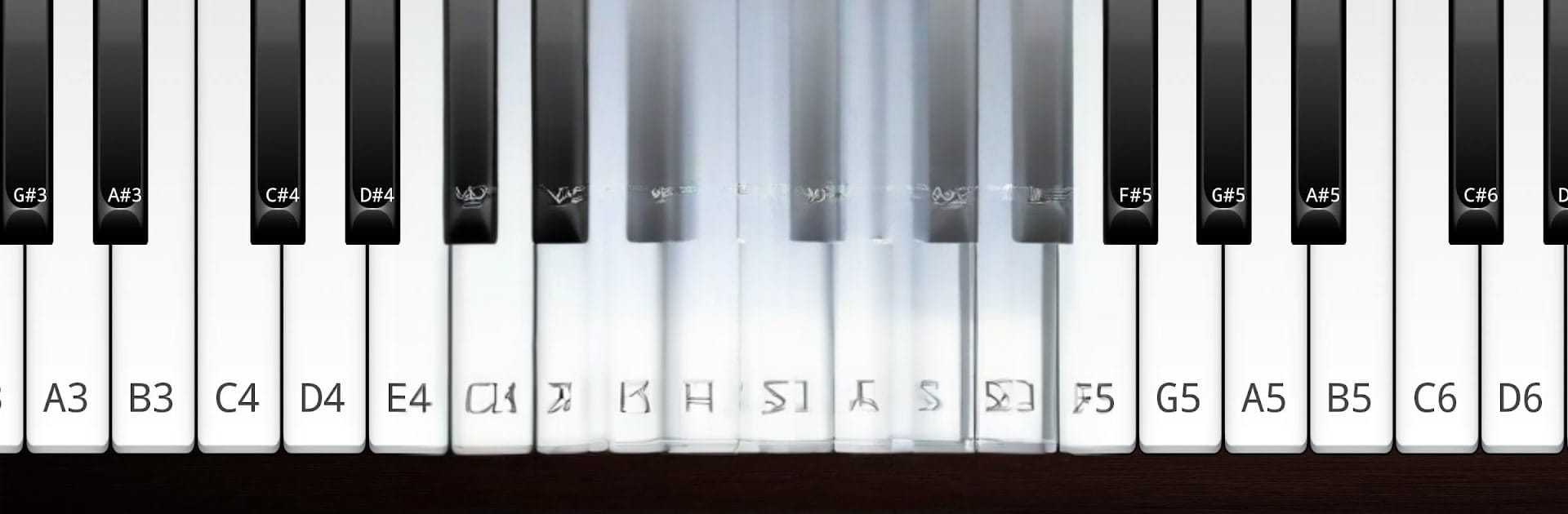
- Guided piano view: Target notes and your current pitch are highlighted on the keyboard, so you can correct in the moment.
- Progress you can see: Track scores, save results, and collect stars as your accuracy and control improve.
- Coach-designed training: Exercises shaped with professional singing teachers for efficient, practical practice.
- Complete vocal workout: Build perfect pitch, expand your vocal range, and explore different styles with focused drills.
- Ad-free, all included: This Pro version has no ads and unlocks all content.
- Sing the Note game: Ideal for beginners and useful for pros—train your ear and hit notes precisely.
- Vocal Range Builder: Step-by-step levels help you relax, reach higher and lower notes, and safely grow your range.
- Free Sing + recording: Sing freely while the keyboard shows your pitches. Record, save, and play back to hear your progress.
- Use your own backing tracks: Practice with rhythm by selecting MP3 or WAV tracks from your library.
- Phrase trainer & intervals: Practice short phrases and interval jumps with analysis that shows what landed and what missed.
- Hold the Pitch challenge: See how long you can sustain a note; your best times are saved automatically.
- Interval test prep: Get immediate feedback on specific intervals—great for exam prep or ear training.
- Harmony trainer: Learn to sing harmonies with guided levels and instant feedback.
- Vocal agility workouts: Build confidence with riffs and runs—follow famous examples or program your own patterns for improvisation.
BlueStacks brings your apps to life on a bigger screen—seamless and straightforward.





