Grow Forest
Grow Forest

Grow Forest

Educational

| Gro Play Digital

Play on PC with BlueStacks or from our cloud

  • Overview
  • Game Features
  • How to Play

Page Modified On: May 05, 2026

Play Grow Forest on PC or Mac

Join millions to experience Grow Forest, an exciting Educational game from Gro Play Digital. With BlueStacks App Player, you are always a step ahead of your opponent, ready to outplay them with faster gameplay and better control with the mouse and keyboard on your PC or Mac.

About the Game

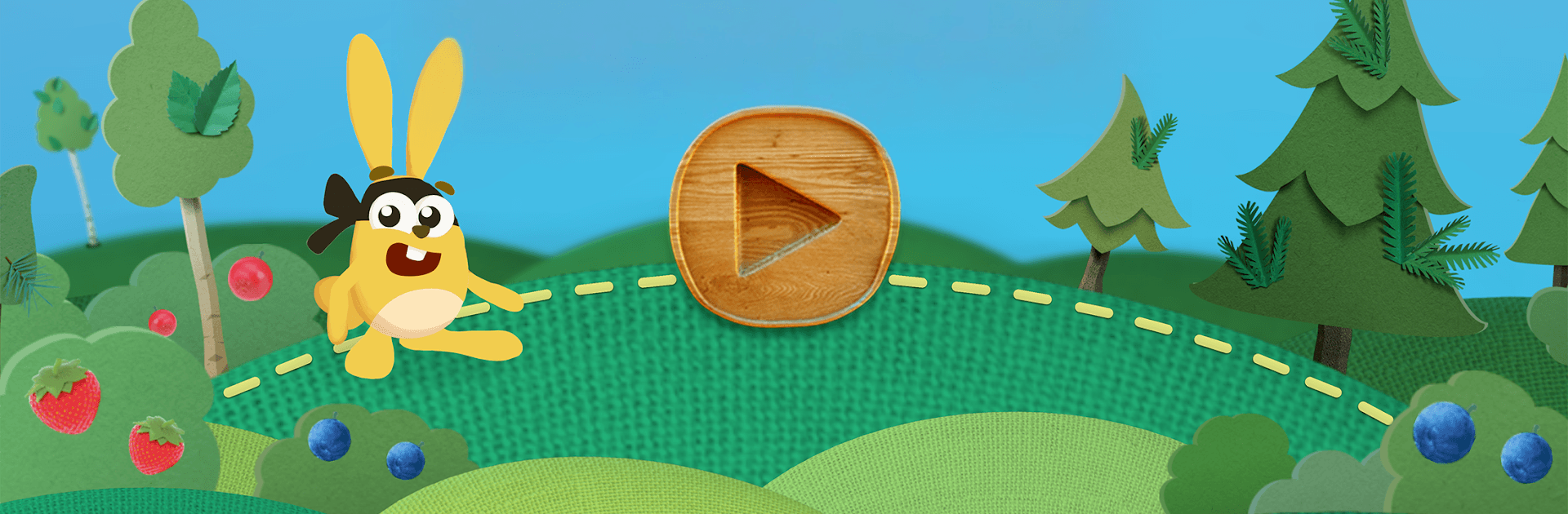
Grow Forest is a cozy, hands-on world where kids help Banja and friends care for a living woodland. From Gro Play Digital, this Educational adventure blends building, crafting, and gentle exploration with playful characters (yes, even imps and trolls). It’s relaxed, creative, and full of small surprises—kids can shape the forest at their own pace, and learn a bit about how nature works along the way. Playing on BlueStacks is also a smooth option if you want simple keyboard-and-mouse controls on PC.

Game Features

  • Nurture the Forest: Plant trees, harvest wood responsibly, and keep the ecosystem happy. When the forest thrives, animals, people, and the quirky forest spirits feel it too.
  • Build and Create: Use your materials to put up houses, fix old buildings, lay roads, and craft neat extras—there’s even room for making comic books.
  • 14 Mini-Games: Short, varied activities cover everything from planting and painting to resource tasks, so there’s always something new to try.
  • Friendly Faces: Meet Banja and a cast of cheerful neighbors, plus magical creatures who react to how you care for their home.
  • Learn by Doing: Simple, kid-ready lessons touch on sustainable forestry and climate change without getting heavy—just curious and practical.
  • Calm, No-Pressure Play: No timers, no stress, no getting stuck. Kids set the pace and explore freely.
  • Kid-Safe Environment: Designed for ages 3–9 with an easy interface and no third‑party ads.
  • Handcrafted Look and Sound: Warm, hand-drawn visuals and gentle forest audio make the world feel welcoming and alive.
  • Keep Your World: Start for free and, if you want more, a one-time in‑app purchase unlocks the full experience while keeping your existing progress.

Make your gaming sessions memorable with precise controls that give you an edge in close combats and visuals that pop up, bringing every character to life.


Game Features

Enhancements

  • Macros
  • Multi Instance
  • Multi Instance Sync
  • Script
  • Enhancements
Macros

Macros

Automate the predictable in Grow Forest and transform your gameplay with Macros. Get access to inventive Macros in the BlueStacks Macro Community
Multi Instance

Multi Instance

Play Grow Forest on one window. And chat with your friend on the other. Press CTRL + Shift + 8 to open the Multi-Instance Manager. And start creating fresh instances or clone an existing one.
Multi Instance Sync

Multi Instance Sync

Play Grow Forest with the power of Multi-Instance Sync. Replicate what you are doing on the main instance on all other instances. Level up faster, play more.
Script

Script

Script your way to gaming glory in Grow Forest with BlueStacks Script. Write and run a set of commands to automate repeated tasks. Trigger the command by assigning it to any key.
Read More

How to Download and Play Grow Forest on PC or Mac

  • Download and install BlueStacks on your PC or Mac

  • Complete Google sign-in to access the Play Store, or do it later

  • Look for Grow Forest in the search bar at the top right corner

  • Click to install Grow Forest from the search results

  • Complete Google sign-in (if you skipped step 2) to install Grow Forest

  • Click the Grow Forest icon on the home screen to start playing

video
Watch Video

Minimum System Requirements

With BlueStacks 5, you can get started on a PC that fulfills the following requirements.

  • Operating System

    Microsoft Windows 7 or above, macOS 11 (Big Sur) or above

  • Processor

    Intel, AMD or Apple Silicon Processor

  • RAM

    at least 4GB

  • HDD

    10GB Free Disk Space

Note:

* You must be an Administrator on your PC. Up to date graphics drivers from Microsoft or the chipset vendor.

Grow Forest - FAQs

  • How to play Grow Forest on Windows PC & Mac?

    Play Grow Forest on your PC or Mac by following these simple steps.

    • Click on 'Play Grow Forest on PC’ to download BlueStacks
    • Install it and log-in to Google Play Store
    • Launch and play the game.
  • Why is BlueStacks the fastest and safest platform to play games on PC?

    BlueStacks respects your privacy and is always safe and secure to use. It does not carry any malware, spyware, or any sort of additional software that could harm your PC.

    It is engineered to optimize speed and performance for a seamless gaming experience.

  • What are Grow Forest PC requirements?

    Minimum requirement to run Grow Forest on your PC

    • OS: Microsoft Windows 7 or above MacOS 11 (Big Sur) or above
    • Processor: Intel, AMD or Apple Silicon Processor
    • RAM: Your PC must have at least 4GB of RAM. (Note that having 4GB or more disk space is not a substitute for RAM)
    • HDD: 10GB Free Disk Space.
    • You must be an Administrator on your PC.