Pocket Town - Animal World

Pocket Town - Animal World

Educational

| TutoTOONS

Play on PC with BlueStacks or from our cloud

  • Overview
  • Game Features
  • How to Play

Page Modified On: January 02, 2026

Play Pocket Town - Animal World on PC or Mac

Join millions to experience Pocket Town – Animal World, an exciting Educational game from TutoTOONS. With BlueStacks App Player, you are always a step ahead of your opponent, ready to outplay them with faster gameplay and better control with the mouse and keyboard on your PC or Mac.

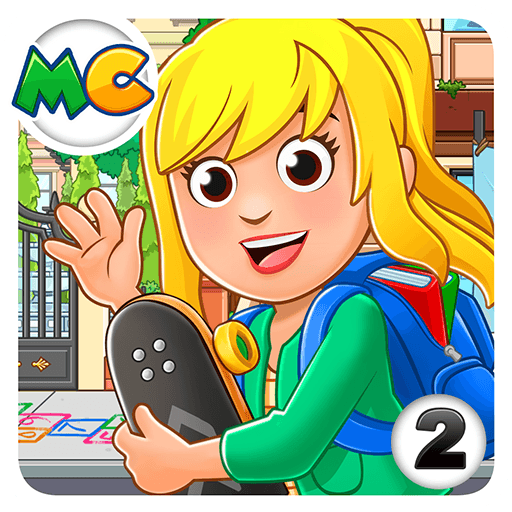
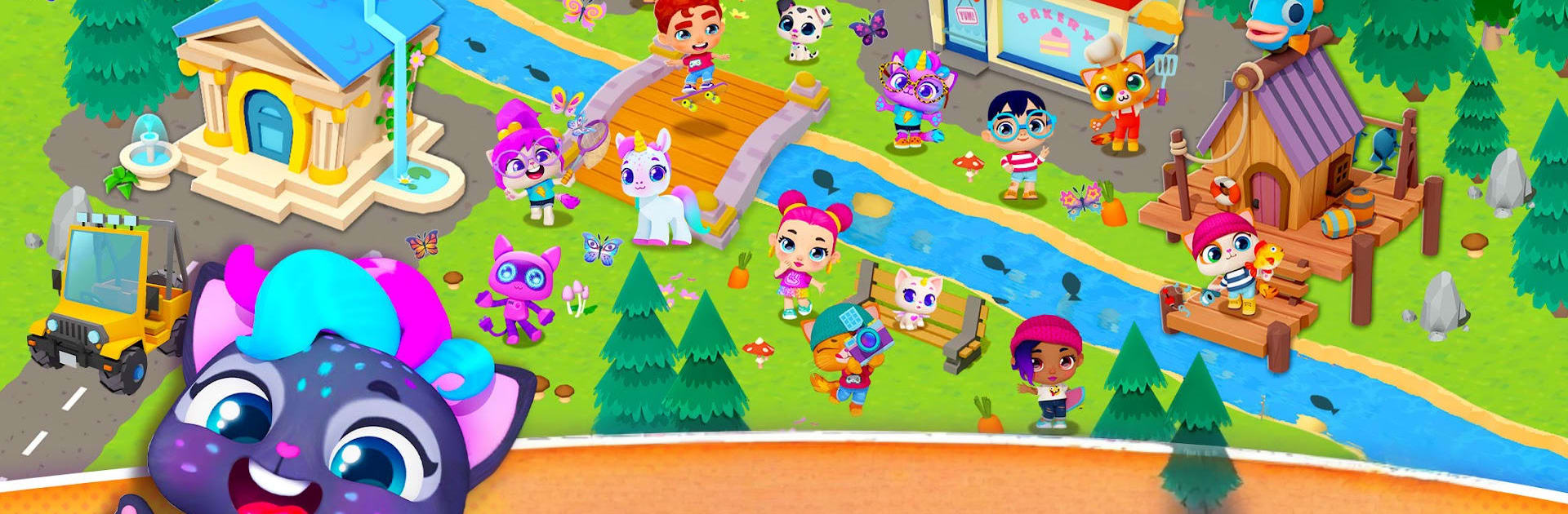
Pocket Town – Animal World feels like a cozy toy box that happens to be a town. Players pick a cute character, then start shaping a tiny 3D neighborhood, meeting friendly neighbors and taking on simple quests that make the place feel busy in a good way. It rewards curiosity. Tap an object and something usually happens. Scooping up items, trying tools, figuring out what the fishing rod, the stove, or the camera does. There is a relaxed pace, no pressure, more about poking around and making the space feel alive. When dinner time shows up, catch fish, or skip fish and cook something else. There are short jeep races for a change of pace, and the game makes a funny deal out of refueling, so yes, the tank actually needs gas. Doing quests for locals builds friendships and unlocks more little scenes.

Dress up is a whole thing. Outfits and accessories are front and center, and the photo mode lets players snap goofy in-game pictures when the town looks just right. The map is small but colorful, so younger players will not get lost, and older ones can still enjoy the little chain reactions from mixing tools and props. It plays nicely on PC with BlueStacks, since a mouse makes dragging objects easier and driving can use keys if that feels better. Expect a family friendly tone, very low stress, and lots of small interactions over deep strategy. Worth knowing, most content sits behind a subscription, so anyone looking for a one time purchase or a long, complex city sim may want to set expectations. It is clearly built for kids, but someone who likes cozy toy box builders might still enjoy tinkering with the town.

Ready to top the leaderboard? We bet you do. Let precise controls and sharp visuals optimized on BlueStacks lead you to victory.


Game Features

Enhancements

  • Macros
  • Multi Instance
  • Multi Instance Sync
  • Script
  • Enhancements
Macros

Macros

Automate the predictable in Pocket Town - Animal World and transform your gameplay with Macros. Get access to inventive Macros in the BlueStacks Macro Community
Multi Instance

Multi Instance

Play Pocket Town - Animal World on one window. And chat with your friend on the other. Press CTRL + Shift + 8 to open the Multi-Instance Manager. And start creating fresh instances or clone an existing one.
Multi Instance Sync

Multi Instance Sync

Play Pocket Town - Animal World with the power of Multi-Instance Sync. Replicate what you are doing on the main instance on all other instances. Level up faster, play more.
Script

Script

Script your way to gaming glory in Pocket Town - Animal World with BlueStacks Script. Write and run a set of commands to automate repeated tasks. Trigger the command by assigning it to any key.
Read More

How to Download and Play Pocket Town - Animal World on PC or Mac

  • Download and install BlueStacks on your PC or Mac

  • Complete Google sign-in to access the Play Store, or do it later

  • Look for Pocket Town - Animal World in the search bar at the top right corner

  • Click to install Pocket Town - Animal World from the search results

  • Complete Google sign-in (if you skipped step 2) to install Pocket Town - Animal World

  • Click the Pocket Town - Animal World icon on the home screen to start playing

video
Watch Video

Minimum System Requirements

With BlueStacks 5, you can get started on a PC that fulfills the following requirements.

  • Operating System

    Microsoft Windows 7 or above, macOS 11 (Big Sur) or above

  • Processor

    Intel, AMD or Apple Silicon Processor

  • RAM

    at least 4GB

  • HDD

    10GB Free Disk Space

Note:

* You must be an Administrator on your PC. Up to date graphics drivers from Microsoft or the chipset vendor.

Pocket Town - Animal World - FAQs

  • How to play Pocket Town - Animal World on Windows PC & Mac?

    Play Pocket Town - Animal World on your PC or Mac by following these simple steps.

    • Click on 'Play Pocket Town - Animal World on PC’ to download BlueStacks
    • Install it and log-in to Google Play Store
    • Launch and play the game.
  • Why is BlueStacks the fastest and safest platform to play games on PC?

    BlueStacks respects your privacy and is always safe and secure to use. It does not carry any malware, spyware, or any sort of additional software that could harm your PC.

    It is engineered to optimize speed and performance for a seamless gaming experience.

  • What are Pocket Town - Animal World PC requirements?

    Minimum requirement to run Pocket Town - Animal World on your PC

    • OS: Microsoft Windows 7 or above MacOS 11 (Big Sur) or above
    • Processor: Intel, AMD or Apple Silicon Processor
    • RAM: Your PC must have at least 4GB of RAM. (Note that having 4GB or more disk space is not a substitute for RAM)
    • HDD: 10GB Free Disk Space.
    • You must be an Administrator on your PC.