Сказки Чуковского аудио детям

Сказки Чуковского аудио детям

Educational

| Mama papa

Play on PC with BlueStacks or from our cloud

  • Overview
  • Game Features
  • How to Play

Page Modified On: September 12, 2025

Play Сказки Чуковского аудио детям on PC or Mac

From the innovators and creators at Family Kids Studio, Сказки Чуковского аудио детям is another fun addition to the World of Educational games. Go beyond your mobile screen and play it bigger and better on your PC or Mac. An immersive experience awaits you.

About the Game

Сказки Чуковского аудио детям is a warm, simple way to share classic Kornei Chukovsky tales with your child. This Educational release from Family Kids Studio offers gentle story time you can play at night or explore together during the day. No fuss—just familiar rhymes and cozy bedtime moments.

Game Features

  • Offline listening: Works without an internet connection, so you can play stories anywhere—on trips, in the park, or right before lights out.
  • Ad-free and fully free: No ads, no paywalls. The entire library is open for your family from the start.
  • Easy bedtime player: A straightforward audio player makes it simple to start a tale, pause, or switch to another without waking a sleepy kid.
  • Listen or read: Prefer to read during the day and listen at night? You can do both, depending on your routine.
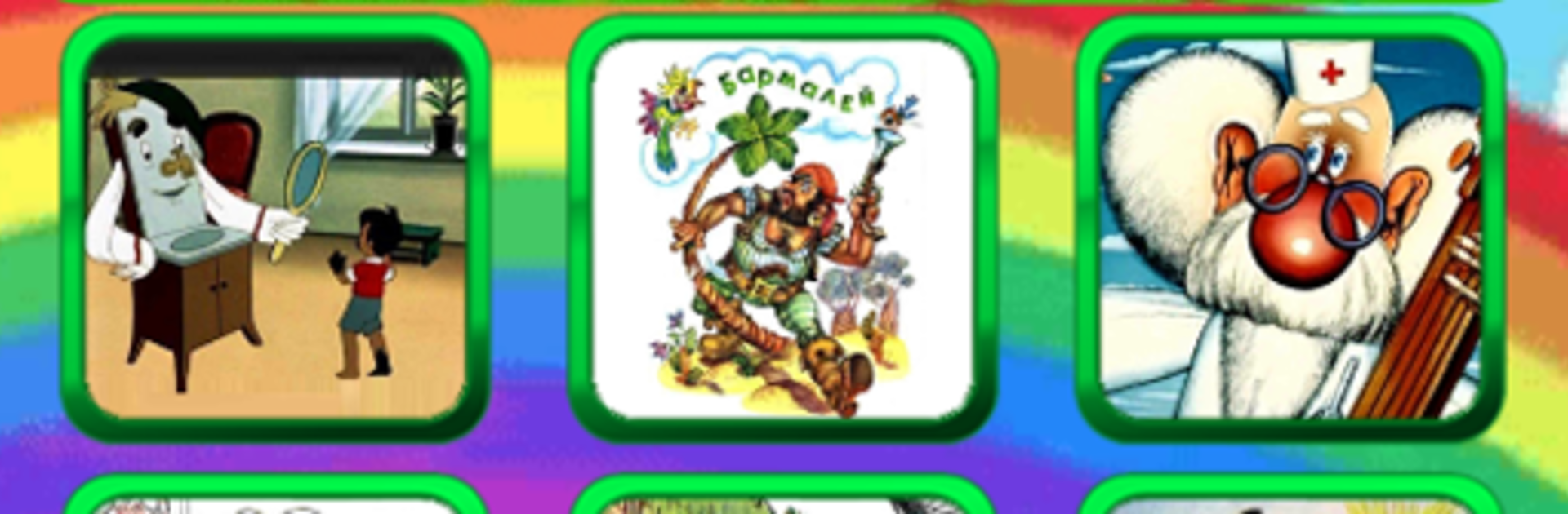
  • Classic tales included: Enjoy favorites like Мойдодыр, Бармалей, Айболит, Телефон, Федорина Горе, Краденое солнце, Муха-Цокотуха, Топтыгин и Луна, Чудо-дерево, Путаница, Закаляка, and Котауси и Мауси.
  • Gentle learning: Chukovsky’s playful rhymes and stories encourage kindness and curiosity, a nice fit for early learning moments.
  • Kid-friendly layout: Clean, intuitive navigation helps little listeners (and tired parents) find the next story fast.
  • Plays nicely on PC: Prefer a bigger screen for easier controls? You can run it on your computer with BlueStacks when that’s more convenient.

Make your gaming sessions memorable with precise controls that give you an edge in close combats and visuals that pop up, bringing every character to life.


Game Features

Enhancements

  • Macros
  • Multi Instance
  • Multi Instance Sync
  • Script
  • Enhancements
Macros

Macros

Automate the predictable in Сказки Чуковского аудио детям and transform your gameplay with Macros. Get access to inventive Macros in the BlueStacks Macro Community
Multi Instance

Multi Instance

Play Сказки Чуковского аудио детям on one window. And chat with your friend on the other. Press CTRL + Shift + 8 to open the Multi-Instance Manager. And start creating fresh instances or clone an existing one.
Multi Instance Sync

Multi Instance Sync

Play Сказки Чуковского аудио детям with the power of Multi-Instance Sync. Replicate what you are doing on the main instance on all other instances. Level up faster, play more.
Script

Script

Script your way to gaming glory in Сказки Чуковского аудио детям with BlueStacks Script. Write and run a set of commands to automate repeated tasks. Trigger the command by assigning it to any key.
Read More

How to Download and Play Сказки Чуковского аудио детям on PC or Mac

  • Download and install BlueStacks on your PC or Mac

  • Complete Google sign-in to access the Play Store, or do it later

  • Look for Сказки Чуковского аудио детям in the search bar at the top right corner

  • Click to install Сказки Чуковского аудио детям from the search results

  • Complete Google sign-in (if you skipped step 2) to install Сказки Чуковского аудио детям

  • Click the Сказки Чуковского аудио детям icon on the home screen to start playing

video
Watch Video

Minimum System Requirements

With BlueStacks 5, you can get started on a PC that fulfills the following requirements.

  • Operating System

    Microsoft Windows 7 or above, macOS 11 (Big Sur) or above

  • Processor

    Intel, AMD or Apple Silicon Processor

  • RAM

    at least 4GB

  • HDD

    10GB Free Disk Space

Note:

* You must be an Administrator on your PC. Up to date graphics drivers from Microsoft or the chipset vendor.

Сказки Чуковского аудио детям - FAQs

  • How to play Сказки Чуковского аудио детям on Windows PC & Mac?

    Play Сказки Чуковского аудио детям on your PC or Mac by following these simple steps.

    • Click on 'Play Сказки Чуковского аудио детям on PC’ to download BlueStacks
    • Install it and log-in to Google Play Store
    • Launch and play the game.
  • Why is BlueStacks the fastest and safest platform to play games on PC?

    BlueStacks respects your privacy and is always safe and secure to use. It does not carry any malware, spyware, or any sort of additional software that could harm your PC.

    It is engineered to optimize speed and performance for a seamless gaming experience.

  • What are Сказки Чуковского аудио детям PC requirements?

    Minimum requirement to run Сказки Чуковского аудио детям on your PC

    • OS: Microsoft Windows 7 or above MacOS 11 (Big Sur) or above
    • Processor: Intel, AMD or Apple Silicon Processor
    • RAM: Your PC must have at least 4GB of RAM. (Note that having 4GB or more disk space is not a substitute for RAM)
    • HDD: 10GB Free Disk Space.
    • You must be an Administrator on your PC.