WebMO
WebMO

WebMO

Educational

| WebMO, LLC

Play on PC with BlueStacks or from our cloud

  • Overview
  • Game Features
  • How to Play

Page Modified On: August 29, 2025

Play WebMO on PC or Mac

Bring your A-game to WebMO, the Educational game sensation from WebMO, LLC. Give your gameplay the much-needed boost with precise game controls, high FPS graphics, and top-tier features on your PC or Mac with BlueStacks.

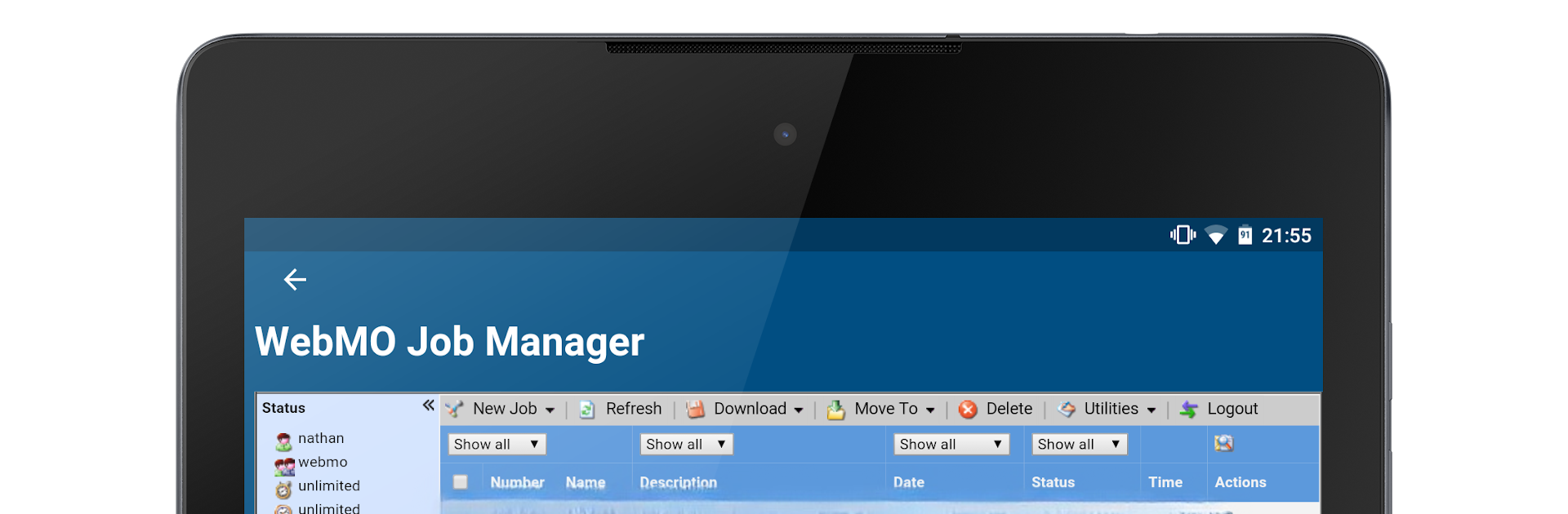
WebMO feels less like a traditional game and more like a pocket lab that someone can tinker with for hours. On PC with BlueStacks, the 3D builder is smooth with a mouse, so dragging atoms and bonds into place feels quick and tidy. They can even say a molecule name like aspirin and watch a full structure pop in, then clean it up with VSEPR or molecular mechanics. The fun part is orbitals and surfaces. Turn on Huckel molecular orbitals, paint electron density or electrostatic potential, spin the model around, and the shapes actually start to make sense. Seeing point groups and symmetry elements appear on screen is oddly satisfying when a molecule lines up just right.

It is also stacked with handy lookups. A tap brings up IUPAC names, formulas, molar mass, and links out to PubChem or ChemSpider for deeper info. Spectra are right there too, with IR, UV-VIS, NMR, and mass data pulled from places like NIST or NMRShiftDB, which is super useful when someone wants to compare peaks. Snap a high-res image, save structures locally, or toss files over email if a quick share is needed. Hook it to a WebMO server and it turns into a front end for the big chemistry codes like Gaussian, ORCA, NWChem, Quantum Espresso, VASP, and more. Submit a job, watch it run, and then poke through geometry, partial charges, dipole moments, normal modes with animations, orbital plots, and formatted tables. It suits students, tutors, and anyone who likes seeing molecules act like real objects rather than flat drawings.

Start your journey now. Download the game on BlueStacks, invite your friends, and march on a new adventure.


Game Features

Enhancements

  • Macros
  • Multi Instance
  • Multi Instance Sync
  • Script
  • Enhancements
Macros

Macros

Automate the predictable in WebMO and transform your gameplay with Macros. Get access to inventive Macros in the BlueStacks Macro Community
Multi Instance

Multi Instance

Play WebMO on one window. And chat with your friend on the other. Press CTRL + Shift + 8 to open the Multi-Instance Manager. And start creating fresh instances or clone an existing one.
Multi Instance Sync

Multi Instance Sync

Play WebMO with the power of Multi-Instance Sync. Replicate what you are doing on the main instance on all other instances. Level up faster, play more.
Script

Script

Script your way to gaming glory in WebMO with BlueStacks Script. Write and run a set of commands to automate repeated tasks. Trigger the command by assigning it to any key.
Read More

How to Download and Play WebMO on PC or Mac

  • Download and install BlueStacks on your PC or Mac

  • Complete Google sign-in to access the Play Store, or do it later

  • Look for WebMO in the search bar at the top right corner

  • Click to install WebMO from the search results

  • Complete Google sign-in (if you skipped step 2) to install WebMO

  • Click the WebMO icon on the home screen to start playing

video
Watch Video

Minimum System Requirements

With BlueStacks 5, you can get started on a PC that fulfills the following requirements.

  • Operating System

    Microsoft Windows 7 or above, macOS 11 (Big Sur) or above

  • Processor

    Intel, AMD or Apple Silicon Processor

  • RAM

    at least 4GB

  • HDD

    10GB Free Disk Space

Note:

* You must be an Administrator on your PC. Up to date graphics drivers from Microsoft or the chipset vendor.

WebMO - FAQs

  • How to play WebMO on Windows PC & Mac?

    Play WebMO on your PC or Mac by following these simple steps.

    • Click on 'Play WebMO on PC’ to download BlueStacks
    • Install it and log-in to Google Play Store
    • Launch and play the game.
  • Why is BlueStacks the fastest and safest platform to play games on PC?

    BlueStacks respects your privacy and is always safe and secure to use. It does not carry any malware, spyware, or any sort of additional software that could harm your PC.

    It is engineered to optimize speed and performance for a seamless gaming experience.

  • What are WebMO PC requirements?

    Minimum requirement to run WebMO on your PC

    • OS: Microsoft Windows 7 or above MacOS 11 (Big Sur) or above
    • Processor: Intel, AMD or Apple Silicon Processor
    • RAM: Your PC must have at least 4GB of RAM. (Note that having 4GB or more disk space is not a substitute for RAM)
    • HDD: 10GB Free Disk Space.
    • You must be an Administrator on your PC.