
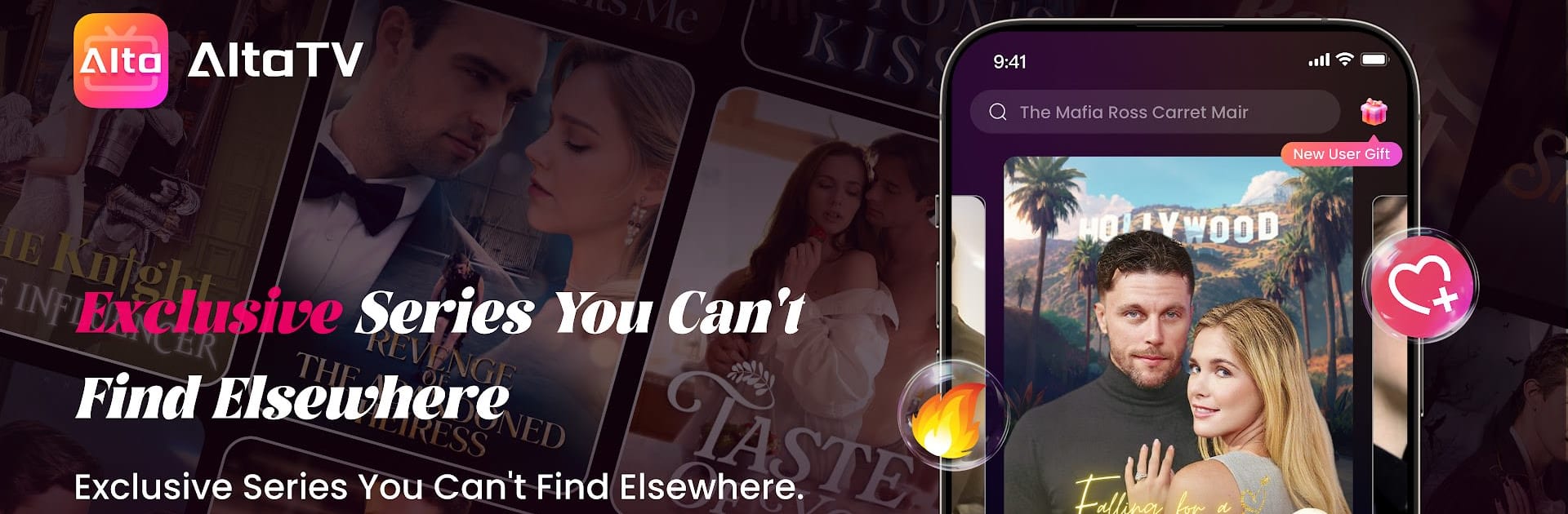
AltaTV - Drama Shorts

AltaTV - Drama Shorts

Entertainment

| ALTA TALENT INC

Play on PC with BlueStacks or from our cloud

  • Overview
  • How to Download

Page Modified On: January 13, 2026

Run AltaTV - Drama Shorts on PC or Mac

Why limit yourself to your small screen on the phone? Run AltaTV – Drama Shorts, an app by ALTA TALENT INC, best experienced on your PC or Mac with BlueStacks, the world’s #1 Android emulator.

AltaTV is basically a feed of super short dramas, most episodes are around a minute, so it suits quick breaks or that awkward time before a meeting starts. There is no monthly plan hanging over it. The first few parts of a series are free, then it switches to pay-per-episode that costs just a tiny amount, or you can unlock a lot of stuff by watching ads. So the loop is simple. pick a show, watch a minute, maybe watch an ad, then the next minute. If someone really dislikes ads, paying per episode makes more sense.

Genres are all over the usual drama map. romance, suspense, thriller, messy love triangles, that sort of thing. New series and episodes pop in every week, so the queue does not go stale. The app leans hard into cliffhangers, so even a 60 second scene tends to end on a hook. It is fun and a little chaotic, characters move fast and plots jump ahead, which is the point. Great for snacking, less great if someone wants a slow burn with lots of build up.

On PC with BlueStacks it works fine. scrolling with a mouse, full screen helps when subtitles or captions are tiny, and it keeps playing smoothly. The layout is clean and easy, tap into a series and it keeps the minutes rolling. Just know the business model is pay-as-you-go or ad-supported, not all-you-can-watch, which some people actually prefer since you only pay for what you finish. If quick drama bites sound good, this fits that niche really well.

Ready to experience AltaTV – Drama Shorts on a bigger screen, in all its glory? Download BlueStacks now.


How to Download and Run AltaTV - Drama Shorts on PC or Mac

  • Download and install BlueStacks on your PC or Mac

  • Complete Google sign-in to access the Play Store, or do it later

  • Look for AltaTV - Drama Shorts in the search bar at the top right corner

  • Click to install AltaTV - Drama Shorts from the search results

  • Complete Google sign-in (if you skipped step 2) to install AltaTV - Drama Shorts

  • Click the AltaTV - Drama Shorts icon on the home screen to start playing

video
Watch Video

Minimum System Requirements

With BlueStacks 5, you can get started on a PC that fulfills the following requirements.

  • Operating System

    Microsoft Windows 7 or above, macOS 11 (Big Sur) or above

  • Processor

    Intel, AMD or Apple Silicon Processor

  • RAM

    at least 4GB

  • HDD

    10GB Free Disk Space

Note:

* You must be an Administrator on your PC. Up to date graphics drivers from Microsoft or the chipset vendor.

AltaTV - Drama Shorts - FAQs

  • How to Run AltaTV - Drama Shorts on Windows PC & Mac?

    Run AltaTV - Drama Shorts on your PC or Mac by following these simple steps.

    • Click on ‘Download AltaTV - Drama Shorts on PC’ to download BlueStacks
    • Install it and log-in to Google Play Store
    • Launch and run the app.
  • Why is BlueStacks the fastest and safest platform to play games on PC?

    BlueStacks respects your privacy and is always safe and secure to use. It does not carry any malware, spyware, or any sort of additional software that could harm your PC.

    It is engineered to optimize speed and performance for a seamless gaming experience.

  • What are AltaTV - Drama Shorts PC requirements?

    Minimum requirement to run AltaTV - Drama Shorts on your PC

    • OS: Microsoft Windows 7 and above:
    • Processor: Intel or AMD Processor:
    • RAM: Your PC must have at least 2GB of RAM. (Note that having 2GB or more disk space is not a substitute for RAM):
    • HDD: 5GB Free Disk Space.
    • You must be an Administrator on your PC.



