
Deerc FPV
Deerc FPV

Deerc FPV

Entertainment

| Xiamen Huoshiquan Import & Export CO., LTD

Play on PC with BlueStacks or from our cloud

  • Overview
  • How to Download

Page Modified On: October 03, 2025

Run Deerc FPV on PC or Mac

Get freedom from your phone’s obvious limitations. Use Deerc FPV, made by Xiamen Huoshiquan Import & Export CO., LTD, a Entertainment app on your PC or Mac with BlueStacks, and level up your experience.

About the App

Deerc FPV puts you right in the pilot seat with a live camera view from your quadcopter streaming straight to your phone. Created by Xiamen Huoshiquan Import & Export CO., LTD, this Entertainment app focuses on what matters: smooth flying, a clean live feed, and quick tools to capture what you see. Want to practice flights or frame a cool shot? It’s all handled in one simple place.

App Features

  • Real-time FPV preview: Watch a live view from your drone’s Wi‑Fi camera while you fly for confident, on-the-spot control.
  • Tap to record and shoot: Start/stop video or snap photos instantly—no digging through menus mid‑flight.
  • Multiple resolutions: Pick VGA, 720P, or 1080P depending on your quality and storage needs.
  • 3D view mode: Try the split-screen option for a more immersive look with compatible viewers.
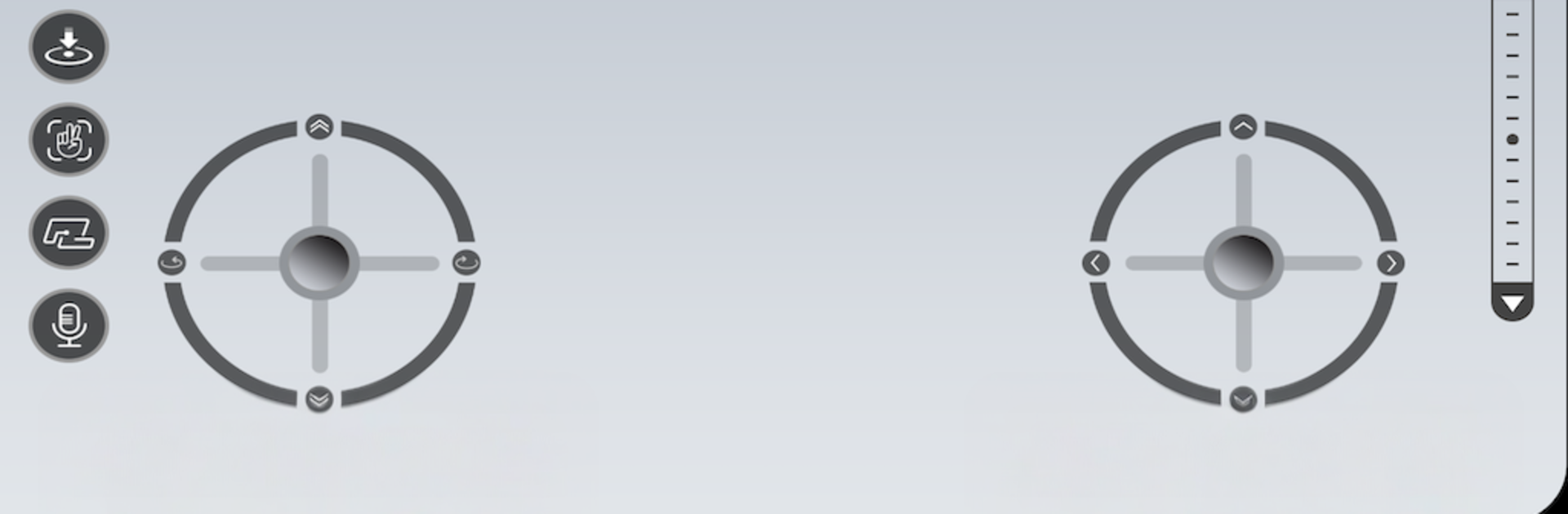
  • Intuitive flight controls: On‑screen controls keep takeoffs, turns, and landings straightforward and responsive.
  • Quick setup: Connect to the drone’s Wi‑Fi and you’re ready to roll—no complicated pairing steps.
  • Built-in gallery: Check your footage and photos right after landing so you can re-fly or reshoot on the spot.

If you prefer a bigger view, you can also run Deerc FPV on your computer with BlueStacks for a wider live preview while you fly.

Ready to experience Deerc FPV on a bigger screen, in all its glory? Download BlueStacks now.

How to Download and Run Deerc FPV on PC or Mac

  • Download and install BlueStacks on your PC or Mac

  • Complete Google sign-in to access the Play Store, or do it later

  • Look for Deerc FPV in the search bar at the top right corner

  • Click to install Deerc FPV from the search results

  • Complete Google sign-in (if you skipped step 2) to install Deerc FPV

  • Click the Deerc FPV icon on the home screen to start playing

video
Watch Video

Minimum System Requirements

With BlueStacks 5, you can get started on a PC that fulfills the following requirements.

  • Operating System

    Microsoft Windows 7 or above, macOS 11 (Big Sur) or above

  • Processor

    Intel, AMD or Apple Silicon Processor

  • RAM

    at least 4GB

  • HDD

    10GB Free Disk Space

Note:

* You must be an Administrator on your PC. Up to date graphics drivers from Microsoft or the chipset vendor.

Deerc FPV - FAQs

  • How to Run Deerc FPV on Windows PC & Mac?

    Run Deerc FPV on your PC or Mac by following these simple steps.

    • Click on ‘Download Deerc FPV on PC’ to download BlueStacks
    • Install it and log-in to Google Play Store
    • Launch and run the app.
  • Why is BlueStacks the fastest and safest platform to play games on PC?

    BlueStacks respects your privacy and is always safe and secure to use. It does not carry any malware, spyware, or any sort of additional software that could harm your PC.

    It is engineered to optimize speed and performance for a seamless gaming experience.

  • What are Deerc FPV PC requirements?

    Minimum requirement to run Deerc FPV on your PC

    • OS: Microsoft Windows 7 and above:
    • Processor: Intel or AMD Processor:
    • RAM: Your PC must have at least 2GB of RAM. (Note that having 2GB or more disk space is not a substitute for RAM):
    • HDD: 5GB Free Disk Space.
    • You must be an Administrator on your PC.




