
Dino - Meet New Friends

Dino - Meet New Friends

Entertainment

| THE GREAT DINO LIMITED

Play on PC with BlueStacks or from our cloud

  • Overview
  • How to Download

Page Modified On: January 06, 2026

Run Dino - Meet New Friends on PC or Mac

Multitask effortlessly on your PC or Mac as you try out Dino – Meet New Friends, a Entertainment app by THE GREAT DINO LIMITED on BlueStacks.

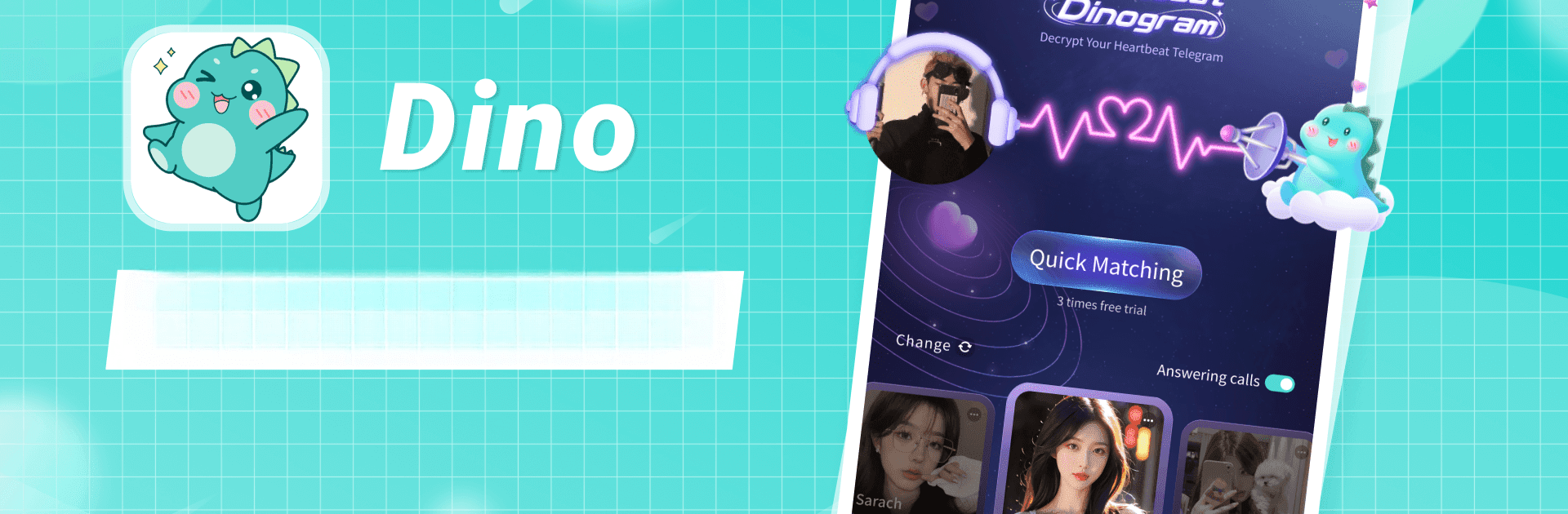
Dino feels like walking into a bunch of open voice rooms where people are chatting, singing, or just keeping someone company. It is voice-first, so the whole thing leans on real conversations rather than perfect selfies. The Heartbeat Dinogram feature pairs people in real time, almost like quick voice dates, then they can keep talking if the spark is there. There are hosts with warm, easy voices who keep rooms lively, and the rooms seem to run all day, so hopping in for a short break or a long talk both works fine.

Outside the rooms, there is a Moments feed where users post snippets of daily life, so it does not feel anonymous. Matching is not random either. It lets someone filter with MBTI, horoscope, tags, and a photo wall, which helps line up interests instead of wading through noise. It even lets people set relationship labels like CP, brother, besties, sister, or master and disciple. Sounds quirky, but it actually helps define how people want to connect, whether playful or more serious. The whole thing suits anyone who prefers voice over video and wants company without pressure. On PC with BlueStacks, it is easier to keep a room open on the side, type faster in chat, and use a decent mic and headphones. Some nights it is chill, some nights it is alot more lively, but it rarely feels empty.

BlueStacks brings your apps to life on a bigger screen—seamless and straightforward.

How to Download and Run Dino - Meet New Friends on PC or Mac

  • Download and install BlueStacks on your PC or Mac

  • Complete Google sign-in to access the Play Store, or do it later

  • Look for Dino - Meet New Friends in the search bar at the top right corner

  • Click to install Dino - Meet New Friends from the search results

  • Complete Google sign-in (if you skipped step 2) to install Dino - Meet New Friends

  • Click the Dino - Meet New Friends icon on the home screen to start playing

video
Watch Video

Minimum System Requirements

With BlueStacks 5, you can get started on a PC that fulfills the following requirements.

  • Operating System

    Microsoft Windows 7 or above, macOS 11 (Big Sur) or above

  • Processor

    Intel, AMD or Apple Silicon Processor

  • RAM

    at least 4GB

  • HDD

    10GB Free Disk Space

Note:

* You must be an Administrator on your PC. Up to date graphics drivers from Microsoft or the chipset vendor.

Dino - Meet New Friends - FAQs

  • How to Run Dino - Meet New Friends on Windows PC & Mac?

    Run Dino - Meet New Friends on your PC or Mac by following these simple steps.

    • Click on ‘Download Dino - Meet New Friends on PC’ to download BlueStacks
    • Install it and log-in to Google Play Store
    • Launch and run the app.
  • Why is BlueStacks the fastest and safest platform to play games on PC?

    BlueStacks respects your privacy and is always safe and secure to use. It does not carry any malware, spyware, or any sort of additional software that could harm your PC.

    It is engineered to optimize speed and performance for a seamless gaming experience.

  • What are Dino - Meet New Friends PC requirements?

    Minimum requirement to run Dino - Meet New Friends on your PC

    • OS: Microsoft Windows 7 and above:
    • Processor: Intel or AMD Processor:
    • RAM: Your PC must have at least 2GB of RAM. (Note that having 2GB or more disk space is not a substitute for RAM):
    • HDD: 5GB Free Disk Space.
    • You must be an Administrator on your PC.




