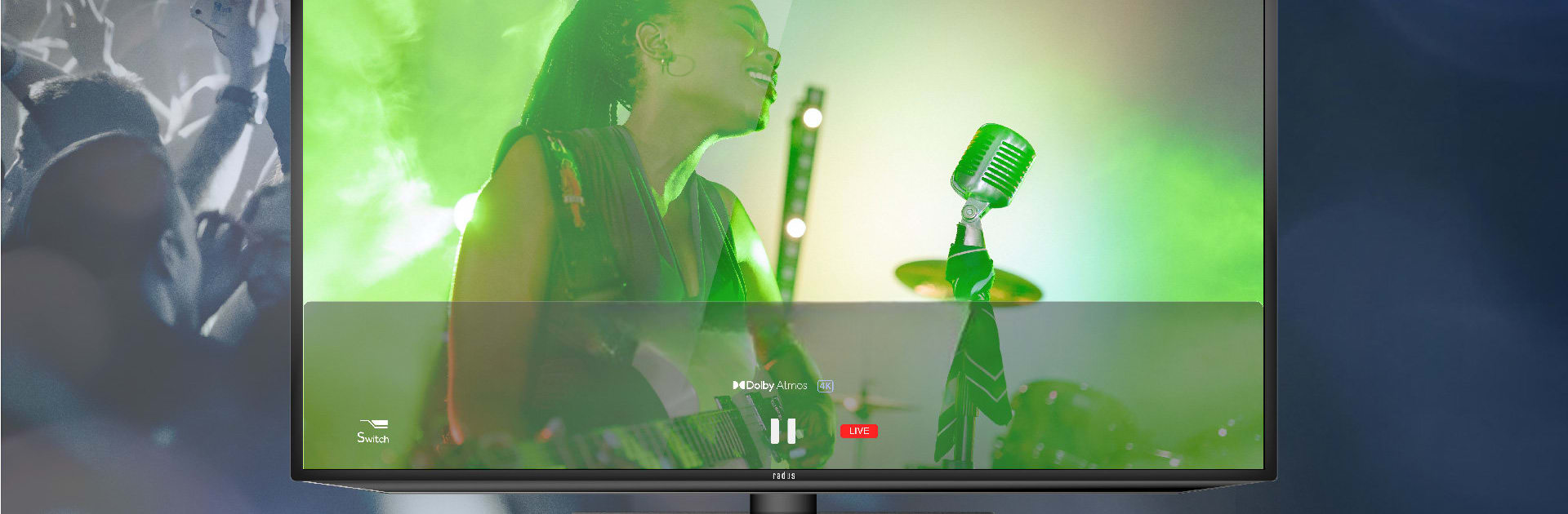
NeSTREAM LIVE
NeSTREAM LIVE

NeSTREAM LIVE

Entertainment

| radius co., ltd.

Play on PC with BlueStacks or from our cloud

  • Overview
  • How to Download

Page Modified On: November 28, 2025

Run NeSTREAM LIVE on PC or Mac

Get freedom from your phone’s obvious limitations. Use NeSTREAM LIVE, made by radius co., ltd., a Entertainment app on your PC or Mac with BlueStacks, and level up your experience.

About the App

NeSTREAM LIVE from radius co., ltd. turns ticketed concerts and special performances into immersive at‑home streams. This Entertainment app supports Dolby Atmos and 4K‑ready video, so you get that “live venue” feel without leaving the couch. Just enter the event code and serial from your ticket or card and you’re ready to watch.

App Features

  • Big, spacious sound (Dolby Atmos): Hear instruments and effects around and above you for a clear, lifelike mix that feels like you’re standing in the crowd.
  • Crisp, event‑ready video: Enjoy up to 4K picture quality when provided by the event, with DRM‑protected streaming to keep content secure and stable.
  • Easy code‑based access: Use the event code and serial code from your NeSTREAM LIVE ticket or serial card—no complicated setup. Codes from other services won’t work here.
  • Multiple audio formats supported: Streams can include Dolby Atmos, Dolby Digital Plus (DD+), and AAC. Actual formats and maximum quality depend on the content you’re watching.
  • Simple ticket flow across devices: The serial input method works across operating systems, so you can sign in and enjoy on the device you prefer.
  • Rights‑respecting playback: Recording and screenshots are disabled to protect creators. The app doesn’t read personal identifiers, and any prohibited activity may be logged on the server with your authentication code.
  • Quick pre‑show check: Before a performance, test your setup with sample clips and make sure you’ve accepted the terms for purchasing and viewing.
  • Watch on a bigger screen: Prefer a desktop setup? You can run NeSTREAM LIVE on BlueStacks to stream comfortably on your PC.

Ready to experience NeSTREAM LIVE on a bigger screen, in all its glory? Download BlueStacks now.

How to Download and Run NeSTREAM LIVE on PC or Mac

  • Download and install BlueStacks on your PC or Mac

  • Complete Google sign-in to access the Play Store, or do it later

  • Look for NeSTREAM LIVE in the search bar at the top right corner

  • Click to install NeSTREAM LIVE from the search results

  • Complete Google sign-in (if you skipped step 2) to install NeSTREAM LIVE

  • Click the NeSTREAM LIVE icon on the home screen to start playing

video
Watch Video

Minimum System Requirements

With BlueStacks 5, you can get started on a PC that fulfills the following requirements.

  • Operating System

    Microsoft Windows 7 or above, macOS 11 (Big Sur) or above

  • Processor

    Intel, AMD or Apple Silicon Processor

  • RAM

    at least 4GB

  • HDD

    10GB Free Disk Space

Note:

* You must be an Administrator on your PC. Up to date graphics drivers from Microsoft or the chipset vendor.

NeSTREAM LIVE - FAQs

  • How to Run NeSTREAM LIVE on Windows PC & Mac?

    Run NeSTREAM LIVE on your PC or Mac by following these simple steps.

    • Click on ‘Download NeSTREAM LIVE on PC’ to download BlueStacks
    • Install it and log-in to Google Play Store
    • Launch and run the app.
  • Why is BlueStacks the fastest and safest platform to play games on PC?

    BlueStacks respects your privacy and is always safe and secure to use. It does not carry any malware, spyware, or any sort of additional software that could harm your PC.

    It is engineered to optimize speed and performance for a seamless gaming experience.

  • What are NeSTREAM LIVE PC requirements?

    Minimum requirement to run NeSTREAM LIVE on your PC

    • OS: Microsoft Windows 7 and above:
    • Processor: Intel or AMD Processor:
    • RAM: Your PC must have at least 2GB of RAM. (Note that having 2GB or more disk space is not a substitute for RAM):
    • HDD: 5GB Free Disk Space.
    • You must be an Administrator on your PC.