GoCine - Filmes e Séries

GoCine - Filmes e Séries

Entertainment

| M & E Aplicativos

Play on PC with BlueStacks or from our cloud

  • Overview
  • How to Download

Page Modified On: November 20, 2025

Run GoCine - Filmes e Séries on PC or Mac

What’s better than using GoCine – Filmes e Séries by M & E Aplicativos? Well, try it on a big screen, on your PC or Mac, with BlueStacks to see the difference.

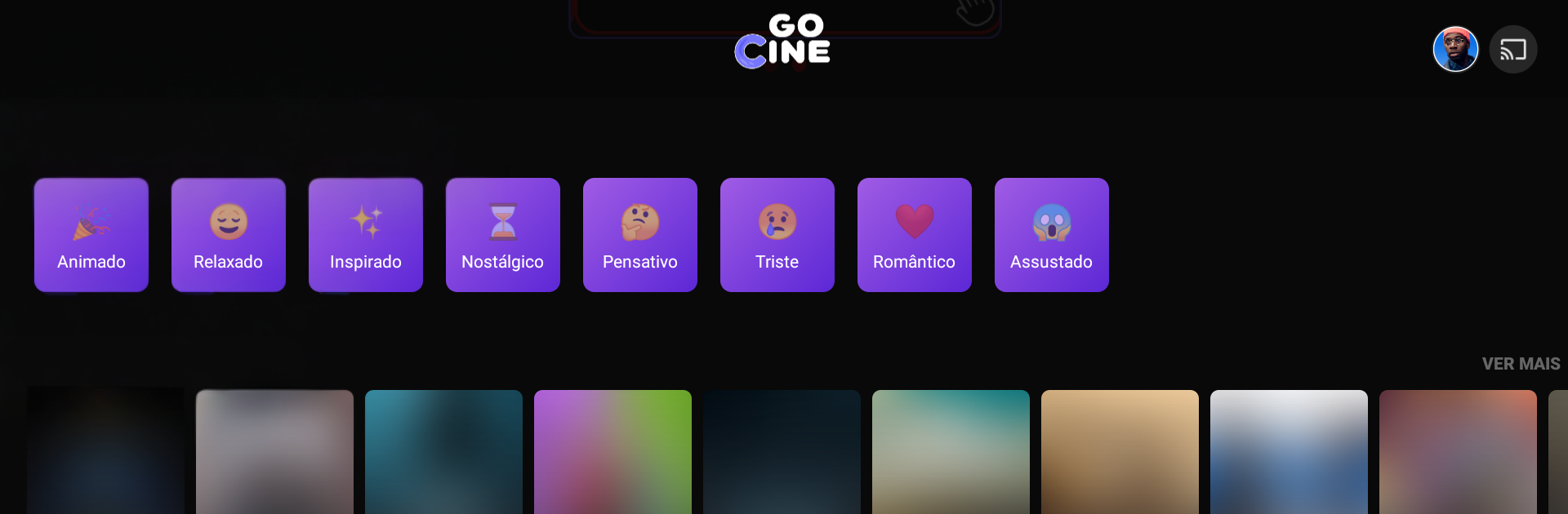
GoCine feels like a clean, fast guide for movies, series, and anime rather than a place to watch full episodes. It focuses on helping someone figure out what to watch next, with quick access to synopses, cast lists, runtime, country info, and the usual basics that are useful when picking a title. The layout is simple and light, so browsing by genre, popularity, or new releases does not feel heavy. On a PC with BlueStacks it scales nicely, search is easy with a keyboard, and trailers look better on a bigger screen, so it works well as a planning tool before pressing play somewhere else. It is also known as CineTela, and there is a noticeable love for Japanese cinema and animation in the catalog, while still covering the big mainstream stuff.

What stands out is how above-board it is. There are official trailers and teasers pulled from places like YouTube and TMDb, and no shady links or full movie streams. Suggestions adapt to viewing history and preferred genres, there is a favorites list to keep a personal watch queue, and weekly updates keep things feeling current. There is even a small education corner with free videos on filmmaking, screenwriting, and directing that play inside the app, more like mini classes than entertainment. News and trivia are folded in for anyone who likes behind the scenes bits. For someone who wants a reliable, up-to-date catalog to browse on a desktop setup, it gets the job done without fuss.

Big screen. Bigger performance. Use BlueStacks on your PC or Mac to run your favorite apps.

How to Download and Run GoCine - Filmes e Séries on PC or Mac

  • Download and install BlueStacks on your PC or Mac

  • Complete Google sign-in to access the Play Store, or do it later

  • Look for GoCine - Filmes e Séries in the search bar at the top right corner

  • Click to install GoCine - Filmes e Séries from the search results

  • Complete Google sign-in (if you skipped step 2) to install GoCine - Filmes e Séries

  • Click the GoCine - Filmes e Séries icon on the home screen to start playing

video
Watch Video

Minimum System Requirements

With BlueStacks 5, you can get started on a PC that fulfills the following requirements.

  • Operating System

    Microsoft Windows 7 or above, macOS 11 (Big Sur) or above

  • Processor

    Intel, AMD or Apple Silicon Processor

  • RAM

    at least 4GB

  • HDD

    10GB Free Disk Space

Note:

* You must be an Administrator on your PC. Up to date graphics drivers from Microsoft or the chipset vendor.

GoCine - Filmes e Séries - FAQs

  • How to Run GoCine - Filmes e Séries on Windows PC & Mac?

    Run GoCine - Filmes e Séries on your PC or Mac by following these simple steps.

    • Click on ‘Download GoCine - Filmes e Séries on PC’ to download BlueStacks
    • Install it and log-in to Google Play Store
    • Launch and run the app.
  • Why is BlueStacks the fastest and safest platform to play games on PC?

    BlueStacks respects your privacy and is always safe and secure to use. It does not carry any malware, spyware, or any sort of additional software that could harm your PC.

    It is engineered to optimize speed and performance for a seamless gaming experience.

  • What are GoCine - Filmes e Séries PC requirements?

    Minimum requirement to run GoCine - Filmes e Séries on your PC

    • OS: Microsoft Windows 7 and above:
    • Processor: Intel or AMD Processor:
    • RAM: Your PC must have at least 2GB of RAM. (Note that having 2GB or more disk space is not a substitute for RAM):
    • HDD: 5GB Free Disk Space.
    • You must be an Administrator on your PC.