
Gun Sounds app: Gun Simulator

Gun Sounds app: Gun Simulator

Entertainment

| Navicosoft-Games

Play on PC with BlueStacks or from our cloud

  • Overview
  • How to Download

Page Modified On: January 09, 2026

Run Gun Sounds app: Gun Simulator on PC or Mac

Upgrade your experience. Try Gun Sounds app: Gun Simulator, the fantastic Entertainment app from Navicosoft-Games, from the comfort of your laptop, PC, or Mac, only on BlueStacks.

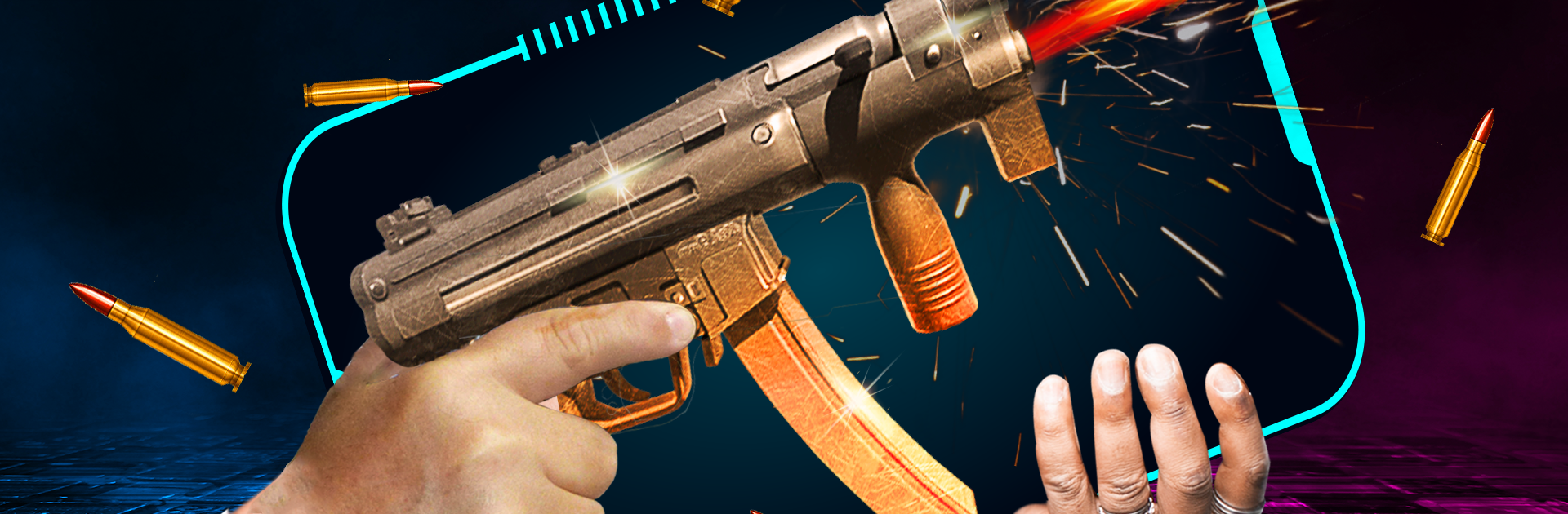
Gun Sounds app: Gun Simulator is basically a big, tidy soundboard for firearms. It gives a bunch of clean, punchy recordings that actually sound like the guns they are labeled as, from small pistols to chunky shotguns and fast machine guns. Pick a weapon, tap to fire, and it pops off with a sharp crack and a bit of echo that feels right in headphones or decent speakers. There is even a timer bomb effect for that ticking countdown then boom moment. The layout keeps things simple, so it takes about two seconds to figure out where everything is. No complicated menus, just pick, fire, swap, repeat. It feels more like a toy box of sounds than a game, and that is the point.

On PC with BlueStacks it works fine and the audio has more weight through desktop speakers, which kind of helps sell the illusion. The app is best for people who enjoy sound effects, want a quick prop for a video or a prank ringtone, or just like hearing the differences between a pistol crack and a rifle thump. There are lots of guns to try, and the recordings are crisp without weird distortion. Nothing dangerous here, just a low effort way to play with weapon sounds without any risk, and yes, it is surprisingly satisfying to flip through and find a favorite blast.

Switch to BlueStacks and make the most of your apps on your PC or Mac.

How to Download and Run Gun Sounds app: Gun Simulator on PC or Mac

  • Download and install BlueStacks on your PC or Mac

  • Complete Google sign-in to access the Play Store, or do it later

  • Look for Gun Sounds app: Gun Simulator in the search bar at the top right corner

  • Click to install Gun Sounds app: Gun Simulator from the search results

  • Complete Google sign-in (if you skipped step 2) to install Gun Sounds app: Gun Simulator

  • Click the Gun Sounds app: Gun Simulator icon on the home screen to start playing

video
Watch Video

Minimum System Requirements

With BlueStacks 5, you can get started on a PC that fulfills the following requirements.

  • Operating System

    Microsoft Windows 7 or above, macOS 11 (Big Sur) or above

  • Processor

    Intel, AMD or Apple Silicon Processor

  • RAM

    at least 4GB

  • HDD

    10GB Free Disk Space

Note:

* You must be an Administrator on your PC. Up to date graphics drivers from Microsoft or the chipset vendor.

Gun Sounds app: Gun Simulator - FAQs

  • How to Run Gun Sounds app: Gun Simulator on Windows PC & Mac?

    Run Gun Sounds app: Gun Simulator on your PC or Mac by following these simple steps.

    • Click on ‘Download Gun Sounds app: Gun Simulator on PC’ to download BlueStacks
    • Install it and log-in to Google Play Store
    • Launch and run the app.
  • Why is BlueStacks the fastest and safest platform to play games on PC?

    BlueStacks respects your privacy and is always safe and secure to use. It does not carry any malware, spyware, or any sort of additional software that could harm your PC.

    It is engineered to optimize speed and performance for a seamless gaming experience.

  • What are Gun Sounds app: Gun Simulator PC requirements?

    Minimum requirement to run Gun Sounds app: Gun Simulator on your PC

    • OS: Microsoft Windows 7 and above:
    • Processor: Intel or AMD Processor:
    • RAM: Your PC must have at least 2GB of RAM. (Note that having 2GB or more disk space is not a substitute for RAM):
    • HDD: 5GB Free Disk Space.
    • You must be an Administrator on your PC.




