
HiTV - Dramas & Movie Hub

HiTV - Dramas & Movie Hub

Entertainment

| Super drama world

Play on PC with BlueStacks or from our cloud

  • Overview
  • How to Download

Page Modified On: December 29, 2025

Run HiTV - Dramas & Movie Hub on PC or Mac

Get freedom from your phone’s obvious limitations. Use HiTV – Dramas & Movie Hub, made by Super drama world, a Entertainment app on your PC or Mac with BlueStacks, and level up your experience.

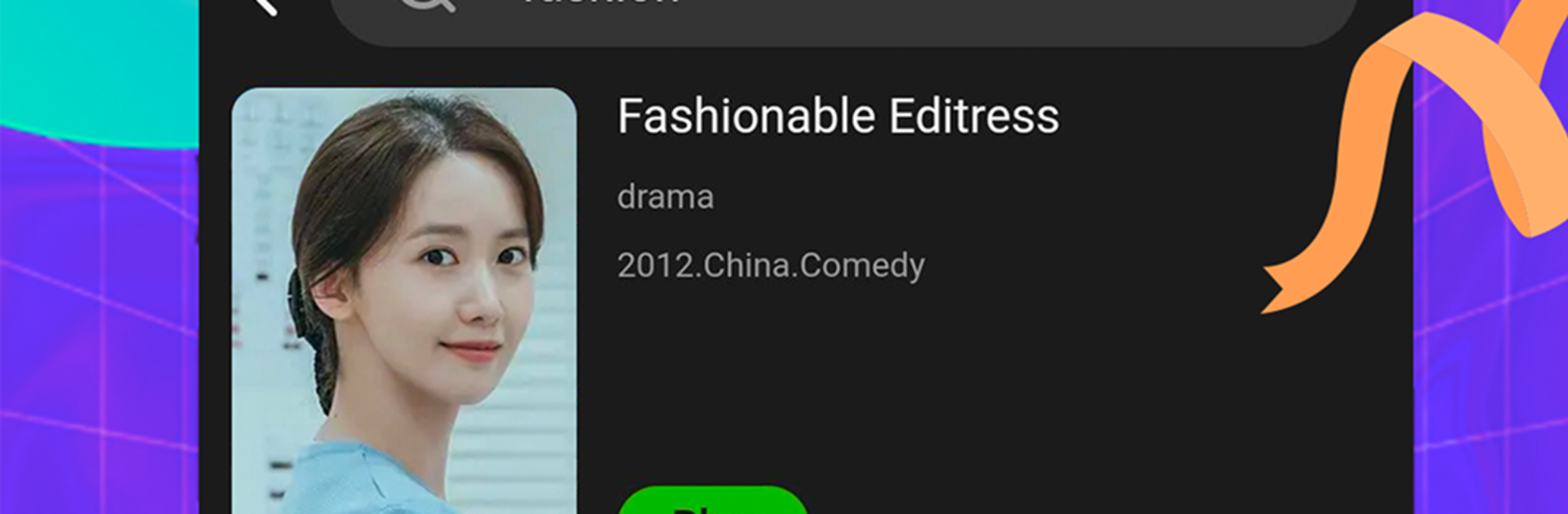
HiTV is basically a clean hub for Asian dramas and movies, the kind of app that makes it simple to jump from a Korean romance to a Chinese historical epic to a Thai comedy without fuss. The library feels alive, with new titles showing up often, and the layout keeps the focus on watching rather than digging through menus. Episodes load fast and the HD quality looks crisp, even on a big monitor. Running it on a PC with BlueStacks makes it feel like a lightweight streaming site, with easy scrolling, quick search, and no cramped phone screen stuff.

What stands out is how practical it is. Streaming feels smooth across different connections, not just perfect Wi Fi, and downloads are there if someone wants offline viewing for a flight or a commute. Subtitles and the interface cover several languages, including English, Vietnamese, Simplified Chinese, Indonesian, Thai, and Arabic, so it is friendly for mixed households or anyone learning a language. The app remembers where someone stopped, keeps history tidy, and nudges the next episode without hunting for it. Genres are clear, so picking romance, action, historical, or comedy is straightforward, and browsing by country is simple too. It comes across as a watch first app, less about fluff features and more about getting into the next show without delay.

Big screen. Bigger performance. Use BlueStacks on your PC or Mac to run your favorite apps.

How to Download and Run HiTV - Dramas & Movie Hub on PC or Mac

  • Download and install BlueStacks on your PC or Mac

  • Complete Google sign-in to access the Play Store, or do it later

  • Look for HiTV - Dramas & Movie Hub in the search bar at the top right corner

  • Click to install HiTV - Dramas & Movie Hub from the search results

  • Complete Google sign-in (if you skipped step 2) to install HiTV - Dramas & Movie Hub

  • Click the HiTV - Dramas & Movie Hub icon on the home screen to start playing

video
Watch Video

Minimum System Requirements

With BlueStacks 5, you can get started on a PC that fulfills the following requirements.

  • Operating System

    Microsoft Windows 7 or above, macOS 11 (Big Sur) or above

  • Processor

    Intel, AMD or Apple Silicon Processor

  • RAM

    at least 4GB

  • HDD

    10GB Free Disk Space

Note:

* You must be an Administrator on your PC. Up to date graphics drivers from Microsoft or the chipset vendor.

HiTV - Dramas & Movie Hub - FAQs

  • How to Run HiTV - Dramas & Movie Hub on Windows PC & Mac?

    Run HiTV - Dramas & Movie Hub on your PC or Mac by following these simple steps.

    • Click on ‘Download HiTV - Dramas & Movie Hub on PC’ to download BlueStacks
    • Install it and log-in to Google Play Store
    • Launch and run the app.
  • Why is BlueStacks the fastest and safest platform to play games on PC?

    BlueStacks respects your privacy and is always safe and secure to use. It does not carry any malware, spyware, or any sort of additional software that could harm your PC.

    It is engineered to optimize speed and performance for a seamless gaming experience.

  • What are HiTV - Dramas & Movie Hub PC requirements?

    Minimum requirement to run HiTV - Dramas & Movie Hub on your PC

    • OS: Microsoft Windows 7 and above:
    • Processor: Intel or AMD Processor:
    • RAM: Your PC must have at least 2GB of RAM. (Note that having 2GB or more disk space is not a substitute for RAM):
    • HDD: 5GB Free Disk Space.
    • You must be an Administrator on your PC.




