
Love Book
Love Book

Love Book

Entertainment

| Smart Apps inc

Play on PC with BlueStacks or from our cloud

  • Overview
  • How to Download

Page Modified On: September 05, 2025

Run Love Book on PC or Mac

Let BlueStacks turn your PC, Mac, or laptop into the perfect home for Love Book, a fun Entertainment app from Smart Apps inc.

Love Book feels like a giant toolbox for talking about love, dating, and all the messy bits in between. It packs a huge mix of ready‑to‑use lines and longer pieces, from sweet good morning texts and anniversary notes to breakup letters, crush messages, and flirty one‑liners. There are poems, quotes, proverbs, even ASCII art and pick up lines. Holiday stuff shows up too, like Valentine week days, Christmas, New Year, and a bunch of little occasions people actually text about. There is lighthearted fun like texting games for couples and cute nicknames, and there are grown‑up sections with spicy jokes and dirty riddles, so it is not only PG. It reads more like a big scrapbook of prompts and templates, useful when words are stuck or time is short.

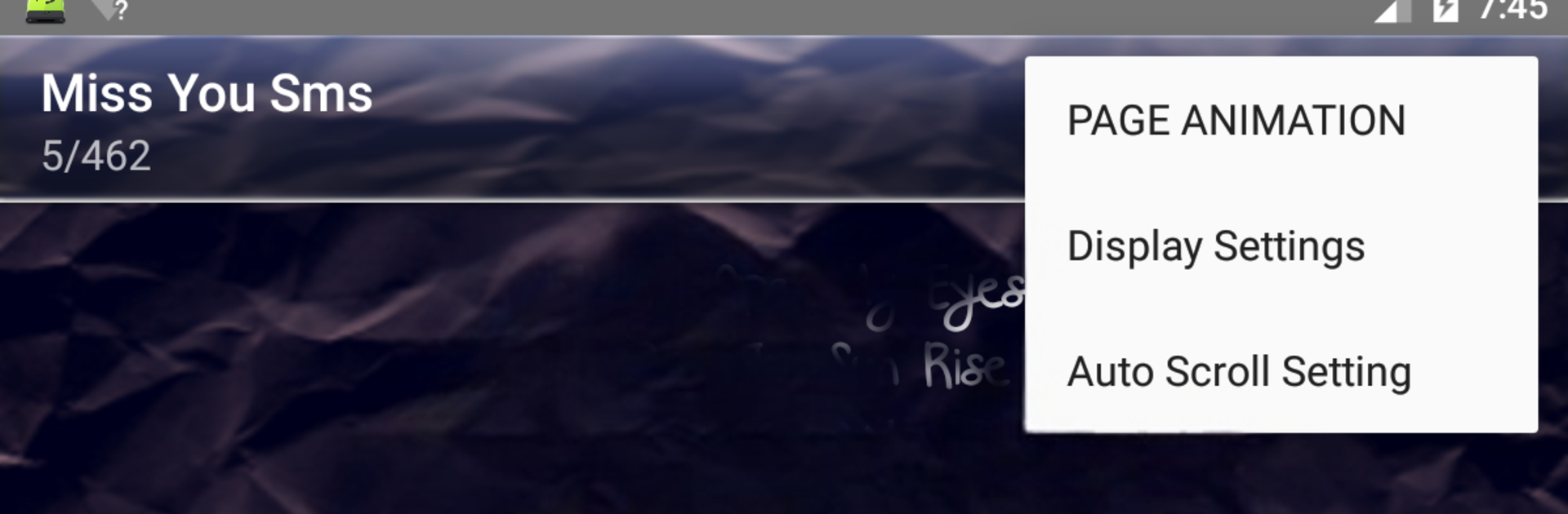
On PC with BlueStacks, the app is easy to browse because the categories are tidy and the search is quick, so finding a “miss you” poem or a confident opener takes seconds. Everything works offline, favorites make a personal stash fast to reach, and sharing or copy pasting lines into other apps is simple. The design is clean enough and there are theme options to make long reading less harsh on the eyes. A couple of quirky bits stand out, like auto scroll, a blink‑to‑scroll trick, and even shake to scroll, which sounds silly but does move the page along. Daily notifications can ping new lines if that helps spark ideas, and there are no pop up ads jumping in the way while reading. It leans heavily on prewritten content, so it suits someone who sends alot of messages, likes collecting quotes, or wants prompts to rewrite in their own voice, especially useful for long‑distance chat or patching things up after a rough day.

BlueStacks brings your apps to life on a bigger screen—seamless and straightforward.

How to Download and Run Love Book on PC or Mac

  • Download and install BlueStacks on your PC or Mac

  • Complete Google sign-in to access the Play Store, or do it later

  • Look for Love Book in the search bar at the top right corner

  • Click to install Love Book from the search results

  • Complete Google sign-in (if you skipped step 2) to install Love Book

  • Click the Love Book icon on the home screen to start playing

video
Watch Video

Minimum System Requirements

With BlueStacks 5, you can get started on a PC that fulfills the following requirements.

  • Operating System

    Microsoft Windows 7 or above, macOS 11 (Big Sur) or above

  • Processor

    Intel, AMD or Apple Silicon Processor

  • RAM

    at least 4GB

  • HDD

    10GB Free Disk Space

Note:

* You must be an Administrator on your PC. Up to date graphics drivers from Microsoft or the chipset vendor.

Love Book - FAQs

  • How to Run Love Book on Windows PC & Mac?

    Run Love Book on your PC or Mac by following these simple steps.

    • Click on ‘Download Love Book on PC’ to download BlueStacks
    • Install it and log-in to Google Play Store
    • Launch and run the app.
  • Why is BlueStacks the fastest and safest platform to play games on PC?

    BlueStacks respects your privacy and is always safe and secure to use. It does not carry any malware, spyware, or any sort of additional software that could harm your PC.

    It is engineered to optimize speed and performance for a seamless gaming experience.

  • What are Love Book PC requirements?

    Minimum requirement to run Love Book on your PC

    • OS: Microsoft Windows 7 and above:
    • Processor: Intel or AMD Processor:
    • RAM: Your PC must have at least 2GB of RAM. (Note that having 2GB or more disk space is not a substitute for RAM):
    • HDD: 5GB Free Disk Space.
    • You must be an Administrator on your PC.




