

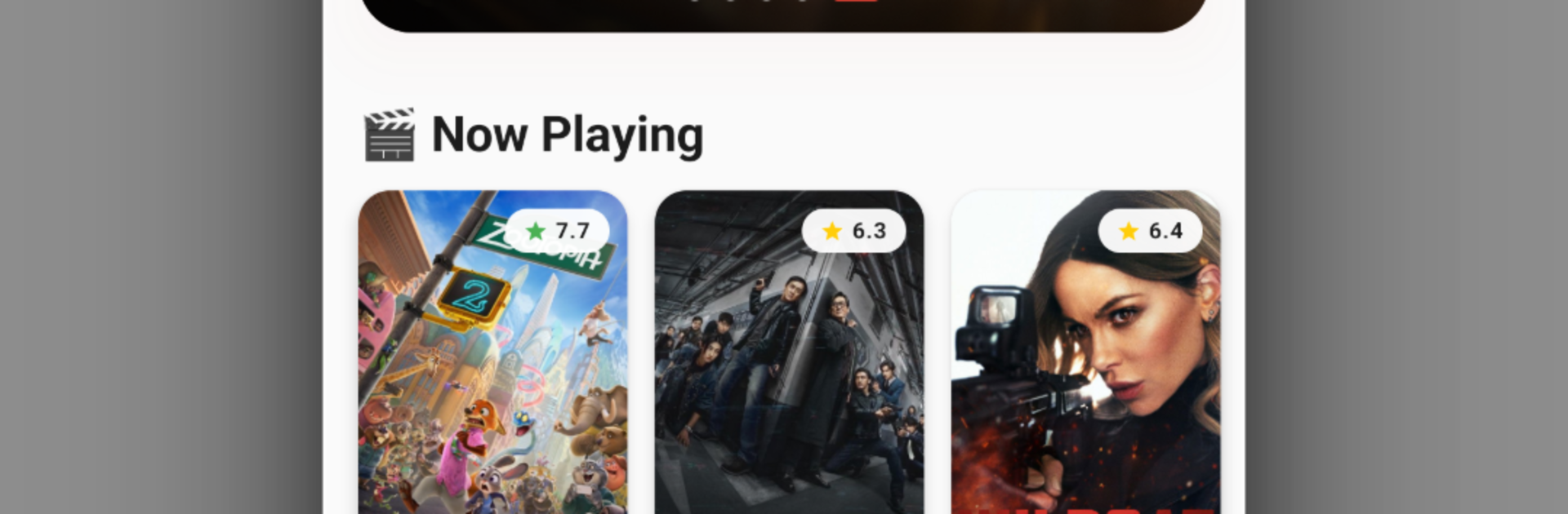


Magis TV is an Entertainment app developed by Magis Team. BlueStacks app player is the best platform (emulator) to run this Android app on your PC or Mac for an immersive user experience!
Explore the largest entertainment platform to catch up on your favorite movies, daily news updates, live sporting events, exciting dramas, gripping documentaries, etc. All you need is a stable internet connection to stream whatever you want at any time.
About the App
Magis TV gives you access to hundreds of local and international channels that air 24/7 for endless entertainment. There are more than 500 sports channels alone, such as major names like BeIN Sports, NBC Sports, Sky Sports, and others.
Magis TV also offers an extensive library of blockbuster movies and popular TV shows across genres such as action, comedy, romance, sci-fi, and more. All content on the app is dubbed in multiple languages to ensure a convenient viewing experience.
App Features
- HD Resolution: Stream your favorite shows, movies, and other content in ultra HD and 4K video quality. The app also delivers crystal-clear sounds to put you in the middle of every action.
- Parental Control: Set up PIN protection to limit your kids from watching certain content. You can also choose only age-appropriate content to make sure your kids watch content meant for their age.
- Advanced DVR: Magis TV allows you to record live events and save them to your cloud. This way, you can come back to them anytime or add them to a watchlist.
- Built-In Media Player: This app features a built-in media player that you can use to watch any content. This way, you don’t install third-party players by adding
Experience the Football Fever across your favorite Android games.





