

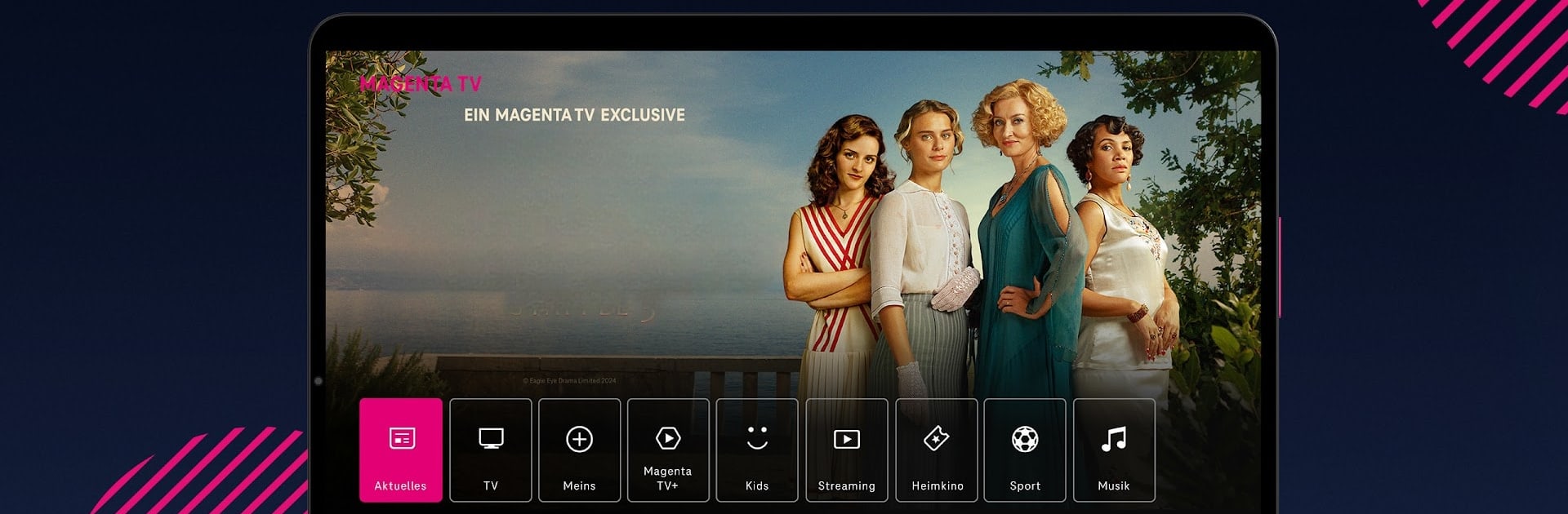


What’s better than using MagentaTV: TV & Streaming by Telekom Deutschland GmbH? Well, try it on a big screen, on your PC or Mac, with BlueStacks to see the difference.
About the App
MagentaTV: TV & Streaming brings live television, on‑demand hits, and your go-to streaming services together in one clean, easy app. Want a channel lineup for every mood plus a deep library that’s already included? It’s all here—ready to watch at home, on the move, and across the EU. This Entertainment app keeps things simple so you can just sit back and enjoy.
App Features
- Live TV in HD: Browse 180+ channels, with most available in crisp HD, so news, sports, and shows look the way they should.
- MagentaTV+ included: Get a rich catalog of series and films that come with your plan—no extra hunting around.
- One place for streaming: Pin your favorites like Netflix, Disney+, and more to a personal quick access bar for faster browsing.
- Watch your way: Stream on up to 3 devices at the same time—perfect for families or roommates with different tastes.
- Play, pause, repeat: Restart shows, pause live TV with Timeshift, and set recordings with 100 hours of cloud storage.
- Smart guide & search: A handy program guide shows what’s on now and over the next two weeks, while powerful search finds what you want fast.
- Exclusives and premieres: Catch fresh originals and buzzworthy titles—think Outlander: Blood of My Blood, Rise of the Raven, The German, the latest Walking Dead spin-offs, all seasons of Yellowstone, Suits, and more.
- For classics and kids: Explore ARD Plus and ZDF select with beloved German classics, plus tons of picks for kids and teens from ARD, ZDF, Nick+, and others.
- Music, live and free: Tune into Magenta Musik for exclusive concerts, festival streams like Lollapalooza, and special live gigs.
- Add-on services when you want them: Plug in RTL+ Premium, Netflix, Disney+, Paramount+, Apple TV+, WOW, or go big on sports with DAZN and MAGENTA SPORT.
- Watch anywhere: Use your phone, tablet, web browser, Apple TV, Fire TV, MagentaTV One, or MagentaTV Stick. Prefer a PC setup? You can also run MagentaTV: TV & Streaming through BlueStacks.
- Built for accessibility: Designed to meet German accessibility standards, with features that make navigation easier for everyone.
- Notes on availability: Some channels and functions (like Restart, Timeshift, or cloud recording) may vary due to rights or network conditions.
Eager to take your app experience to the next level? Start right away by downloading BlueStacks on your PC or Mac.





