
MapGenie: Borderlands 3 Map

MapGenie: Borderlands 3 Map

Entertainment

| Map Genie

Play on PC with BlueStacks or from our cloud

  • Overview
  • How to Download

Page Modified On: October 03, 2025

Run MapGenie: Borderlands 3 Map on PC or Mac

Upgrade your experience. Try MapGenie: Borderlands 3 Map, the fantastic Entertainment app from Map Genie, from the comfort of your laptop, PC, or Mac, only on BlueStacks.

About the App

MapGenie: Borderlands 3 Map is a fan-made companion that helps you track every last shiny thing across the Borderlands. It’s an interactive map built for explorers and completionists—quick to use, easy to search, and great for checking off collectibles as you go. Made by Map Genie in the Entertainment genre, it’s handy on your phone or, if you prefer a bigger view while you play, it works smoothly with BlueStacks on your PC.

App Features

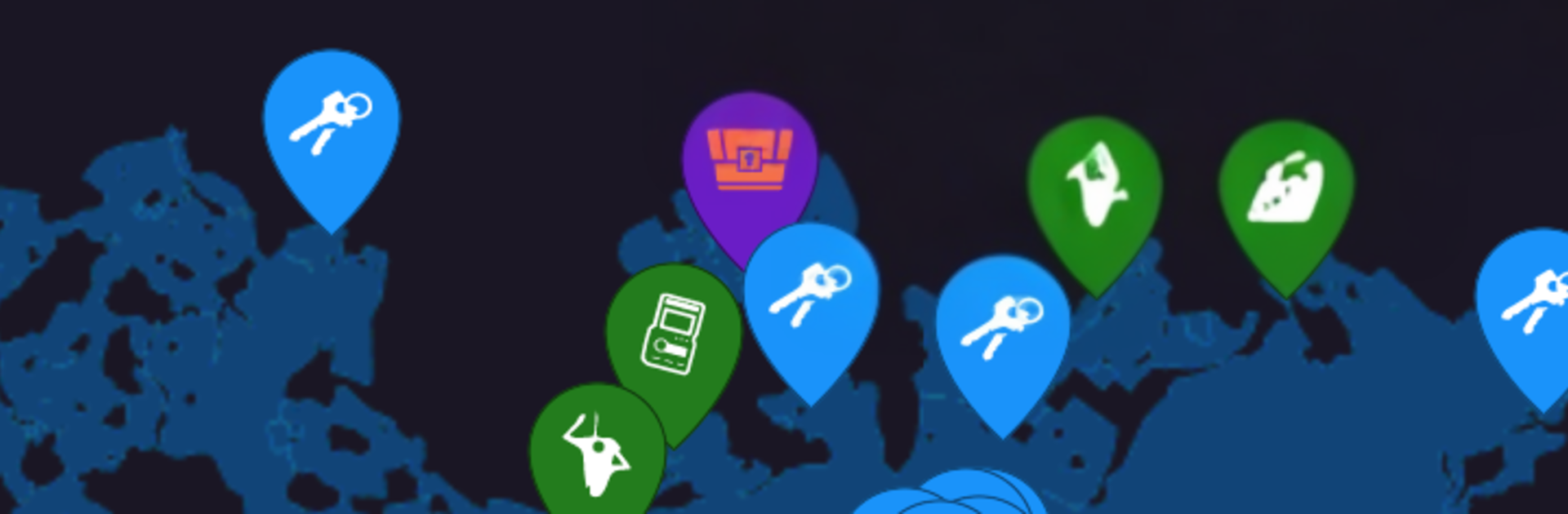
  • Massive interactive map: Browse hundreds of hand-placed pins covering loot spots, Crew Challenges, ECHO Logs, Eridian Writing, boss-specific drops, easter eggs, and more.

  • Find anything fast: Use the quick search to type a name and jump straight to the spot you need—no endless scrolling.

  • Progress tracker: Mark what you’ve found and see what’s left, perfect for 100% runs and knocking out those last few collectibles.

  • Personal notes: Drop your own markers and add notes—flag farming routes, stash reminders, or spots you want to revisit.

  • All key locations covered: Explore detailed maps for all five planets plus Sanctuary, laid out clearly so you can plan your next run.

  • Optional sync: Keep your progress backed up and accessible across devices by syncing online—handy if you play on multiple screens.

  • Built-in feedback: Have an idea or found something odd? Use the Send Feedback option in the app to share it with the team.

Ready to experience MapGenie: Borderlands 3 Map on a bigger screen, in all its glory? Download BlueStacks now.


How to Download and Run MapGenie: Borderlands 3 Map on PC or Mac

  • Download and install BlueStacks on your PC or Mac

  • Complete Google sign-in to access the Play Store, or do it later

  • Look for MapGenie: Borderlands 3 Map in the search bar at the top right corner

  • Click to install MapGenie: Borderlands 3 Map from the search results

  • Complete Google sign-in (if you skipped step 2) to install MapGenie: Borderlands 3 Map

  • Click the MapGenie: Borderlands 3 Map icon on the home screen to start playing

video
Watch Video

Minimum System Requirements

With BlueStacks 5, you can get started on a PC that fulfills the following requirements.

  • Operating System

    Microsoft Windows 7 or above, macOS 11 (Big Sur) or above

  • Processor

    Intel, AMD or Apple Silicon Processor

  • RAM

    at least 4GB

  • HDD

    10GB Free Disk Space

Note:

* You must be an Administrator on your PC. Up to date graphics drivers from Microsoft or the chipset vendor.

MapGenie: Borderlands 3 Map - FAQs

  • How to Run MapGenie: Borderlands 3 Map on Windows PC & Mac?

    Run MapGenie: Borderlands 3 Map on your PC or Mac by following these simple steps.

    • Click on ‘Download MapGenie: Borderlands 3 Map on PC’ to download BlueStacks
    • Install it and log-in to Google Play Store
    • Launch and run the app.
  • Why is BlueStacks the fastest and safest platform to play games on PC?

    BlueStacks respects your privacy and is always safe and secure to use. It does not carry any malware, spyware, or any sort of additional software that could harm your PC.

    It is engineered to optimize speed and performance for a seamless gaming experience.

  • What are MapGenie: Borderlands 3 Map PC requirements?

    Minimum requirement to run MapGenie: Borderlands 3 Map on your PC

    • OS: Microsoft Windows 7 and above:
    • Processor: Intel or AMD Processor:
    • RAM: Your PC must have at least 2GB of RAM. (Note that having 2GB or more disk space is not a substitute for RAM):
    • HDD: 5GB Free Disk Space.
    • You must be an Administrator on your PC.



