
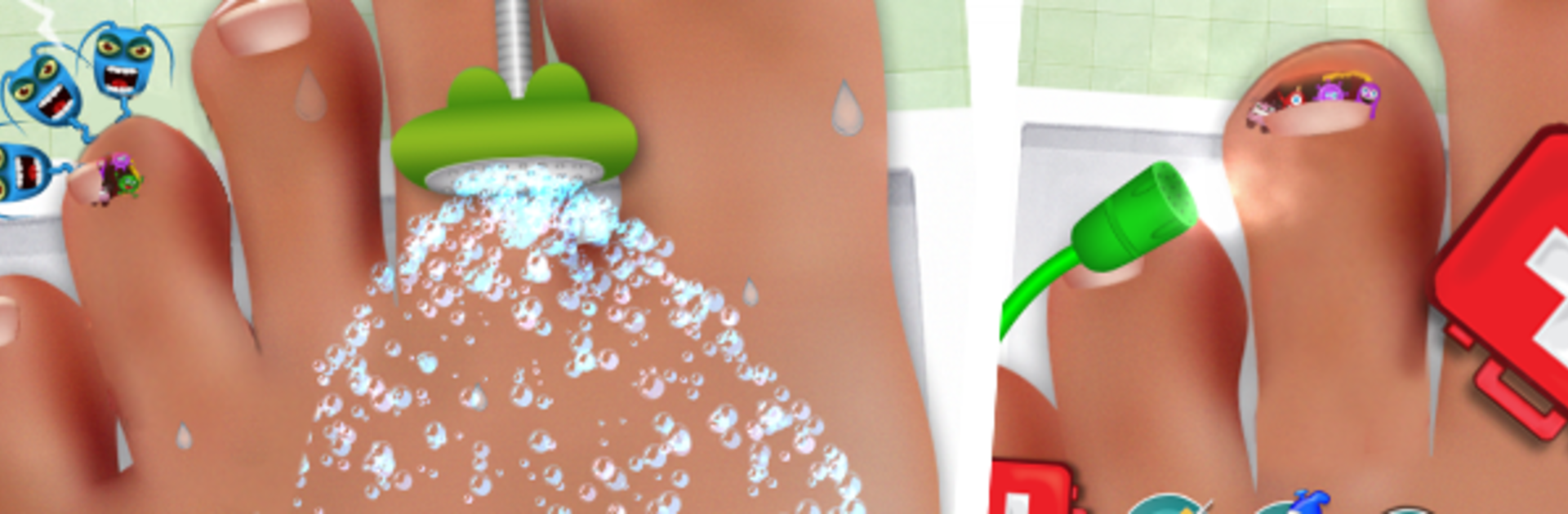
Nail Doctor
Nail Doctor

Nail Doctor

Entertainment

| GameiMax

Play on PC with BlueStacks or from our cloud

  • Overview
  • How to Download

Page Modified On: October 24, 2025

Run Nail Doctor on PC or Mac

Multitask effortlessly on your PC or Mac as you try out Nail Doctor, a Entertainment app by GameiMax on BlueStacks.

Nail Doctor is a light, cartoony toe clinic where the player gets a stream of patients with banged up nails and little injuries, then fixes them with simple tools. It feels more like a toy box than a serious sim. Pick a patient, look at the problem, then go step by step with tweezers, clippers, disinfectant, ointment, and bandages. There are tiny splinters to pull, scrapes to clean, bruised nails to trim, and the occasional ingrown situation that needs care. The actions are all tap, drag, and hold, and the game nudges along so nobody gets stuck. It aims for that oddly satisfying before and after feeling, with colors brightening as the toe heals and small sound effects when a step is done right. Nothing here is super graphic, more playful and a bit gross in a silly way.

What stands out is how quick the rounds are. Each patient is a bite sized checklist that feels neat to clear, then another person shuffles in with a different mess to sort. Tools look like mini versions of real surgeon gear, but the vibe stays kid friendly. Playing on a PC with BlueStacks helps a lot, since the mouse makes the delicate parts cleaner and the bigger screen shows exactly where to tap without fingers covering the view. It suits anyone who likes tidy up games, pretend doctor play, or just wants something calming to poke at between other things.

Big screen. Bigger performance. Use BlueStacks on your PC or Mac to run your favorite apps.

How to Download and Run Nail Doctor on PC or Mac

  • Download and install BlueStacks on your PC or Mac

  • Complete Google sign-in to access the Play Store, or do it later

  • Look for Nail Doctor in the search bar at the top right corner

  • Click to install Nail Doctor from the search results

  • Complete Google sign-in (if you skipped step 2) to install Nail Doctor

  • Click the Nail Doctor icon on the home screen to start playing

video
Watch Video

Minimum System Requirements

With BlueStacks 5, you can get started on a PC that fulfills the following requirements.

  • Operating System

    Microsoft Windows 7 or above, macOS 11 (Big Sur) or above

  • Processor

    Intel, AMD or Apple Silicon Processor

  • RAM

    at least 4GB

  • HDD

    10GB Free Disk Space

Note:

* You must be an Administrator on your PC. Up to date graphics drivers from Microsoft or the chipset vendor.

Nail Doctor - FAQs

  • How to Run Nail Doctor on Windows PC & Mac?

    Run Nail Doctor on your PC or Mac by following these simple steps.

    • Click on ‘Download Nail Doctor on PC’ to download BlueStacks
    • Install it and log-in to Google Play Store
    • Launch and run the app.
  • Why is BlueStacks the fastest and safest platform to play games on PC?

    BlueStacks respects your privacy and is always safe and secure to use. It does not carry any malware, spyware, or any sort of additional software that could harm your PC.

    It is engineered to optimize speed and performance for a seamless gaming experience.

  • What are Nail Doctor PC requirements?

    Minimum requirement to run Nail Doctor on your PC

    • OS: Microsoft Windows 7 and above:
    • Processor: Intel or AMD Processor:
    • RAM: Your PC must have at least 2GB of RAM. (Note that having 2GB or more disk space is not a substitute for RAM):
    • HDD: 5GB Free Disk Space.
    • You must be an Administrator on your PC.




