
Pixel Art: Color by Number

Pixel Art: Color by Number

Entertainment

| Battery Stats Saver

Play on PC with BlueStacks or from our cloud

  • Overview
  • How to Download

Page Modified On: January 13, 2026

Run Pixel Art: Color by Number on PC or Mac

Upgrade your experience. Try Pixel Art: Color by Number, the fantastic Entertainment app from Battery Stats Saver, from the comfort of your laptop, PC, or Mac, only on BlueStacks.

About the App

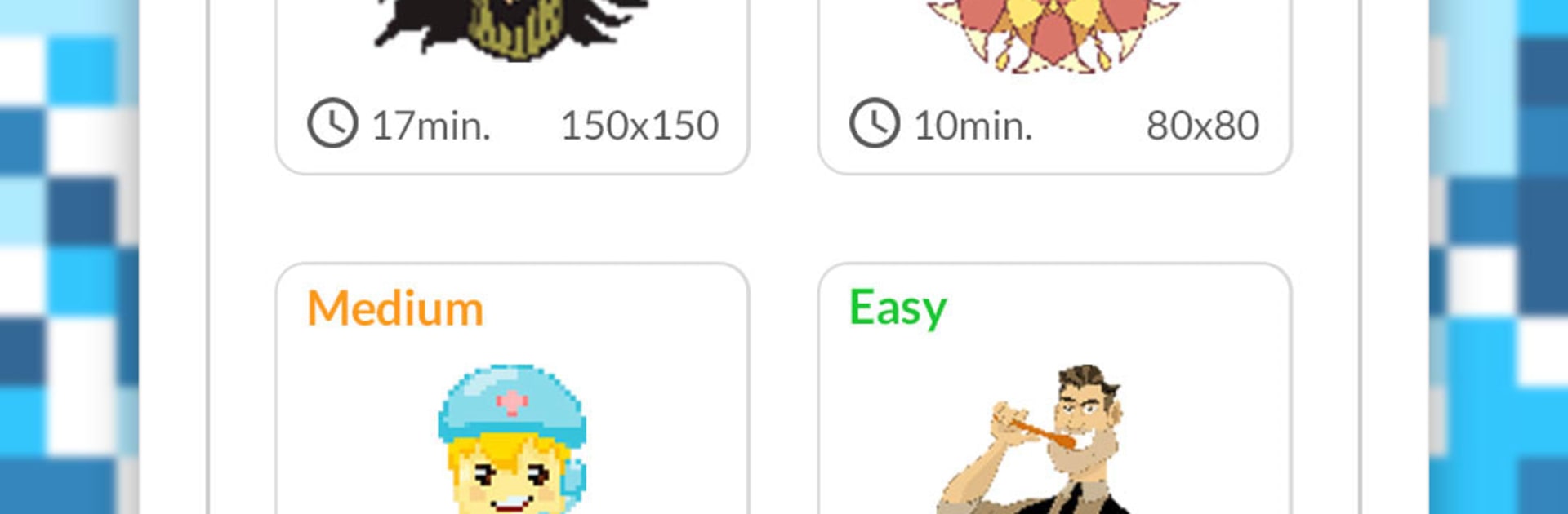
Pixel Art: Color by Number from Battery Stats Saver is a chill, tap-to-color escape where tiny squares become cute icons, cozy scenes, and detailed mosaics. Pick a picture, match numbers to colors, and let your mind wander while the image comes to life. Prefer a bigger canvas? It also feels great to use on BlueStacks.

App Features

  • Big gallery: Browse a wide mix of designs with hundreds of pictures to color—from simple shapes to intricate pixel art.
  • Turn photos into art: Use the camera or import a pic and instantly convert it into numbered pixel art you can color.
  • Magic fill tools: Quickly cover large areas, fine-tune edges, and keep your flow without tapping every single cell.
  • Smooth zoom: Pinch and pan for precise coloring when you’re working on tiny details.
  • Press-and-hold coloring: Hold to fill continuously and keep the momentum going.
  • Haptic toggle: Turn error vibration on or off for a quieter, more focused session.
  • Filters and backgrounds: Add creative filters, pixel effects, and custom backgrounds to give your finished piece a unique look.
  • Guided palettes: Hints highlight where each shade belongs, so you can relax instead of second-guessing colors.
  • Works offline: Color anytime, anywhere—no connection needed.
  • Relax-first design: Gentle pacing and number guidance support focus, patience, and a calm, creative break in the Entertainment genre.

BlueStacks gives you the much-needed freedom to experience your favorite apps on a bigger screen. Get it now.


How to Download and Run Pixel Art: Color by Number on PC or Mac

  • Download and install BlueStacks on your PC or Mac

  • Complete Google sign-in to access the Play Store, or do it later

  • Look for Pixel Art: Color by Number in the search bar at the top right corner

  • Click to install Pixel Art: Color by Number from the search results

  • Complete Google sign-in (if you skipped step 2) to install Pixel Art: Color by Number

  • Click the Pixel Art: Color by Number icon on the home screen to start playing

video
Watch Video

Minimum System Requirements

With BlueStacks 5, you can get started on a PC that fulfills the following requirements.

  • Operating System

    Microsoft Windows 7 or above, macOS 11 (Big Sur) or above

  • Processor

    Intel, AMD or Apple Silicon Processor

  • RAM

    at least 4GB

  • HDD

    10GB Free Disk Space

Note:

* You must be an Administrator on your PC. Up to date graphics drivers from Microsoft or the chipset vendor.

Pixel Art: Color by Number - FAQs

  • How to Run Pixel Art: Color by Number on Windows PC & Mac?

    Run Pixel Art: Color by Number on your PC or Mac by following these simple steps.

    • Click on ‘Download Pixel Art: Color by Number on PC’ to download BlueStacks
    • Install it and log-in to Google Play Store
    • Launch and run the app.
  • Why is BlueStacks the fastest and safest platform to play games on PC?

    BlueStacks respects your privacy and is always safe and secure to use. It does not carry any malware, spyware, or any sort of additional software that could harm your PC.

    It is engineered to optimize speed and performance for a seamless gaming experience.

  • What are Pixel Art: Color by Number PC requirements?

    Minimum requirement to run Pixel Art: Color by Number on your PC

    • OS: Microsoft Windows 7 and above:
    • Processor: Intel or AMD Processor:
    • RAM: Your PC must have at least 2GB of RAM. (Note that having 2GB or more disk space is not a substitute for RAM):
    • HDD: 5GB Free Disk Space.
    • You must be an Administrator on your PC.



