
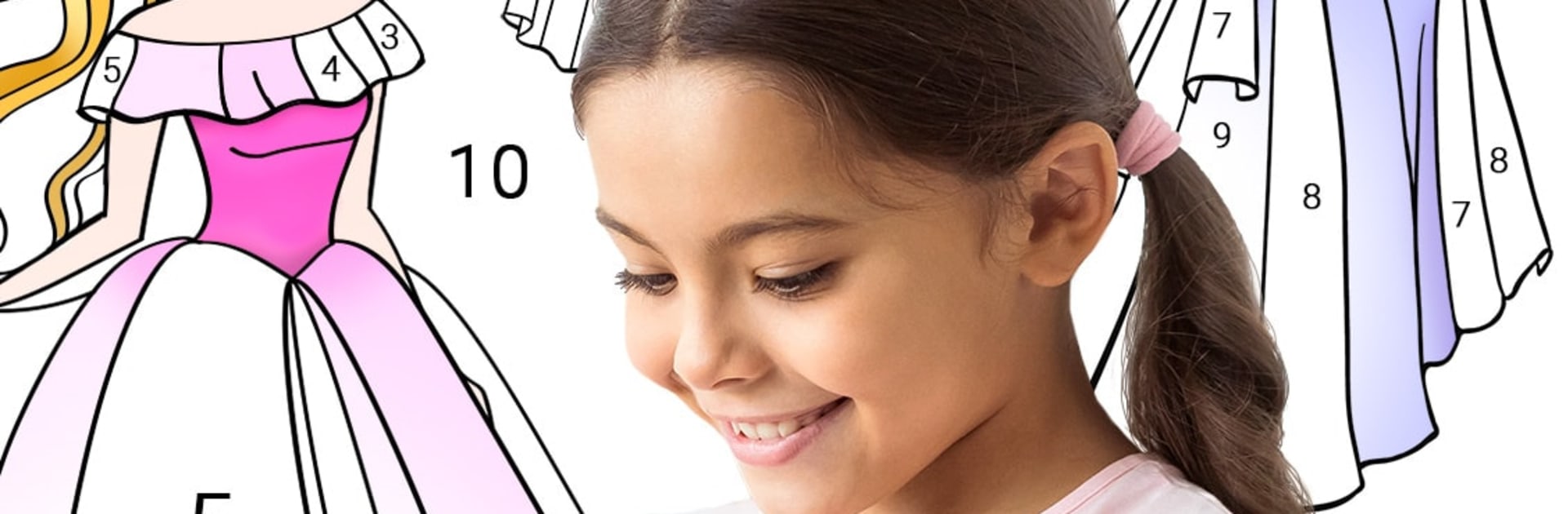
Princess Coloring by Number

Princess Coloring by Number

Entertainment

| Piu Piu Apps

Play on PC with BlueStacks or from our cloud

  • Overview
  • How to Download

Page Modified On: January 06, 2026

Run Princess Coloring by Number on PC or Mac

Let BlueStacks turn your PC, Mac, or laptop into the perfect home for Princess Coloring by Number, a fun Entertainment app from Piu Piu Apps.

Princess Coloring by Number is one of those super simple paint by number apps that leans all in on princess themes, and it is oddly relaxing. The gallery is big, with cute cartoon pages, more realistic princess portraits, fairies, mermaids, ballerinas, even pages focused on dresses and accessories. There is a glitter option that makes the finished picture pop, so a lot of the art ends up shiny and bright. It is made for kids but adults who like zoning out with coloring will get what they want too. Nothing complicated here, just tap the right color for each number and watch the picture fill in.

The flow is straightforward. Pick a picture, the palette shows which number matches which color, zoom in and out for little details, and the palette quietly ticks off colors as they are finished. When a page is complete, sharing the result is quick if someone wants to show it off. On PC with BlueStacks, the bigger screen and mouse help a lot with tiny numbered areas like hair strands, jewelry, lace on dresses, so it feels easier on the eyes and less fumbly. It has a calm, steady rhythm that suits short breaks or longer chill sessions. Good for kids who are learning numbers and colors, and good for anyone who just wants a stress free coloring fix with lots of sparkly princess art.

BlueStacks gives you the much-needed freedom to experience your favorite apps on a bigger screen. Get it now.


How to Download and Run Princess Coloring by Number on PC or Mac

  • Download and install BlueStacks on your PC or Mac

  • Complete Google sign-in to access the Play Store, or do it later

  • Look for Princess Coloring by Number in the search bar at the top right corner

  • Click to install Princess Coloring by Number from the search results

  • Complete Google sign-in (if you skipped step 2) to install Princess Coloring by Number

  • Click the Princess Coloring by Number icon on the home screen to start playing

video
Watch Video

Minimum System Requirements

With BlueStacks 5, you can get started on a PC that fulfills the following requirements.

  • Operating System

    Microsoft Windows 7 or above, macOS 11 (Big Sur) or above

  • Processor

    Intel, AMD or Apple Silicon Processor

  • RAM

    at least 4GB

  • HDD

    10GB Free Disk Space

Note:

* You must be an Administrator on your PC. Up to date graphics drivers from Microsoft or the chipset vendor.

Princess Coloring by Number - FAQs

  • How to Run Princess Coloring by Number on Windows PC & Mac?

    Run Princess Coloring by Number on your PC or Mac by following these simple steps.

    • Click on ‘Download Princess Coloring by Number on PC’ to download BlueStacks
    • Install it and log-in to Google Play Store
    • Launch and run the app.
  • Why is BlueStacks the fastest and safest platform to play games on PC?

    BlueStacks respects your privacy and is always safe and secure to use. It does not carry any malware, spyware, or any sort of additional software that could harm your PC.

    It is engineered to optimize speed and performance for a seamless gaming experience.

  • What are Princess Coloring by Number PC requirements?

    Minimum requirement to run Princess Coloring by Number on your PC

    • OS: Microsoft Windows 7 and above:
    • Processor: Intel or AMD Processor:
    • RAM: Your PC must have at least 2GB of RAM. (Note that having 2GB or more disk space is not a substitute for RAM):
    • HDD: 5GB Free Disk Space.
    • You must be an Administrator on your PC.



