
Slime Games for Teens

Slime Games for Teens

Entertainment

| Kids Food Games Inc.

Play on PC with BlueStacks or from our cloud

  • Overview
  • How to Download

Page Modified On: January 08, 2026

Run Slime Games for Teens on PC or Mac

Upgrade your experience. Try Slime Games for Teens, the fantastic Entertainment app from Kids Food Games Inc., from the comfort of your laptop, PC, or Mac, only on BlueStacks.

Slime Games for Teens is basically a virtual slime lab that focuses on how good it feels to poke and stretch things on a screen. It leans hard into the sensory side of slime. Players can stretch, squish, knead, pop, swirl, and poke different textures, and the sounds snap and bubble in a way that makes the brain go quiet for a minute. The textures look glossy or matte or gooey depending on what is picked, so it really sells the illusion of holding the stuff without the mess on the carpet.

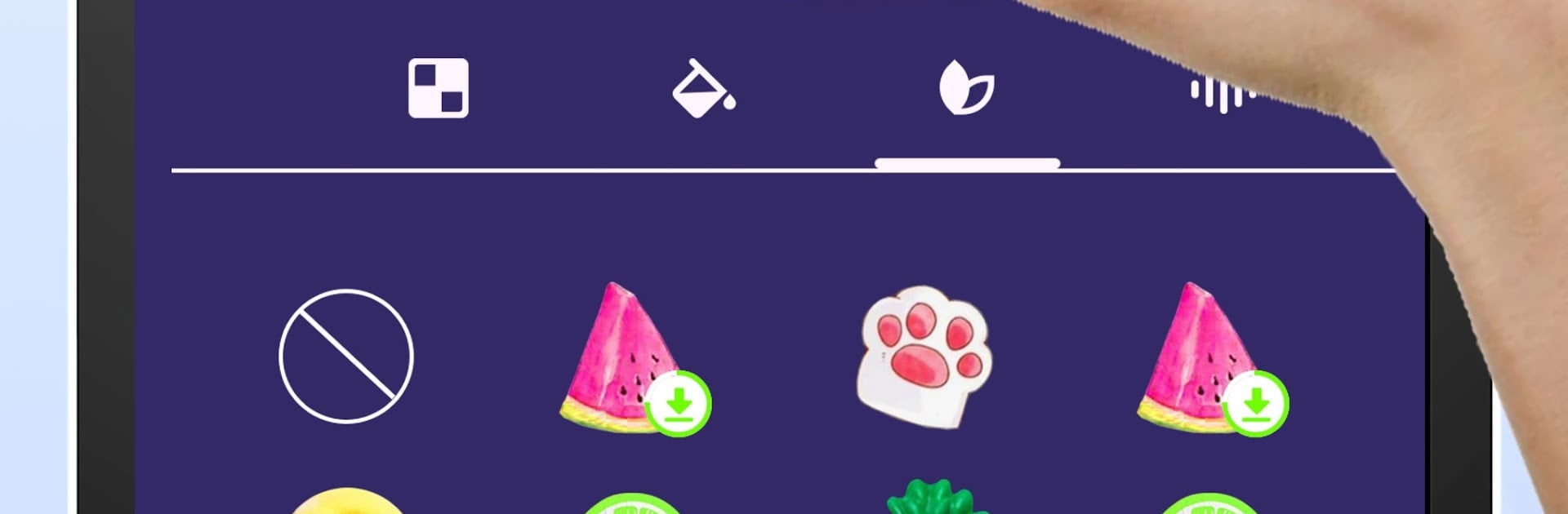
There is a simple builder that walks through making custom slime, step by step. Over twenty types show up, like putty, milky, glitter, jam, and metallic, and then a bunch of decorations get tossed in, with lots of unicorn charms and sparkles for extra drama. Creations can be saved, named, and pulled back up later, or skip straight to pre-made options and just start fidgeting. It is not a score chaser, more of a calm toy box for stress relief and ASMR-style tapping. On PC with BlueStacks, the big screen makes the shimmer and glitter stand out, and dragging with a mouse feels smooth and precise, which suits the slow, stretchy motions. Great for anyone who wants a tidy, relaxing fidget that still looks a bit magical.

BlueStacks brings your apps to life on a bigger screen—seamless and straightforward.

How to Download and Run Slime Games for Teens on PC or Mac

  • Download and install BlueStacks on your PC or Mac

  • Complete Google sign-in to access the Play Store, or do it later

  • Look for Slime Games for Teens in the search bar at the top right corner

  • Click to install Slime Games for Teens from the search results

  • Complete Google sign-in (if you skipped step 2) to install Slime Games for Teens

  • Click the Slime Games for Teens icon on the home screen to start playing

video
Watch Video

Minimum System Requirements

With BlueStacks 5, you can get started on a PC that fulfills the following requirements.

  • Operating System

    Microsoft Windows 7 or above, macOS 11 (Big Sur) or above

  • Processor

    Intel, AMD or Apple Silicon Processor

  • RAM

    at least 4GB

  • HDD

    10GB Free Disk Space

Note:

* You must be an Administrator on your PC. Up to date graphics drivers from Microsoft or the chipset vendor.

Slime Games for Teens - FAQs

  • How to Run Slime Games for Teens on Windows PC & Mac?

    Run Slime Games for Teens on your PC or Mac by following these simple steps.

    • Click on ‘Download Slime Games for Teens on PC’ to download BlueStacks
    • Install it and log-in to Google Play Store
    • Launch and run the app.
  • Why is BlueStacks the fastest and safest platform to play games on PC?

    BlueStacks respects your privacy and is always safe and secure to use. It does not carry any malware, spyware, or any sort of additional software that could harm your PC.

    It is engineered to optimize speed and performance for a seamless gaming experience.

  • What are Slime Games for Teens PC requirements?

    Minimum requirement to run Slime Games for Teens on your PC

    • OS: Microsoft Windows 7 and above:
    • Processor: Intel or AMD Processor:
    • RAM: Your PC must have at least 2GB of RAM. (Note that having 2GB or more disk space is not a substitute for RAM):
    • HDD: 5GB Free Disk Space.
    • You must be an Administrator on your PC.




