
Stickers 2024 - WASticker

Stickers 2024 - WASticker

Entertainment

| SocialzApps

Play on PC with BlueStacks or from our cloud

  • Overview
  • How to Download

Page Modified On: September 05, 2025

Run Stickers 2024 - WASticker on PC or Mac

Why limit yourself to your small screen on the phone? Run Stickers 2024 – WASticker, an app by SocialzApps, best experienced on your PC or Mac with BlueStacks, the world’s #1 Android emulator.

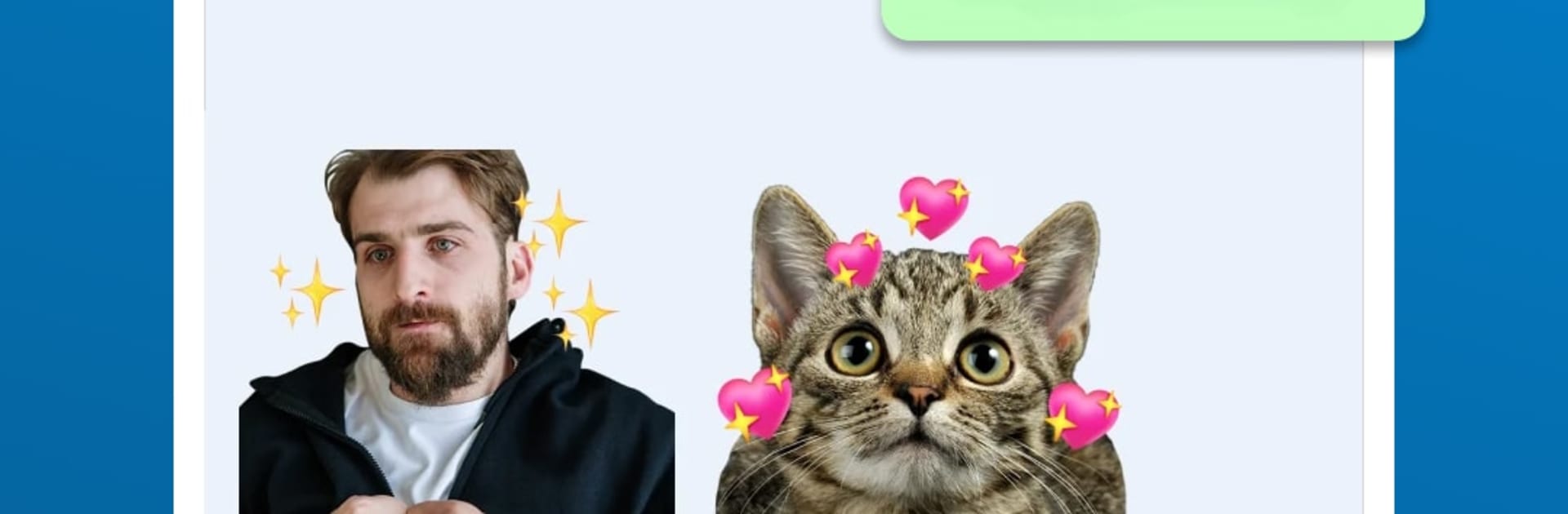
Stickers 2024 – WASticker is a straightforward sticker maker for WhatsApp that turns any picture into a sticker, whether it is a selfie, a downloaded meme, or an old photo sitting in a folder. It supports jpg, png, webp and just handles the format stuff on its own, so there is no fiddling with converters. The app feels simple, more like a tidy toolbox than a design studio. Create a pack, drop in images, and it adds them to WhatsApp for permanent use. If a sticker gets old, it is easy to remove it from the pack. Packs can be shared with friends, and there is backup and restore so nothing gets lost after a phone switch. It even works with GB WhatsApp if someone uses that.

What stands out is how quick it is to go from an idea to a usable sticker. No clutter, no weird hoops. It keeps the image quality sharp, so stickers do not turn blurry or crunchy. Running it on BlueStacks on a PC makes the whole process feel even easier, since organizing folders and managing lots of images is just faster on a bigger screen with mouse control. People who like to keep chats lively will probably appreciate having one place for everything, rather than hunting for pack after pack. Add, share, tidy, done.

BlueStacks brings your apps to life on a bigger screen—seamless and straightforward.

How to Download and Run Stickers 2024 - WASticker on PC or Mac

  • Download and install BlueStacks on your PC or Mac

  • Complete Google sign-in to access the Play Store, or do it later

  • Look for Stickers 2024 - WASticker in the search bar at the top right corner

  • Click to install Stickers 2024 - WASticker from the search results

  • Complete Google sign-in (if you skipped step 2) to install Stickers 2024 - WASticker

  • Click the Stickers 2024 - WASticker icon on the home screen to start playing

video
Watch Video

Minimum System Requirements

With BlueStacks 5, you can get started on a PC that fulfills the following requirements.

  • Operating System

    Microsoft Windows 7 or above, macOS 11 (Big Sur) or above

  • Processor

    Intel, AMD or Apple Silicon Processor

  • RAM

    at least 4GB

  • HDD

    10GB Free Disk Space

Note:

* You must be an Administrator on your PC. Up to date graphics drivers from Microsoft or the chipset vendor.

Stickers 2024 - WASticker - FAQs

  • How to Run Stickers 2024 - WASticker on Windows PC & Mac?

    Run Stickers 2024 - WASticker on your PC or Mac by following these simple steps.

    • Click on ‘Download Stickers 2024 - WASticker on PC’ to download BlueStacks
    • Install it and log-in to Google Play Store
    • Launch and run the app.
  • Why is BlueStacks the fastest and safest platform to play games on PC?

    BlueStacks respects your privacy and is always safe and secure to use. It does not carry any malware, spyware, or any sort of additional software that could harm your PC.

    It is engineered to optimize speed and performance for a seamless gaming experience.

  • What are Stickers 2024 - WASticker PC requirements?

    Minimum requirement to run Stickers 2024 - WASticker on your PC

    • OS: Microsoft Windows 7 and above:
    • Processor: Intel or AMD Processor:
    • RAM: Your PC must have at least 2GB of RAM. (Note that having 2GB or more disk space is not a substitute for RAM):
    • HDD: 5GB Free Disk Space.
    • You must be an Administrator on your PC.




