
Superheroes Mod for Minecraft

Superheroes Mod for Minecraft

Entertainment

| Mi Game Pro Uru

Play on PC with BlueStacks or from our cloud

  • Overview
  • How to Download

Page Modified On: January 02, 2026

Run Superheroes Mod for Minecraft on PC or Mac

Let BlueStacks turn your PC, Mac, or laptop into the perfect home for Superheroes Mod for Minecraft, a fun Entertainment app from Mi Game Pro Uru.

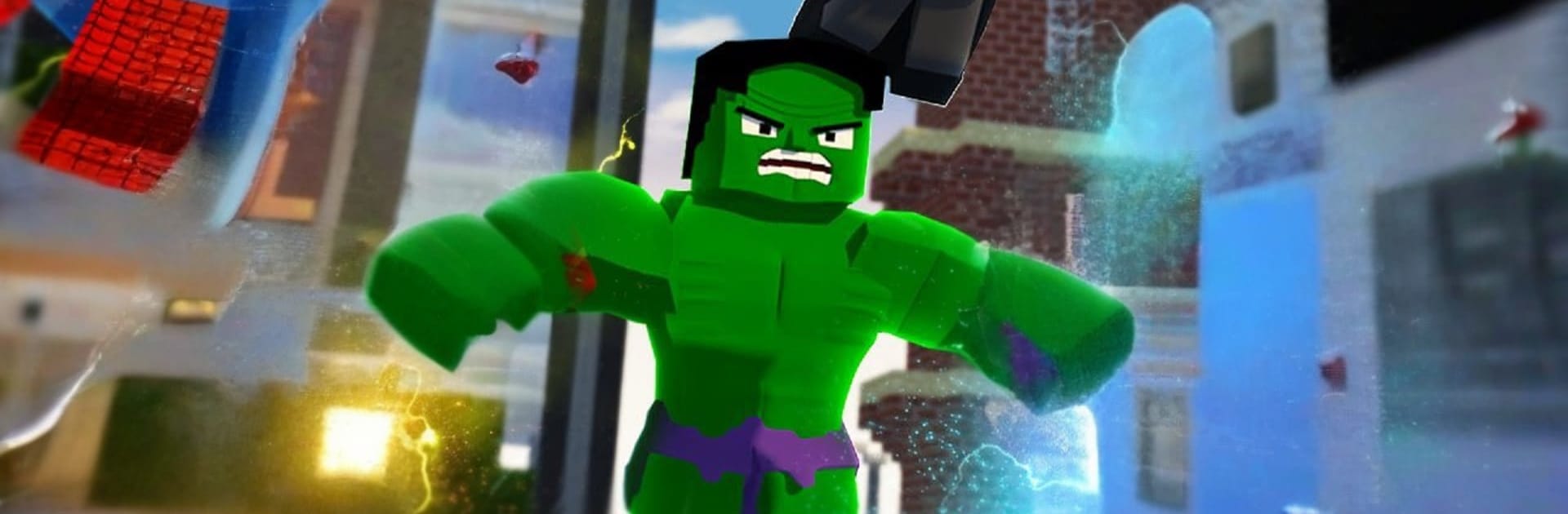
Superheroes Mod for Minecraft feels like a big toy box for MCPE that swaps the usual gear for capes, helmets, and flashy suits. It adds familiar heroes like Superman, Iron Man, and Hulk, and the outfits are not just skins. Different sets give abilities that change how a session plays, so one player might be zooming around with flight while another leans on brute strength or ranged blasts. The pack throws in the six Infinity Stones as collectibles too. They are mostly for show, but the Infinity Gauntlet actually matters, since it can save a player from death and keep a tough fight going a bit longer.

It is not only characters. There are themed maps, extra addons, and a pile of weapons and armor that feel tougher than the regular stuff, plus little quality of life extras like cars, furniture, and ready made houses if someone wants a superhero base. Visuals are bright and clean, capes look fun in motion, and the suits sell the fantasy without getting weird in the block style. On a PC with BlueStacks, browsing the suits and pressing install is simple, and moving things into Minecraft is less fussy with a mouse and keyboard. As with most MCPE mods, some items are decorative and version quirks can show up, but the draw here is obvious. Gear up, try a power set, and run hero versus villain rounds on the included maps or regular worlds, then swap to another suit and see what changes the next time around.

Ready to experience Superheroes Mod for Minecraft on a bigger screen, in all its glory? Download BlueStacks now.


How to Download and Run Superheroes Mod for Minecraft on PC or Mac

  • Download and install BlueStacks on your PC or Mac

  • Complete Google sign-in to access the Play Store, or do it later

  • Look for Superheroes Mod for Minecraft in the search bar at the top right corner

  • Click to install Superheroes Mod for Minecraft from the search results

  • Complete Google sign-in (if you skipped step 2) to install Superheroes Mod for Minecraft

  • Click the Superheroes Mod for Minecraft icon on the home screen to start playing

video
Watch Video

Minimum System Requirements

With BlueStacks 5, you can get started on a PC that fulfills the following requirements.

  • Operating System

    Microsoft Windows 7 or above, macOS 11 (Big Sur) or above

  • Processor

    Intel, AMD or Apple Silicon Processor

  • RAM

    at least 4GB

  • HDD

    10GB Free Disk Space

Note:

* You must be an Administrator on your PC. Up to date graphics drivers from Microsoft or the chipset vendor.

Superheroes Mod for Minecraft - FAQs

  • How to Run Superheroes Mod for Minecraft on Windows PC & Mac?

    Run Superheroes Mod for Minecraft on your PC or Mac by following these simple steps.

    • Click on ‘Download Superheroes Mod for Minecraft on PC’ to download BlueStacks
    • Install it and log-in to Google Play Store
    • Launch and run the app.
  • Why is BlueStacks the fastest and safest platform to play games on PC?

    BlueStacks respects your privacy and is always safe and secure to use. It does not carry any malware, spyware, or any sort of additional software that could harm your PC.

    It is engineered to optimize speed and performance for a seamless gaming experience.

  • What are Superheroes Mod for Minecraft PC requirements?

    Minimum requirement to run Superheroes Mod for Minecraft on your PC

    • OS: Microsoft Windows 7 and above:
    • Processor: Intel or AMD Processor:
    • RAM: Your PC must have at least 2GB of RAM. (Note that having 2GB or more disk space is not a substitute for RAM):
    • HDD: 5GB Free Disk Space.
    • You must be an Administrator on your PC.



